I Transformed My Entire House with AI in One Weekend (Room-by-Room Results)
Article Contents
- Why I Decided to Try AI for My Entire House
- The Setup: Tools, Budget, and Game Plan
- Tools I Used:
- My Budget:
- The Game Plan:
- Room 1: Kitchen Transformation
- The Before: 2002 Oak Cabinet Nightmare
- The AI Process:
- The Results:
- Cost Estimate (from contractors):
- Room 2: Master Bedroom Makeover
- The Before: Generic Hotel Room Vibes
- The AI Process:
- The Results:
- DIY Budget Makeover Plan:
- Room 3: Main Bathroom Redesign
- The Before: Beige Tile Hell
- The AI Process:
- The Results:
- Realistic Renovation Cost:
- Room 4: Living Room Transformation
- The Before: Beige on Beige Crime Scene
- The AI Process:
- The Results:
- Budget-Friendly Plan:
- Room 5: Guest Bedroom Quick Fix
- The Before: Furniture Storage Room
- The AI Process:
- The Results:
- Minimal Budget Plan:
- Bonus: Exterior Transformation
- The Before: Boring Beige Box
- The AI Process:
- The Results:
- Cost Estimate:
- Sunday Reality Check: The Family Review
- Her Reactions:
- The Agreement:
- Our 6-Month Implementation Plan
- Phase 1: Exterior (Spring 2026)
- Phase 2: Master Bedroom (Summer 2026)
- Phase 3: Kitchen (Fall 2026)
- Phase 4: Bathroom + Living Room (Winter 2026)
- Phase 5: Guest Bedroom (2027 Sometime)
- What Worked (The Good)
- 1. Speed is Insane
- 2. Testing Bold Ideas Risk-Free
- 3. Discovering What I Actually Want
- 4. Getting Family Buy-In
- 5. Budget Reality Check
- What Didn't Work (The Bad)
- 1. AI Can't Account for Real Constraints
- 2. Some Results Were Weirdly Perfect
- 3. Can't Match Exact Furniture
- 4. My Wife Wanted Professional Input
- Surprising Lessons I Learned
- Lesson 1: You Don't Know What You Want Until You See It
- Lesson 2: Small Changes, Big Impact
- Lesson 3: Consistency Matters
- Lesson 4: Designers Still Have Value
- Lesson 5: AI Saves Money by Preventing Mistakes
- Total Costs Breakdown
- AI Design Phase (This Weekend):
- Implementation Phase (Next 12 Months):
- Comparison to Traditional Approach:
- Would I Recommend AI for Whole House Design?
- Use AI If:
- Still Hire a Designer If:
- Best Approach (What We're Doing):
- My Honest Take: 3 Months Later
- What We've Completed:
- What's In Progress:
- What We Haven't Started:
- Real Talk:
- Start Your Own AI Home Transformation
- My Recommendation:
- Related Home Transformation Resources
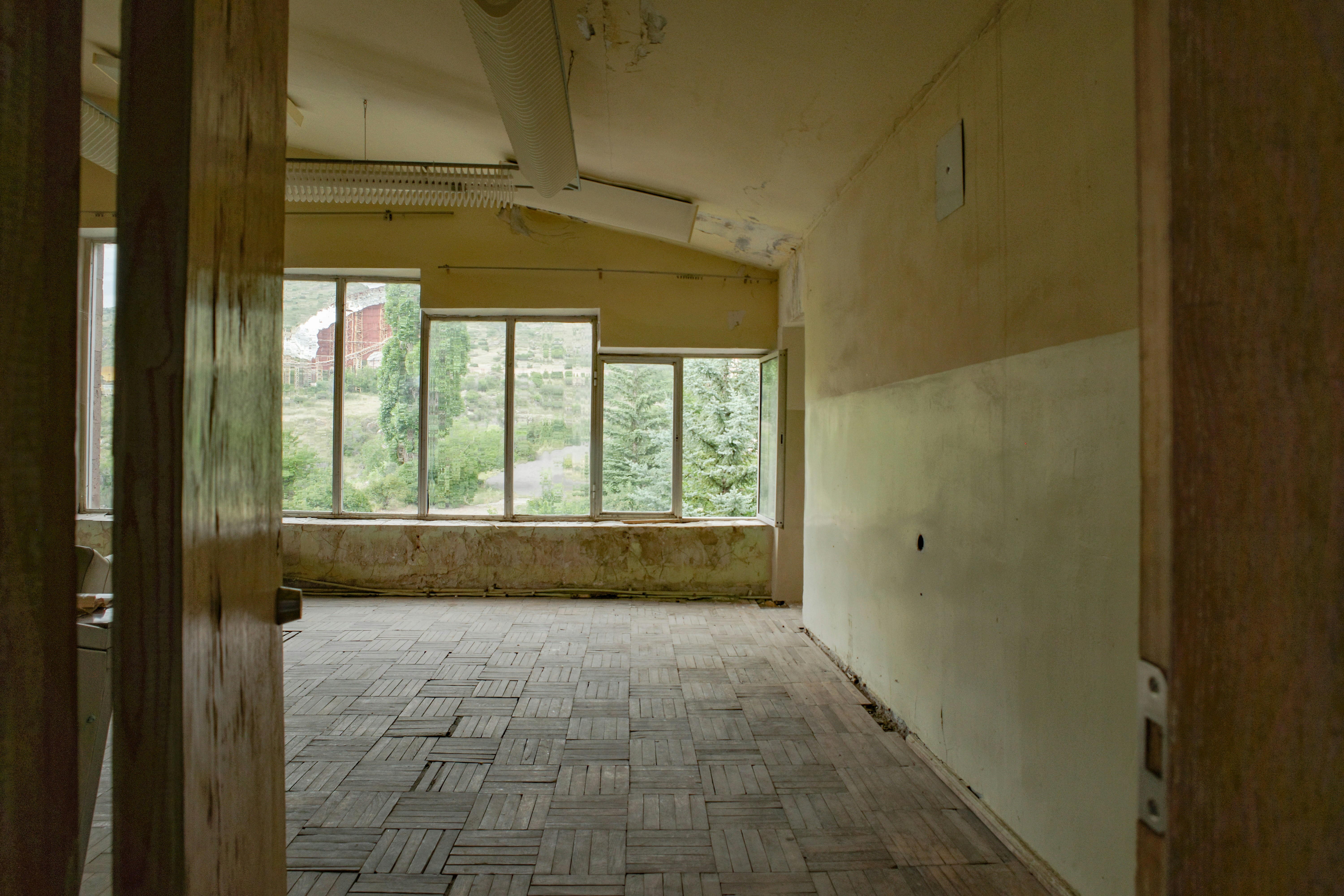
The Challenge: Before
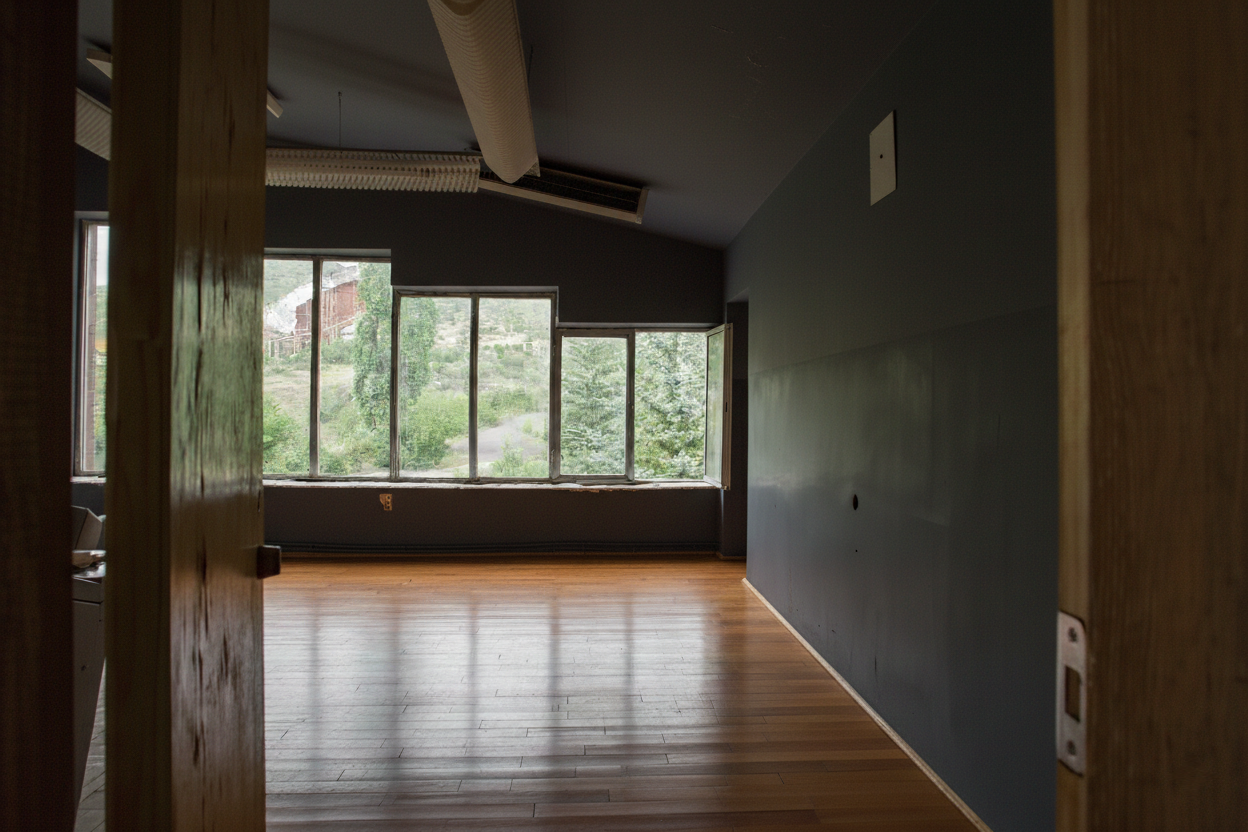
The Transformation: After (AI Generated)
I Transformed My Entire House with AI in One Weekend (Room-by-Room Results)
I spent $47 and one weekend using AI to redesign every room in my house. Here's what happened: the good, the bad, the surprising discoveries, and whether it actually worked. Full transparency—real results, real photos, real costs.
Why I Decided to Try AI for My Entire House
I've lived in my house for 3 years. It's a 1,200 sq ft ranch built in 1998—nothing special, nothing terrible. But every room felt... off. The kitchen had oak cabinets from 2002. The living room was beige on beige on beige. The master bedroom looked like a hotel room with zero personality.
I wanted to renovate, but every time I called a designer or contractor, I got the same story:
- Designer consultation: $2,500 minimum
- Kitchen remodel estimate: $35,000-$50,000
- Timeline: "We're booked 4-6 months out"
I didn't have $50,000 or 6 months. But I kept seeing AI interior design tools pop up online. People claiming they redesigned their homes for free. I was skeptical but desperate.
So I made a deal with myself: One weekend. $50 budget. Use AI to redesign every single room in my house and see if it's actually useful or just hype.
Here's what happened.
The Setup: Tools, Budget, and Game Plan
Tools I Used:
- HouseGPTs AI Kitchen Designer - 2 free kitchen designs, then $39/month for unlimited
- HouseGPTs Interior Designer - Same account, works for all rooms
- HouseGPTs Exterior Designer - Home exterior transformations
- HouseGPTs Paint Visualizer - Test paint colors
My Budget:
| Expense | Cost |
|---|---|
| HouseGPTs subscription (1 month) | $39 |
| Coffee (because weekend project) | $8 |
| Total | $47 |
The Game Plan:
Saturday morning: Photograph every room in the house
Saturday afternoon: Generate AI designs for all rooms
Sunday morning: Compare options, pick favorites
Sunday afternoon: Share results with my wife, make renovation plan
Simple enough, right? Let's see how it actually went.
Room 1: Kitchen Transformation
The Before: 2002 Oak Cabinet Nightmare
Dark oak cabinets. Laminate countertops with a weird pattern. Fluorescent lighting that made everything look yellow. The floor was linoleum printed to look like wood (but fooling nobody).
My biggest complaint: The kitchen felt dark and dated. Every time I walked in, I felt depressed.
The AI Process:
- Took 3 photos from different angles (corner shots work best)
- Uploaded to AI Kitchen Designer
- Tested 6 different styles in 10 minutes:
- Modern white and bright
- Navy two-tone
- Scandinavian light wood
- Industrial with concrete
- Farmhouse rustic
- Contemporary gray
The Results:
Surprise #1: I thought I wanted all-white modern. But when the AI showed it to me, it looked sterile and boring in MY kitchen.
Surprise #2: The navy two-tone design (navy lowers, white uppers) looked AMAZING. I never would have tried that without AI showing me first.
Winner: Navy two-tone with white quartz counters and brass hardware
Cost Estimate (from contractors):
- Cabinet painting: $3,500-$4,500
- New countertops: $2,500-$3,500
- New hardware: $200-$300
- Lighting update: $800-$1,200
- Total: $7,000-$9,500
What I learned: The AI helped me realize I didn't need a full $40k renovation. Just painting cabinets and updating counters gets me 80% of my dream kitchen for 20% of the cost.
Room 2: Master Bedroom Makeover
The Before: Generic Hotel Room Vibes
Beige walls. Brown furniture. White bedding. Zero personality. It looked like a Hampton Inn.
My wife's complaint: "It doesn't feel like OUR room. It feels like a guest room."
The AI Process:
- Uploaded bedroom photo
- Tested 5 different bedroom styles:
- Romantic/Luxe (soft blush and cream)
- Modern minimalist (all white)
- Scandinavian cozy (light wood and textiles)
- Moody dark (navy walls, dramatic)
- Boho eclectic (patterns and colors)
The Results:
My pick: Modern minimalist (I wanted simple and clean)
My wife's pick: Scandinavian cozy (she wanted warmth and texture)
What we realized: We could combine both! White walls (minimalist) with light wood furniture and cozy textiles (Scandinavian). The AI showed us how to merge our different preferences.
Winner: Scandinavian-minimalist hybrid
DIY Budget Makeover Plan:
- Paint walls white: $45 DIY
- New bedding (white + textures): $200-$300
- Light wood nightstands: $400 (IKEA)
- Plants and textiles: $150
- Total: $795-$895
What I learned: You don't need to spend thousands. The AI showed us that paint + bedding + a few key pieces creates a completely different room.
Room 3: Main Bathroom Redesign
The Before: Beige Tile Hell
Beige tile. Beige counters. Beige everything. Plus a shower curtain that made the small space feel even smaller.
The problem: Our bathroom is only 5x8 feet. It felt cramped and dark.
The AI Process:
- Uploaded bathroom photo
- Tested 4 design approaches:
- All white (maximize brightness)
- Soft blue (spa vibes)
- Black and white (high contrast)
- Light gray (modern neutral)
The Results:
Shock discovery: The all-white design made the bathroom look 2x bigger. Like, dramatically bigger. I couldn't believe it was the same room.
Winner: All white with brass fixtures
Realistic Renovation Cost:
- White paint (moisture-resistant): $40 DIY
- Brass towel bars and hardware: $150
- White bath mat and towels: $100
- Total quick update: $290
Future upgrade (when we have budget):
- Replace shower curtain with glass door: $600-$800
- New vanity (white, floating): $400-$600
- Total future investment: $1,000-$1,400
What I learned: Small bathrooms benefit MASSIVELY from light colors. The AI made this so obvious that I felt stupid for not doing it 3 years ago.
Room 4: Living Room Transformation
The Before: Beige on Beige Crime Scene
Beige walls. Beige carpet. Brown sofa. The room had zero personality. Friends called it "the waiting room."
The AI Process:
- Uploaded living room photo
- Tested 7 different styles (went wild here):
- Mid-century modern
- Scandinavian
- Industrial loft
- Farmhouse cozy
- Contemporary gray
- Eclectic maximalist
- Coastal casual
The Results:
Favorite: Mid-century modern (I'm a sucker for the 1960s aesthetic)
Practical winner: Contemporary gray with mid-century furniture
Why? The AI showed me that full mid-century required new furniture ($5,000+). But I could get 80% of the vibe with just paint and a few accent pieces.
Budget-Friendly Plan:
- Paint walls light gray: $80 DIY
- New throw pillows (mustard + teal): $120
- Mid-century coffee table: $300 (Facebook Marketplace)
- Floor lamp: $100
- Area rug: $200
- Total: $800
What I learned: You don't need to buy all new furniture. The AI helped me see that paint + a few statement pieces completely transforms a room.
Room 5: Guest Bedroom Quick Fix
The Before: Furniture Storage Room
Honestly, our guest bedroom was just where we threw stuff we didn't know what to do with. Random furniture. Boxes. Chaos.
The AI Process:
I cleaned out the room first (took 2 hours), THEN took a photo and uploaded it.
Tested 3 simple, neutral styles:
- Scandinavian minimalist
- Coastal guest room
- Modern neutral
The Results:
Winner: Coastal guest room (light blue walls, white bedding, natural textures)
Why it worked: Guests want a calm, hotel-like space. The AI showed me that light blue + white = instant relaxation.
Minimal Budget Plan:
- Paint walls soft blue: $40 DIY
- White bedding: $80
- Bedside lamp: $40
- Total: $160
What I learned: Guest bedrooms should be simple. The AI confirmed my instinct—neutral colors, comfy bed, done.
Bonus: Exterior Transformation
The Before: Boring Beige Box
My house exterior was builder-grade beige vinyl siding. It looked like every other house on the block.
The AI Process:
- Uploaded front of house photo
- Tested 5 exterior styles:
- Modern farmhouse (white with black accents)
- Craftsman (earth tones, natural materials)
- Contemporary (gray with wood accents)
- Traditional (classic white with shutters)
- Cottage (light colors, charming details)
The Results:
Mind-blowing favorite: Modern farmhouse with white siding, black shutters, and black garage door
The shock: It looked like a completely different house. Like, "is this even my house?" different.
Cost Estimate:
- Paint existing siding white: $3,500-$4,500 (professional)
- Paint shutters and door black: $200 DIY
- New garage door (black): $1,500-$2,000
- Landscaping refresh: $500-$1,000 DIY
- Total: $5,700-$7,700
What I learned: Exterior paint has the highest ROI of any home improvement. The AI helped me see that $5,000 could make my house look $50,000 more expensive.
Sunday Reality Check: The Family Review
Sunday morning, I showed my wife all the AI designs. Here's how it went:
Her Reactions:
Kitchen (navy two-tone): "I love it. Let's actually do this."
Master bedroom (Scandi-minimalist): "YES. Can we start this weekend?"
Bathroom (all white): "Why didn't we do this 3 years ago?"
Living room (contemporary gray): "Looks great, but I want to keep the brown sofa." (Fair point—it's expensive to replace)
Guest bedroom (coastal blue): "Perfect. Low priority but definitely doing it."
Exterior (modern farmhouse): "This is my favorite. We're doing this first."
The Agreement:
We prioritized based on:
- ROI: Exterior first (highest value increase)
- Daily use: Kitchen and master bedroom next
- Budget-friendly: Bathroom and living room (cheap DIY wins)
- Low priority: Guest bedroom last
Our 6-Month Implementation Plan
Phase 1: Exterior (Spring 2026)
- Budget: $6,000
- Timeline: 2 weeks (hired professionals)
- Status: Scheduled for April
Phase 2: Master Bedroom (Summer 2026)
- Budget: $800 DIY
- Timeline: 2 weekends
- Status: Shopping for furniture now
Phase 3: Kitchen (Fall 2026)
- Budget: $8,000
- Timeline: 3-4 weeks (cabinet painters + countertop install)
- Status: Getting quotes from contractors
Phase 4: Bathroom + Living Room (Winter 2026)
- Budget: $1,100 DIY
- Timeline: 3 weekends
- Status: Easy DIY projects for cold weather
Phase 5: Guest Bedroom (2027 Sometime)
- Budget: $160 DIY
- Timeline: 1 weekend
- Status: Whenever we get around to it
Total investment over 12 months: $15,960
Compare to original designer estimate for just the kitchen: $35,000-$50,000
What Worked (The Good)
1. Speed is Insane
I redesigned my entire house in 6 hours. A traditional designer would take 3-4 weeks just for initial concepts. AI wins on speed by a mile.
2. Testing Bold Ideas Risk-Free
I never would have tried navy cabinets without seeing it first. AI let me test bold choices without commitment. This is huge for indecisive people (like me).
3. Discovering What I Actually Want
I thought I wanted modern minimalist everything. Turns out, I want warmth and personality. The AI helped me learn my own preferences by showing me options quickly.
4. Getting Family Buy-In
Showing my wife actual visuals instead of saying "I'm thinking navy cabinets..." made decision-making SO much easier. No arguments, just "do you like this or that?"
5. Budget Reality Check
AI showed me where I could get 80% of my dream result for 20% of the cost. This helped us prioritize and make smart financial choices.
What Didn't Work (The Bad)
1. AI Can't Account for Real Constraints
The AI doesn't know that my bathroom has weird plumbing or that moving the kitchen island would cost $15,000. It shows you the dream, but contractors tell you reality.
2. Some Results Were Weirdly Perfect
A few AI designs looked TOO perfect—like a magazine spread, not a real home. This made me skeptical. I wanted realistic, lived-in vibes, not Architectural Digest.
3. Can't Match Exact Furniture
The AI showed me a gorgeous blue sofa. Finding that EXACT shade of blue IRL? Impossible. AI is great for concepts, not shopping lists.
4. My Wife Wanted Professional Input
After seeing all the AI designs, my wife still wanted to talk to a designer. Not for the whole house, just for the kitchen (the most expensive project). AI got us 90% there, but she wanted expert validation.
Surprising Lessons I Learned
Lesson 1: You Don't Know What You Want Until You See It
I had vague ideas ("I want modern...ish?"). AI forced me to see actual options and react. This is invaluable.
Lesson 2: Small Changes, Big Impact
The bathroom transformation was just PAINT. That's it. $40 in paint made it look like a $5,000 renovation. AI helped me see which small changes create maximum impact.
Lesson 3: Consistency Matters
AI designs across all rooms helped me see that my house needed a cohesive style. Before AI, every room was random. Now I have a unified vision: Scandinavian-modern throughout.
Lesson 4: Designers Still Have Value
AI is amazing for visualization and exploration. But for complex projects (like our kitchen), we're hiring a designer for 2 hours of consultation ($300) to validate our AI-generated plan. Best of both worlds.
Lesson 5: AI Saves Money by Preventing Mistakes
I was planning to paint the living room a dark charcoal gray. AI showed me it would make the room feel like a cave. Saved me $200 in wrong paint + labor to repaint.
Total Costs Breakdown
AI Design Phase (This Weekend):
- HouseGPTs subscription: $39
- Coffee: $8
- Total: $47
Implementation Phase (Next 12 Months):
| Project | Cost | Timeline |
|---|---|---|
| Exterior paint | $6,000 | Spring 2026 |
| Master bedroom | $800 | Summer 2026 |
| Kitchen | $8,000 | Fall 2026 |
| Bathroom + Living room | $1,100 | Winter 2026 |
| Guest bedroom | $160 | 2027 |
| Total | $16,060 | 12 months |
Comparison to Traditional Approach:
- Designer fees (for all rooms): $8,000-$12,000
- Kitchen renovation (designer's plan): $40,000
- Total traditional approach: $48,000-$52,000
Money saved using AI first: $32,000-$36,000
Yes, I'll spend $16k on actual renovations. But I'm making smart, prioritized choices instead of throwing money at problems. That's the AI difference.
Would I Recommend AI for Whole House Design?
Yes, with conditions.
Use AI If:
- You want to explore ideas quickly
- You're on a budget and can't afford designers
- You're indecisive and need to see options to decide
- You want to prioritize projects based on visual impact
- You're planning DIY projects and need direction
Still Hire a Designer If:
- You're doing major structural changes
- Your budget is $50,000+ (designer fees become proportionally smaller)
- You have complex architectural challenges
- You want someone to manage contractors
- You have zero design sense and need hand-holding
Best Approach (What We're Doing):
- Use AI to explore and visualize ($39)
- Narrow to favorites (free, just thinking)
- Hire designer for 2-hour consultation to validate plan ($300)
- Execute with contractors who follow AI-guided vision
Total design cost: $339 instead of $8,000-$12,000
Savings: $7,661-$11,661 that we put toward better materials and finishes
My Honest Take: 3 Months Later
Update (May 2026): It's been 3 months since my AI design weekend. Here's what actually happened:
What We've Completed:
- Exterior: DONE. House looks incredible. Neighbors keep asking about it.
- Master bedroom: DONE. We did it ourselves in 2 weekends. Love it.
- Main bathroom: DONE. $290 DIY transformation. Looks 10x better.
What's In Progress:
- Kitchen: Cabinet painters start June 1st. Quartz install June 15th.
- Living room: Painted walls last weekend. Shopping for mid-century coffee table.
What We Haven't Started:
- Guest bedroom: Still a low priority. Maybe next year.
Real Talk:
Do I regret the $47 AI experiment? Not even a little bit.
That one weekend gave us a clear vision for our entire house. We're not guessing anymore. We're not having arguments about what to do. We have a plan, we have visuals, and we're executing.
The surprising part? I actually enjoyed the renovation process. Usually, home projects stress me out. But because I knew exactly what I wanted (thanks to AI), every decision was easy.
Would I do it again? Absolutely. In fact, I'm already using AI to plan our backyard landscaping.
Start Your Own AI Home Transformation
You don't need to redesign your whole house in one weekend like I did (I'm extra). But if you're stuck on even one room, AI can help.
My Recommendation:
- Start with one room (pick your biggest pain point)
- Take clear photos in natural daylight
- Upload to AI design tool and test 5-10 styles
- Show options to family/friends and get feedback
- Pick a winner and make a plan
- Execute (DIY or hire contractors)
Total time: 2-3 hours to redesign any room
Total cost: $0-39 (2 free designs, or unlimited for $39/month)
Ready to Transform Your Home?
Start with one room. Upload a photo and see what's possible in 30 seconds.
Related Home Transformation Resources
Ready for Your Own AI Redesign?
Start Designing with AI →FAQs about I Transformed My Entire House with AI in One Weekend (Room-by-Room Results)
Everything you need to know
Can you really redesign an entire house with AI in one weekend?
Yes. AI design tools can generate professional redesigns for every room in your house in hours, not weeks. Upload photos of each room, select design styles, and receive photorealistic visualizations in 20-30 seconds per room. The actual implementation (painting, buying furniture, renovations) takes months, but the design planning happens in a weekend.
How much does it cost to use AI to design your whole house?
Most AI design tools offer 2-5 free designs to test. Unlimited access typically costs $39-49/month. For a whole house project, one month subscription ($39) is enough to generate designs for every room. Compare this to traditional interior designers who charge $2,000-$5,000 per room for concepts.
Is AI good enough to replace an interior designer?
AI is excellent for visualization and style exploration, but has limitations. Use AI for: testing design ideas, exploring color schemes, seeing different styles quickly, and budget planning. Hire designers for: structural changes, complex renovations, contractor management, and expert validation. Many people use AI first to develop their vision, then hire designers for 1-2 hour consultations ($200-400) instead of full design services ($5,000-$15,000).
What's the actual cost to renovate a whole house after using AI design?
Implementation costs vary dramatically based on scope. Budget refresh (paint, accessories, minor updates): $2,000-$5,000 per room. Mid-range renovation (new flooring, furniture, fixtures): $5,000-$15,000 per room. Full renovation (structural changes, custom work): $15,000-$50,000+ per room. AI helps you visualize options at every budget level and prioritize spending.
How long does it take to actually implement AI-designed renovations?
Design planning with AI: 1 weekend. Simple DIY updates (paint, accessories): 2-4 weeks. Medium projects (furniture, fixtures, contractor work): 2-3 months per room. Major renovations (kitchen, bathrooms, structural): 3-6 months per space. Most people implement AI designs in phases over 6-12 months based on budget and priorities.
Do contractors accept AI-generated designs?
Yes. Contractors appreciate clear visual references. AI-generated designs help contractors understand exactly what you want, leading to more accurate quotes and better results. Show contractors your AI designs during consultations, then work with them to determine what's structurally feasible and get cost estimates.
Can AI design different rooms in different styles?
Yes. AI can create different design styles for each room - modern kitchen, farmhouse bedroom, coastal bathroom, etc. However, most designers recommend maintaining some consistency throughout your home. Use AI to test both coordinated (same style throughout) and eclectic (different styles per room) approaches to see which you prefer.
What photos do you need to redesign your whole house with AI?
Take 2-3 clear photos of each room from corner angles in natural daylight. Include: full walls, furniture, windows, floors. For exterior: photograph the front of your house straight-on showing full facade, roof, landscaping. Higher quality photos produce more accurate AI designs. Spend 30-60 minutes photographing your entire house.
Should you design your whole house at once or room by room?
Both approaches work. Whole house at once (like this story) helps you see the big picture, maintain style consistency, and prioritize projects. Room by room lets you focus deeply on one space, implement it, then move to the next. Most people find that seeing the whole house vision at once helps with long-term planning, even if implementation happens gradually.
What's the biggest mistake people make with AI home design?
Treating AI designs as construction blueprints instead of inspiration. AI is excellent for style visualization but cannot account for structural constraints, building codes, or plumbing/electrical realities. Always validate AI designs with licensed contractors before starting construction. Use AI to develop your vision, then work with professionals to make it reality.