110+
Interior Design Styles
From Scandinavian, Japandi and mid-century to art deco, coastal and maximalist — every style in the picker renders from your own photo.
The AI Home Design Walkthrough
Professional AI-powered home design software that transforms any space instantly. Perfect for homeowners, interior designers, and real estate professionals looking to visualize renovations.
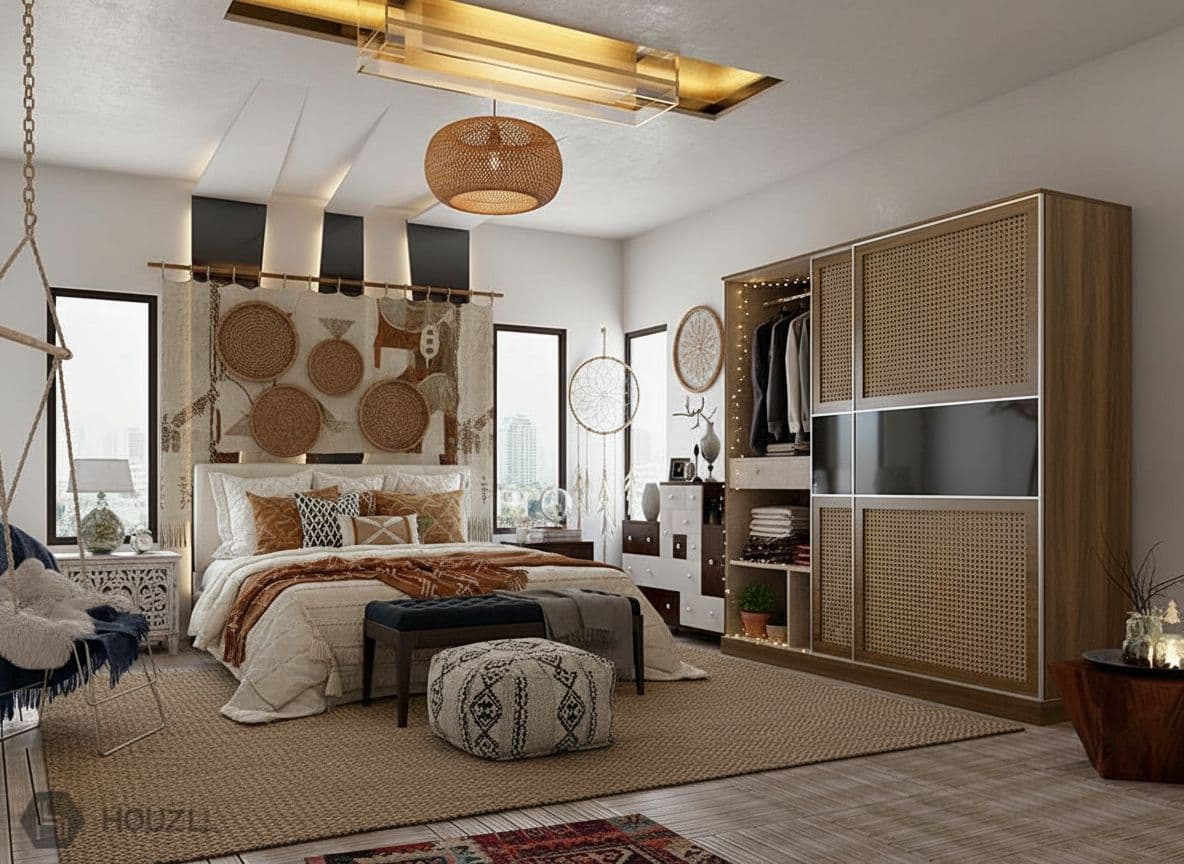
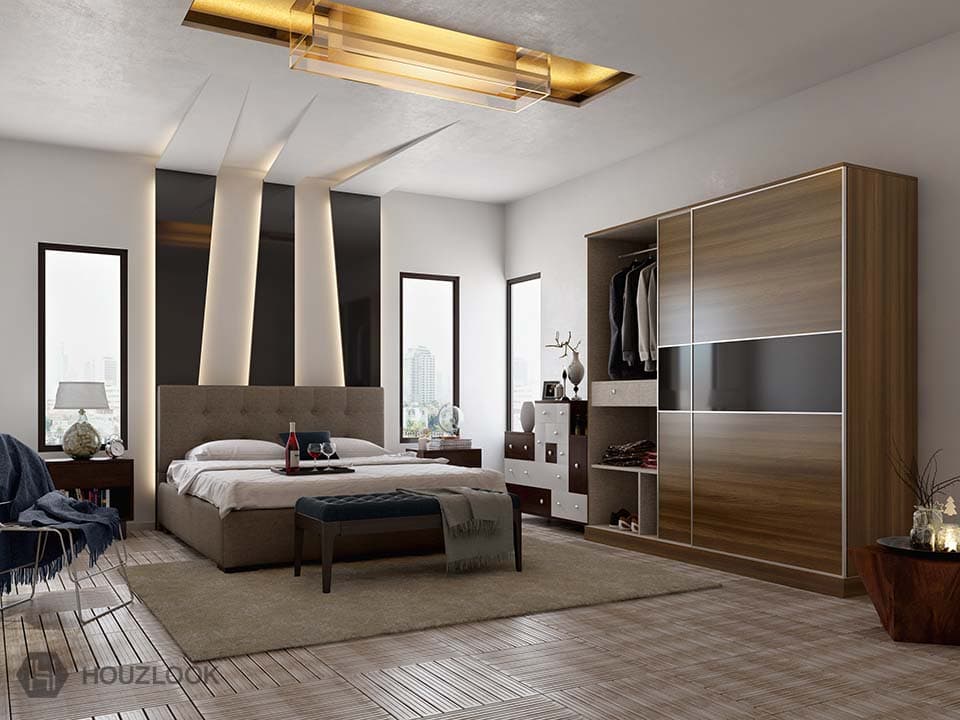
HouseGPTs is an AI-powered home design platform that turns a photo of any room or exterior into a photorealistic AI home renovation in under a minute.
Scroll to walk through








The Numbers
Five specialist designers, a library of styles, materials and colours, and a photorealistic render of your own room in about a minute — free AI home design with no credit card required.
110+
From Scandinavian, Japandi and mid-century to art deco, coastal and maximalist — every style in the picker renders from your own photo.
5
Interior, exterior, kitchen, paint and furniture — each tuned for its own job rather than one generic image model.
40
Test colours on your actual walls, cabinets, doors and exterior at real scale under your room's own lighting.
60s
Upload a photo, pick a style, get a photorealistic result — no modelling, no measuring, no design experience.
2
Two AI redesigns with a watermarked preview before you're asked for anything — no credit card required.
37
Cladding, render, brick and stone swapped onto your own facade across 39 architectural styles.
Try it right now
Pick a sample room and a style, then generate a preview. It takes a few seconds.
1. Choose a room
2. Pick a style
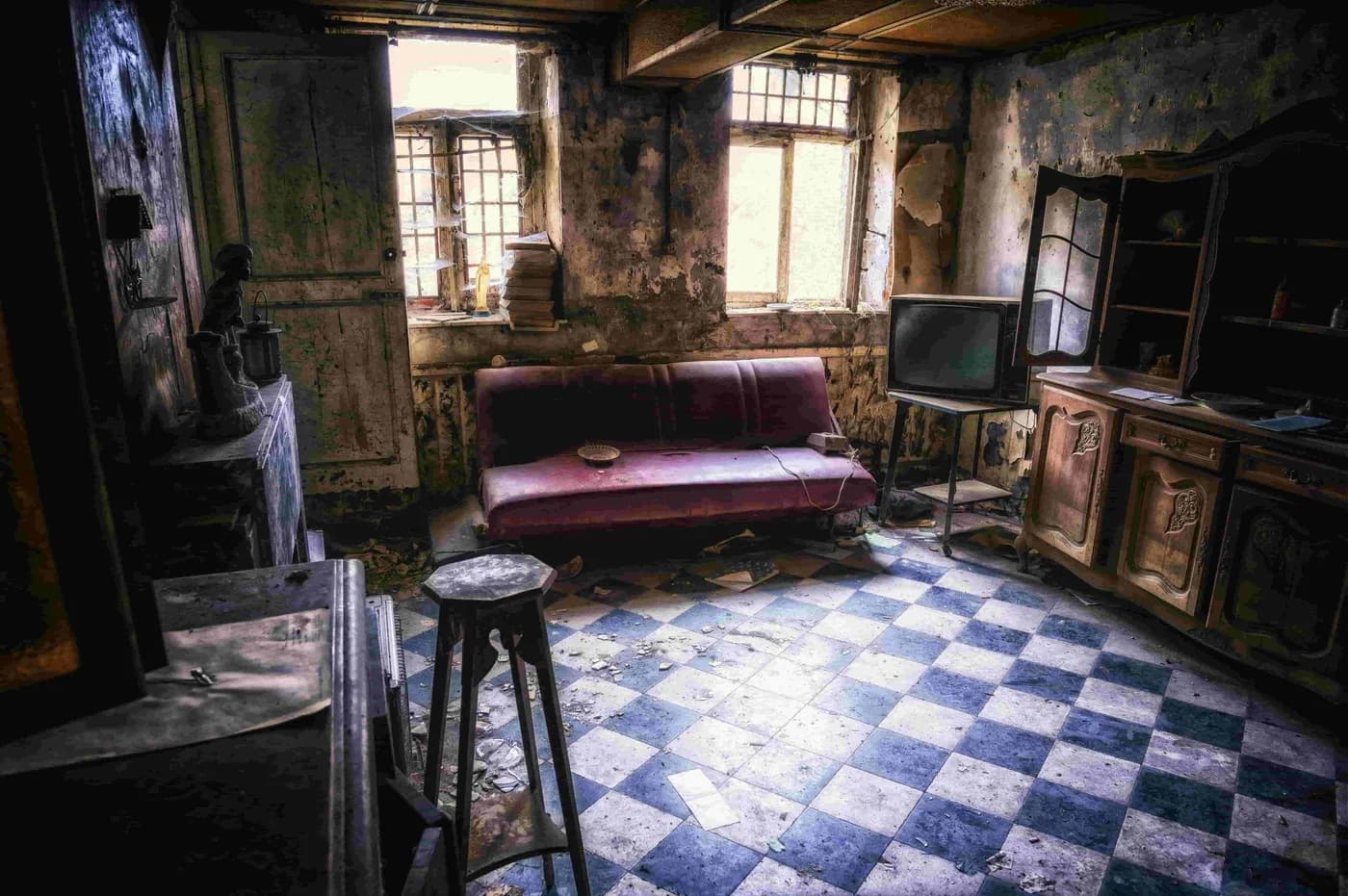 Before
The Walkthrough Begins
Transform your home's exterior and interior with advanced AI technology. Our intelligent design tool instantly generates realistic home designs, interior layouts, and architectural visualizations.
Transform every space in your home with specialized AI designers. Choose your room and watch instant magic happen.
01 / Interior
Complete interior design solutions powered by artificial intelligence
whole home design, interior styling, room makeovers
Open the AI Interior Designer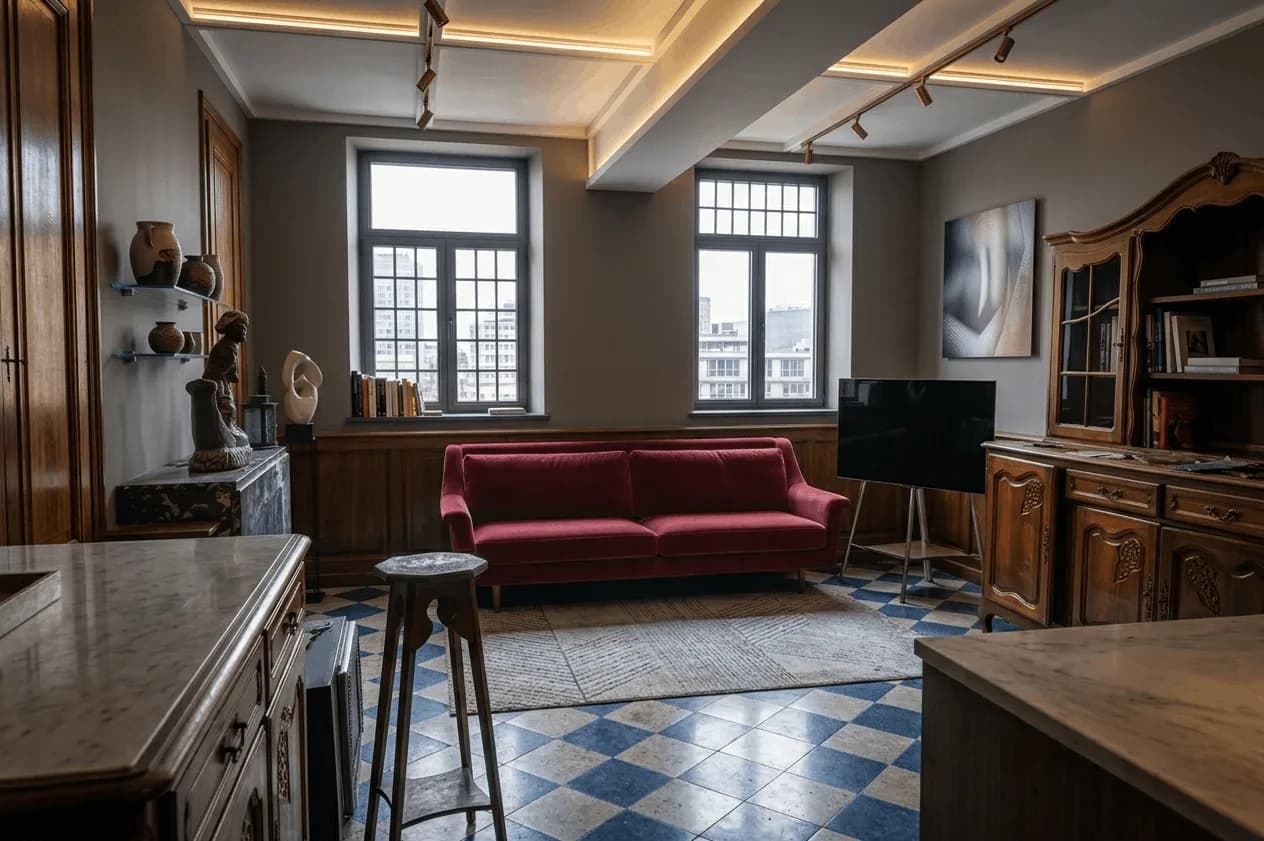 After — AI
02 / Exterior
Reimagine your home's exterior with AI-powered visualization
curb appeal, modern facade, traditional exterior styles
Open the AI Exterior Designer
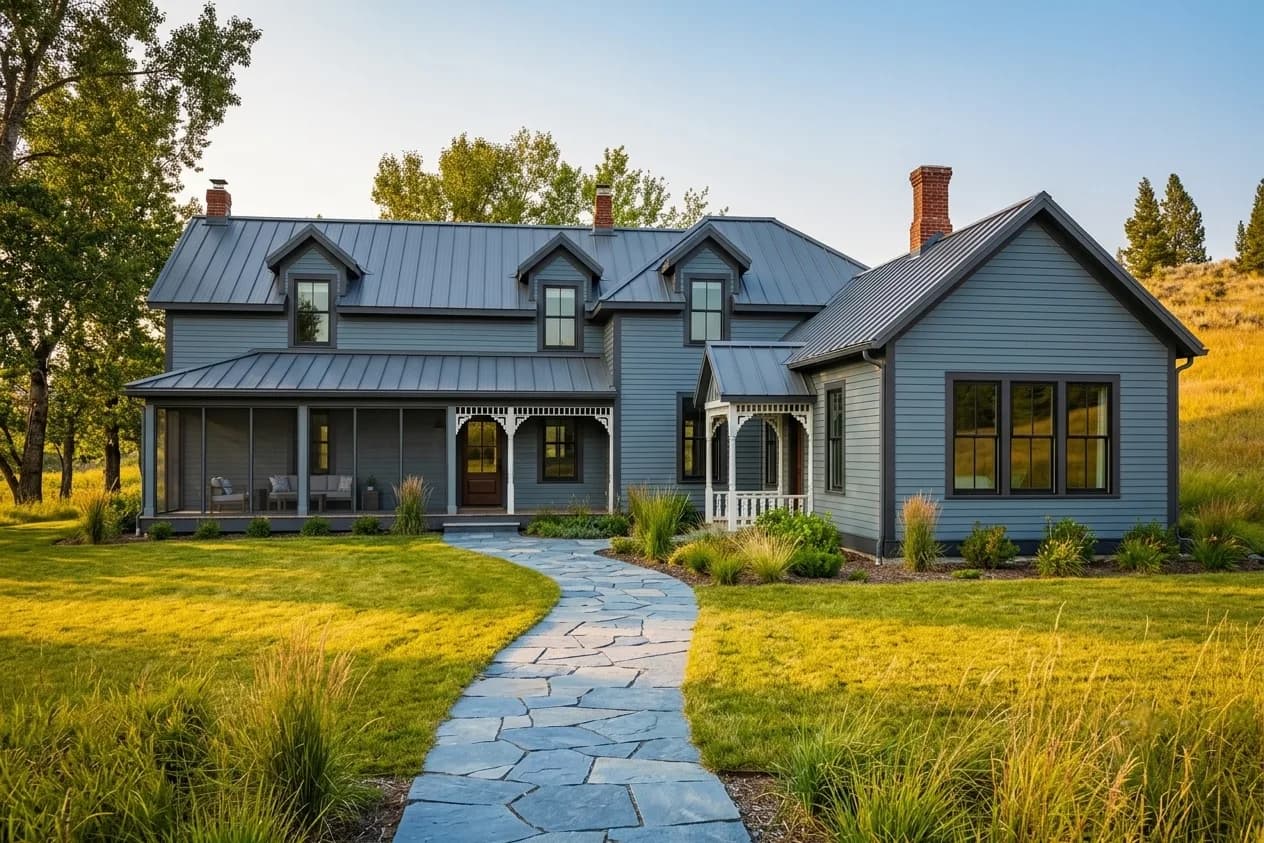 After — AI
03 / Kitchen
Transform your kitchen instantly with AI-powered design tools
modern, farmhouse, traditional, contemporary kitchen styles
Open the AI Kitchen Designer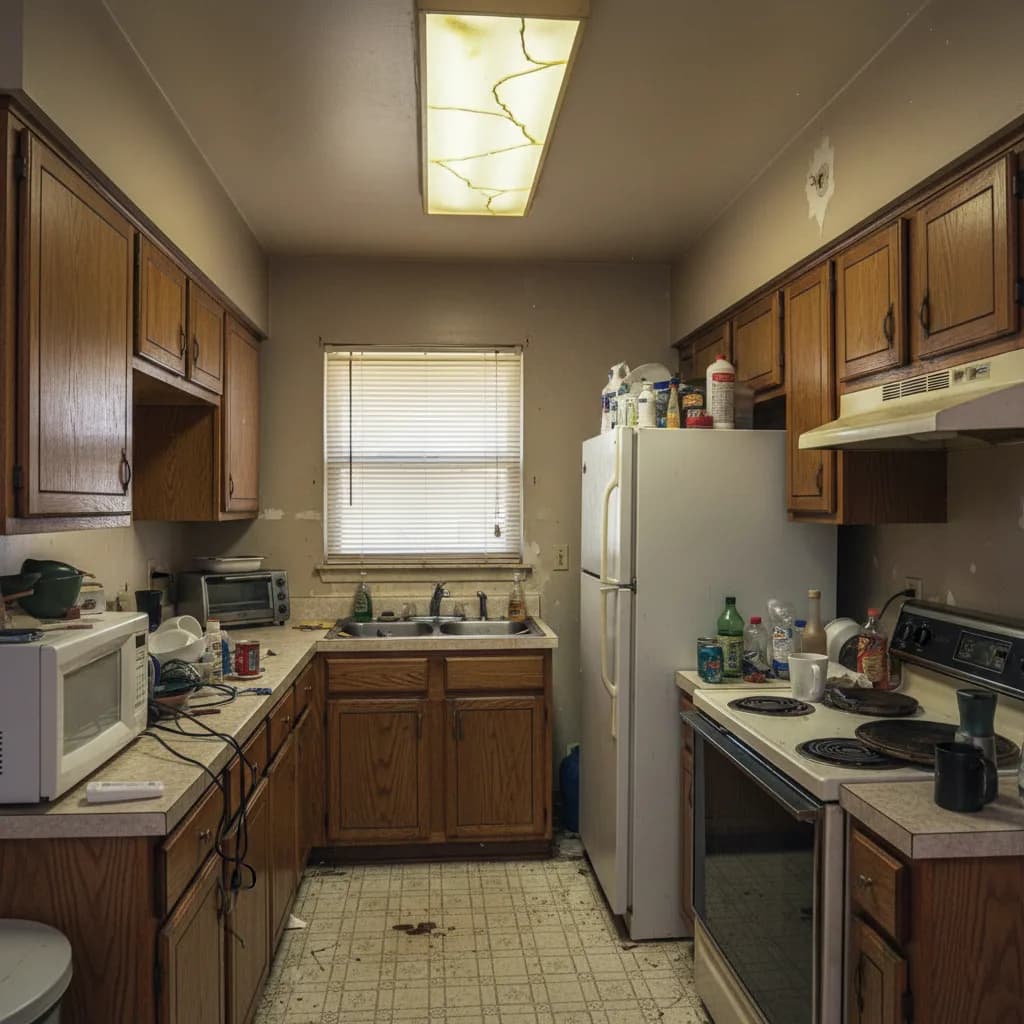
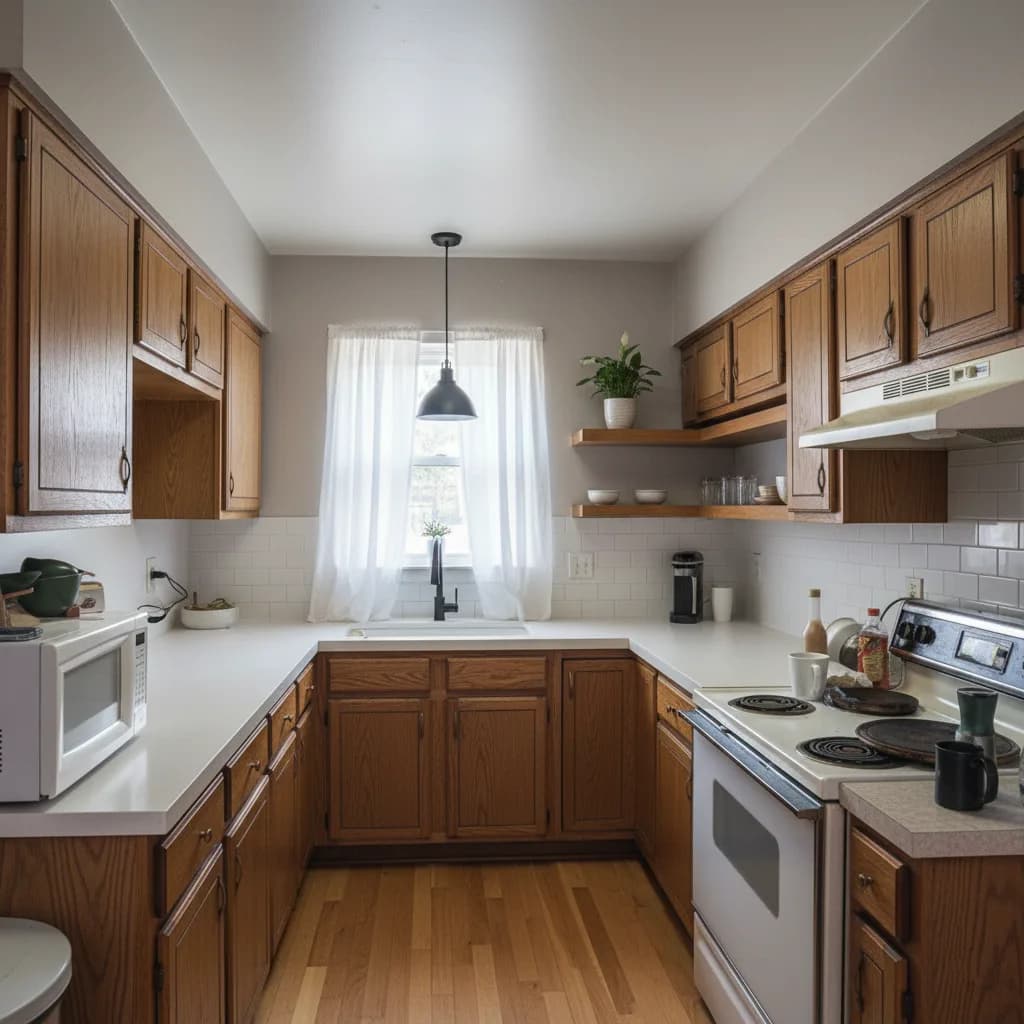 After — AI
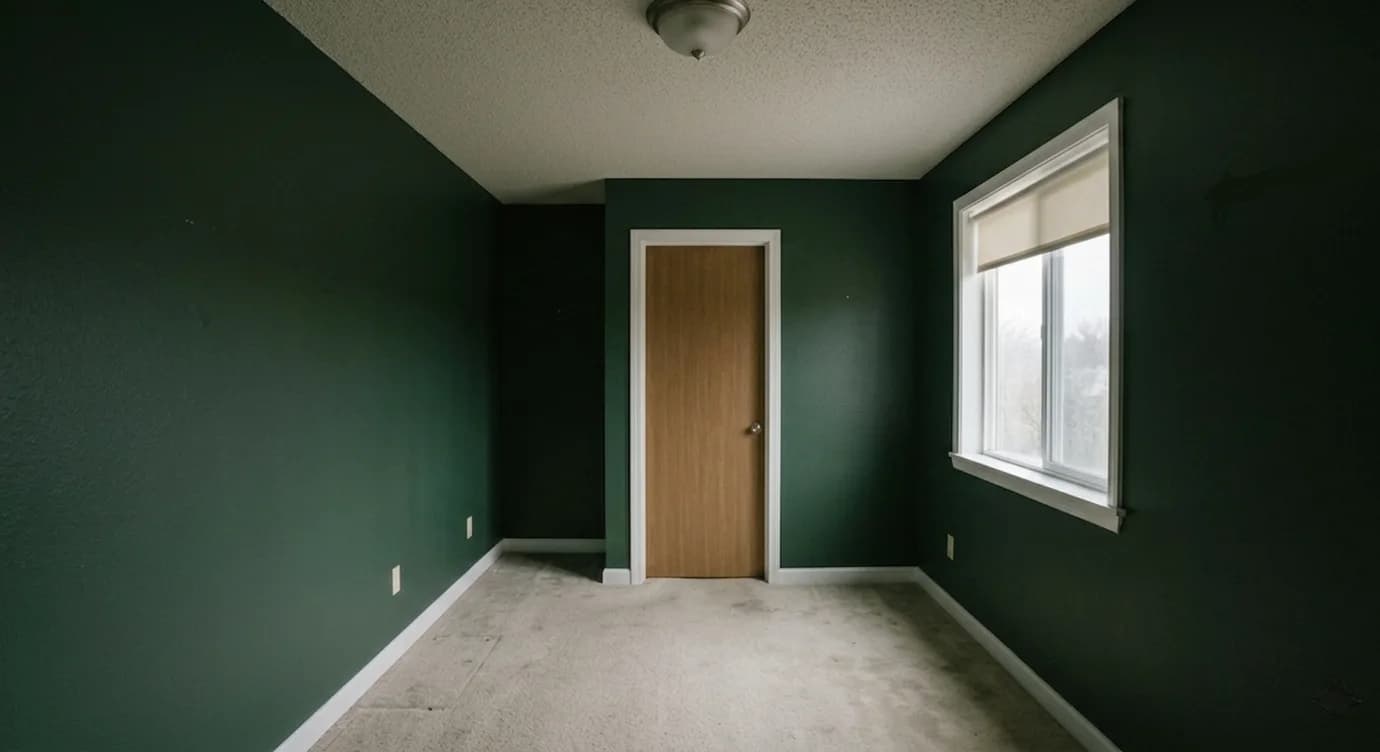
04 / Paint
Choose perfect paint colors with AI color matching technology
color schemes, paint visualization, wall colors
Open the AI Paint Designer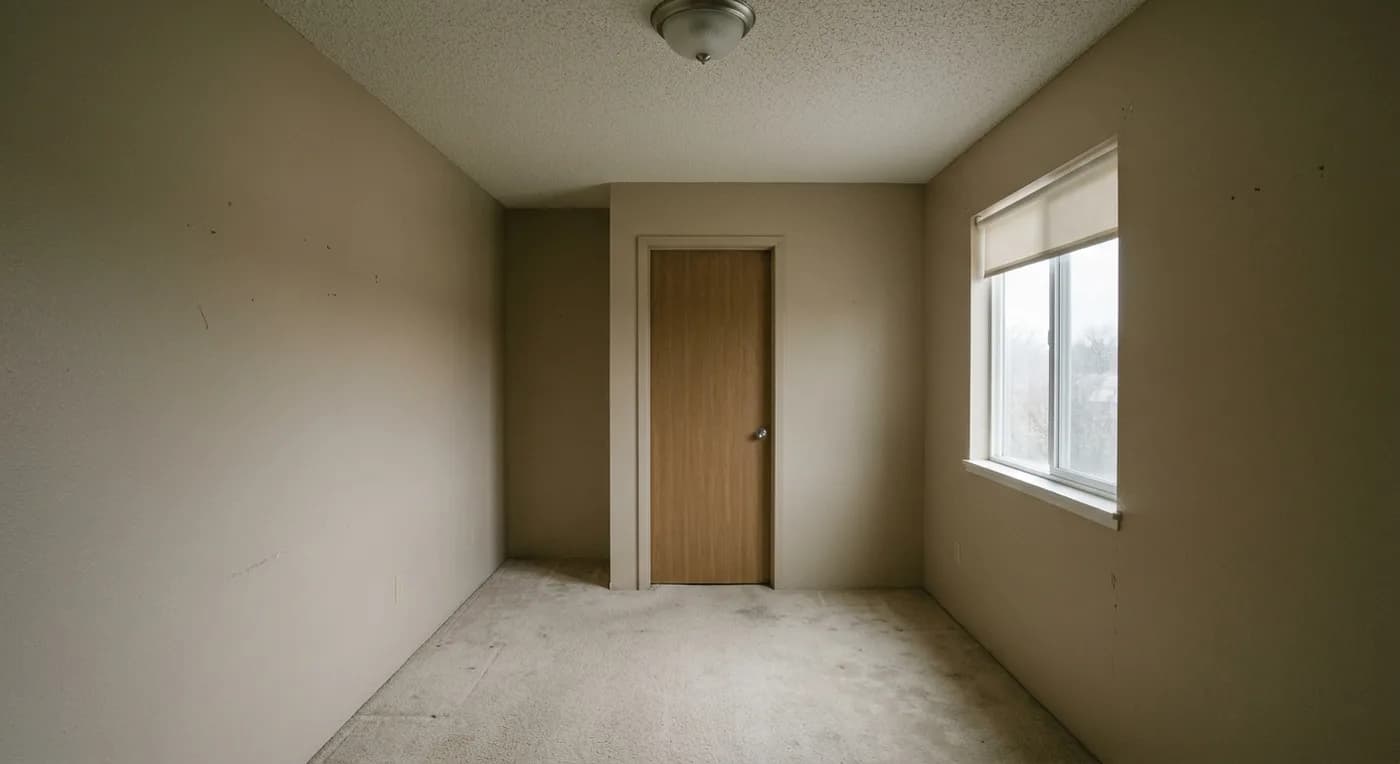
 After — AI
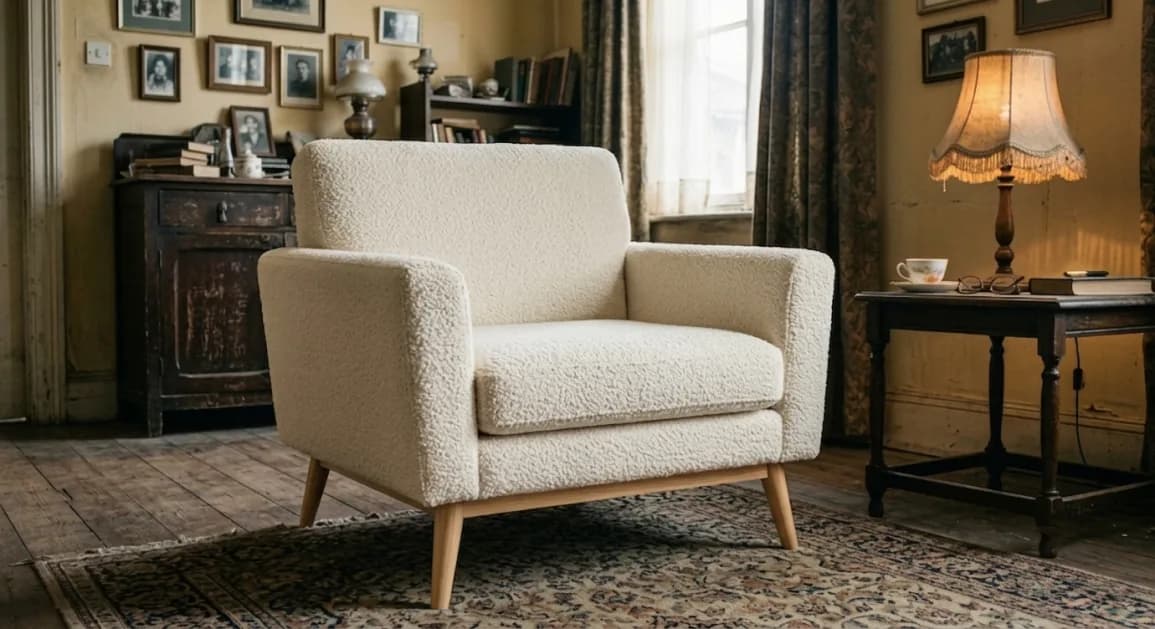
05 / Furniture
Design and visualize custom furniture with AI assistance
custom furniture, 3D furniture design, modern pieces
Open the AI Furniture Designer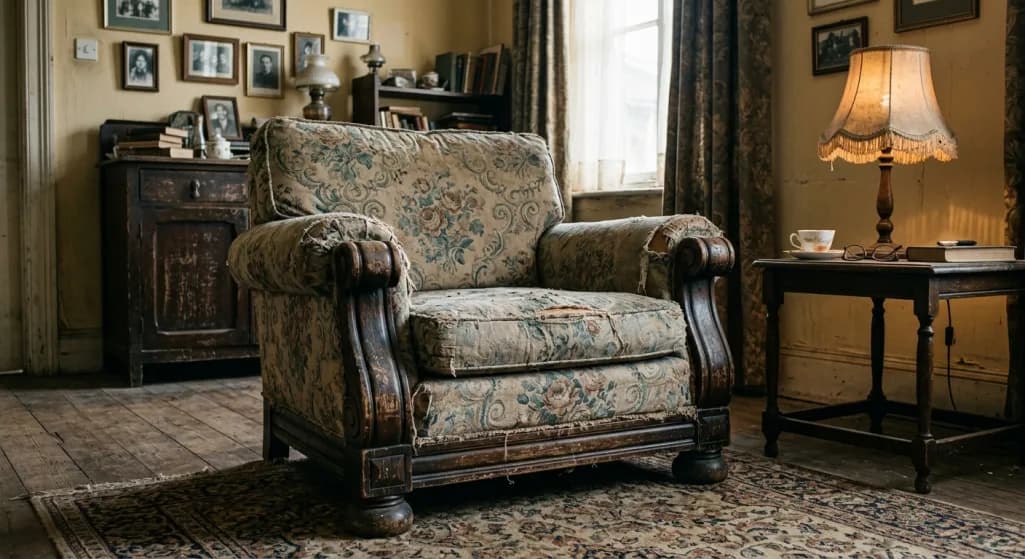
 After — AI
"I was considering buying a new home... it's a 1986 construction, and I didn't like the curb appeal. I wanted to have an architect look at it just for ideas. I found your AI design app... and problem solved."
"It's great for generating renovation ideas before committing to expensive architectural renderings. Thank you!!!!!!!!!!"
Murat Aras
Verified Customer
 HouseGPTs
The Proof
Generate stunning architectural concepts, reimagine interior spaces, and visualize exterior renovations instantly. Our advanced AI-powered platform offers professional-grade design capabilities for homeowners and design professionals.
Start free: Your first AI-generated design is completely free • No credit card required
Market a listing end to end — staged photos, flyers, reels and 360° tours — for less than one photographer call-out. Start free with 2 watermarked renders; paid plans unlock HD exports, the listing workspace and your brand kit on everything.
Designers typically $250–$500 + 1–3 weeks per concept · HouseGPTs ~$0.08 + ~60 sec
Yearly = 2 months free vs paying monthly.
Steady annual credits for a solo agent
Best for a solo agent with a few listings a month
$240/year billed annually · 50% off launch price
vs monthly
Best value for a full listing calendar
Best for full-time agents marketing every listing
$390/year billed annually · 50% off launch price
vs monthly
Maximum annual listing volume
Best for listing teams and high-volume marketing
$790/year billed annually · 50% off launch price
vs monthly
Each render spends credits by engine — Basic is 2 credits; higher-quality engines cost more (up to 7). A typical listing of 12 photos staged on Basic is around 24 credits. Mix engines anytime within your balance.
Every paid plan unlocks HD exports with no watermark, the listing workspace, Listing Studio graphics and Listing Autopsy. Pro adds Listing Reel, Motion Shot, 360° tours and your brand kit on every asset; Studio adds batch staging across a whole photo set and Floor Plan Studio. They also differ by credit pool and how many variations you get per render (2 / 4 / 8).
No. Each billing period resets to your plan’s full allowance. If you cancel, remaining credits last until the end of the period you’ve paid for.
Yes. Every paid plan includes commercial use, so renders, reels and graphics can go straight onto the MLS, portals, print and paid social. Check your local disclosure rules for virtually staged photos — most require a note that the image is a digital rendering.
Yes. Upgrade anytime (prorated). Downgrades take effect on the next billing cycle. Either way your balance is replaced by the new plan’s allowance rather than added to it, since credits reset each period instead of rolling over.
Questions
Learn how HouseGPTs works, what it costs, and what you can redesign with AI.
HouseGPTs is an AI-powered home design platform that lets you redesign interiors, exteriors, kitchens, and rooms using real photos. Upload a photo, choose a style, and get realistic AI-generated designs in seconds.
No. HouseGPTs is an independent AI home-design tool and is not affiliated with HomeGPT (homegpt.app) or any other similarly named product. People sometimes confuse the names, but HouseGPTs is its own platform — upload a photo and get a photorealistic interior or exterior redesign in under a minute.
HouseGPTs analyzes your uploaded photo using advanced AI models trained on professional interior and architectural designs. It preserves layout and structure while generating new styles, materials, and lighting concepts.
Yes. HouseGPTs generates photorealistic designs that closely resemble real homes. While it is not a replacement for construction drawings, it is highly accurate for visualization and design planning.
Absolutely. HouseGPTs is designed for homeowners with no design experience. The interface is simple: upload a photo, select a style, and generate designs instantly.
You can design kitchens, bedrooms, bathrooms, living rooms, full interiors, exteriors, and even empty rooms using AI-powered virtual staging.
Yes. A new account comes with free credits for your first AI designs, and no card is required. Free results are watermarked; the floor planner and several calculators are free to use without spending credits at all.
Paid plans add a monthly credit allowance, the higher-quality design models, and clean, full-resolution downloads without the watermark. Credits refresh each billing period, so you only pay for the plan that fits how much you design.
Yes. Alongside the interior designer there are dedicated AI tools for home exteriors and curb appeal, kitchens, paint colours, furniture and floor plans — each starts from a photo or a sketch of your own space.
Yes. Designs generated with HouseGPTs can be used for real estate listings, client presentations, and marketing materials.
From a single room makeover to staging a whole listing, it all starts with one photo of the space you want to change.
Homeowners
Photograph the room you want to change, try a few styles, and walk into the showroom or the contractor meeting already knowing what you want.
AI interior designerKitchen remodels
Swap cabinet colours, worktops and finishes on a photo of your actual kitchen instead of guessing from sample chips.
AI kitchen designerCurb appeal
Try siding, paint, roofing and landscaping on a photo of the outside of the house before you commit to any of it.
AI exterior designerReal estate agents
Furnish vacant rooms in listing photos so buyers can picture the space, without hiring a stager for every property.
Virtual stagingColour decisions
Preview paint colours in your own lighting and furniture, so the swatch you pick is the one that actually works.
AI paint designerPlanning a layout
Sketch rooms to scale for free, furnish the plan, then turn it into 3D room views.
AI floor plan designer