The HouseGPTs inspiration library · 384 design ideas
Home Design Ideas:
Inspiration for Every Room
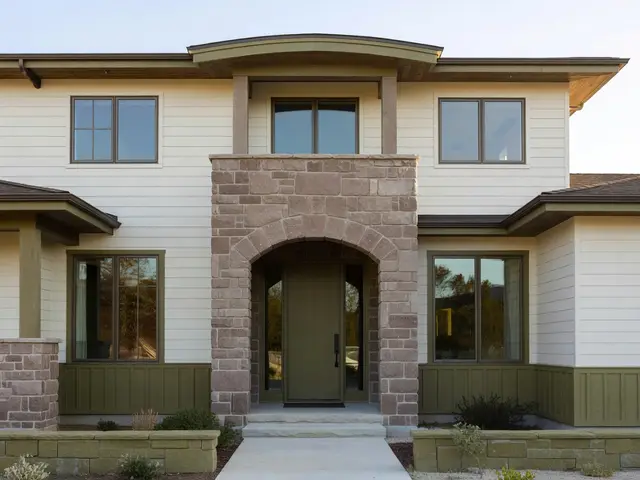
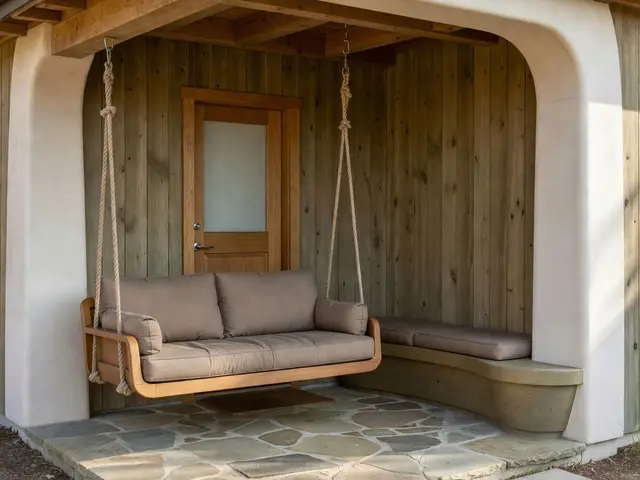
Home design ideas for every room, from the details you save to the space you make your own. Explore AI-generated concepts, find your direction, and try it with your photo using our AI home design generator.
96 designs
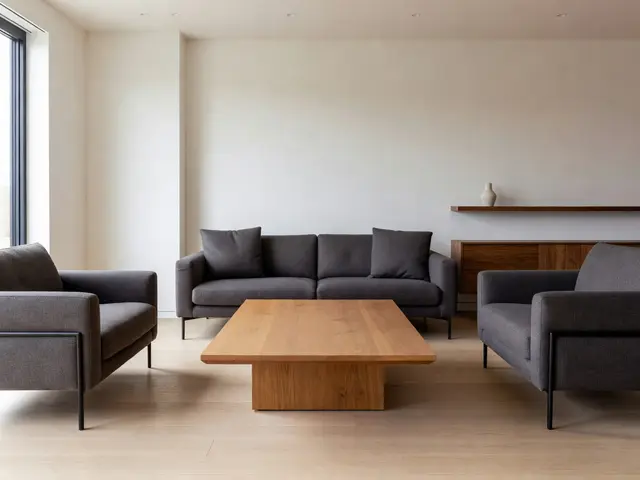
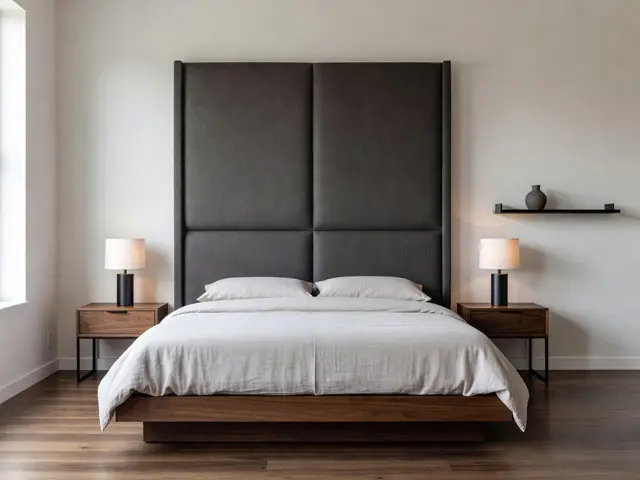
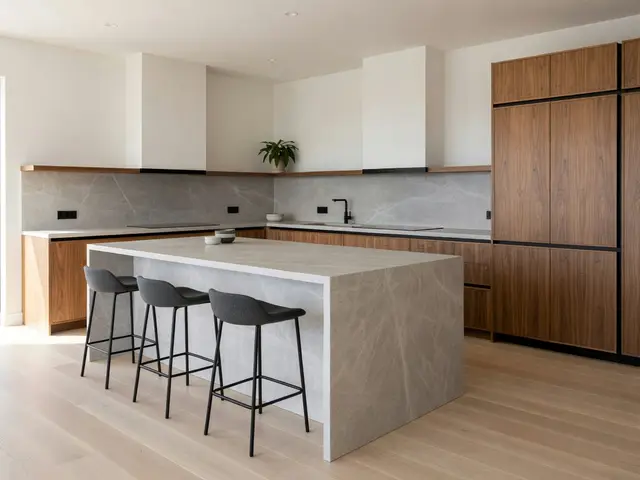
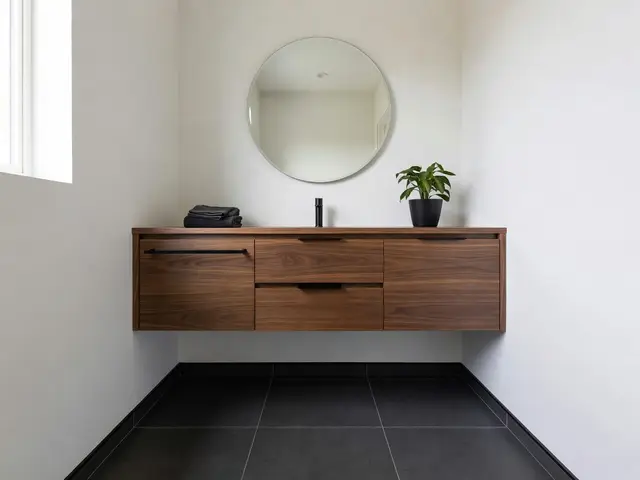
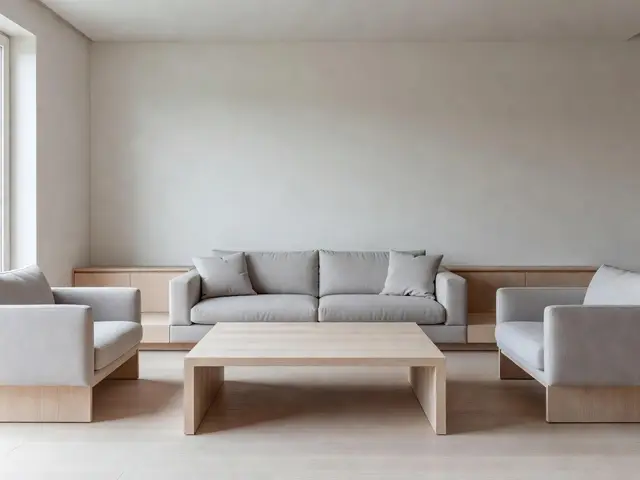
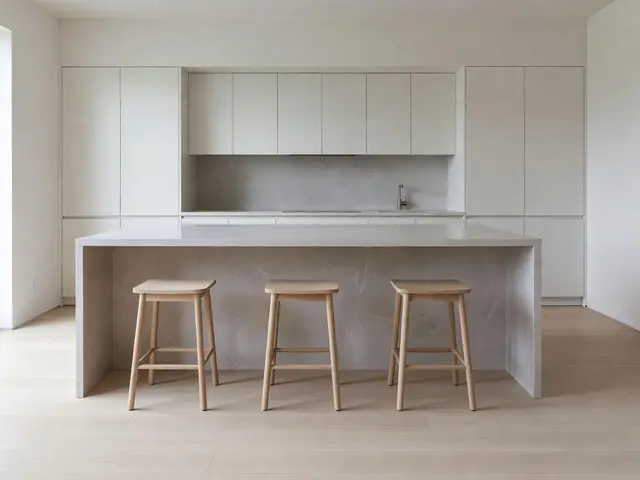
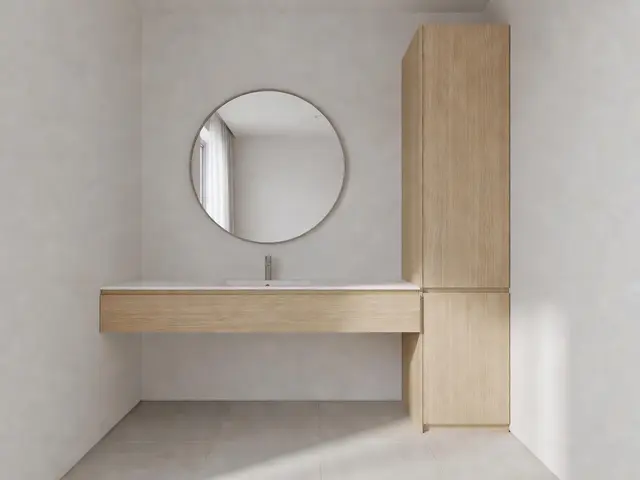
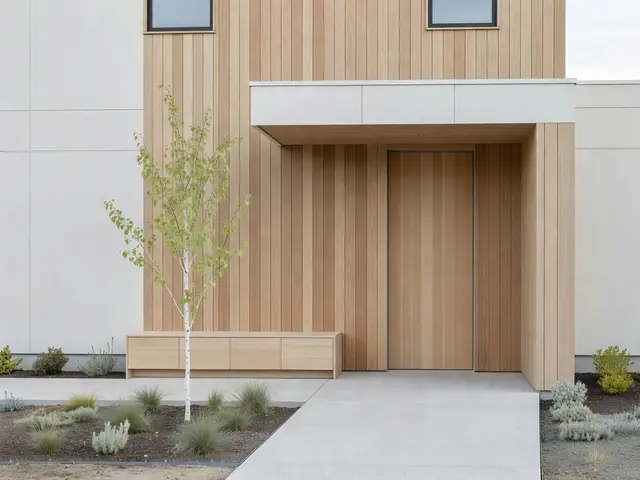
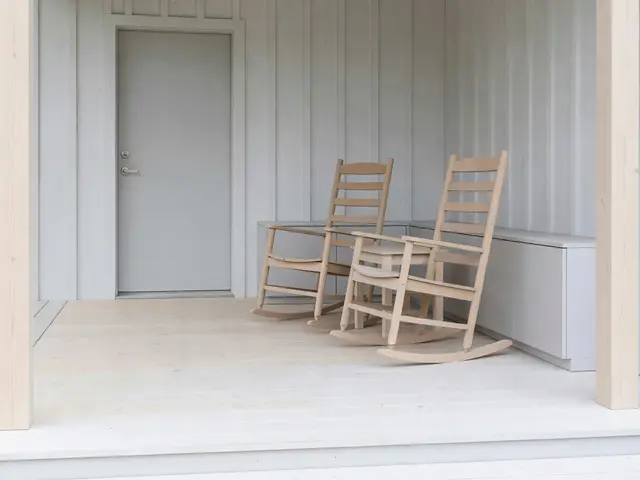
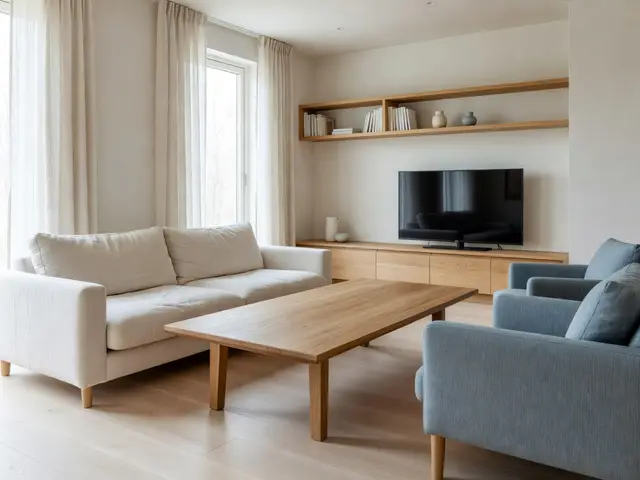
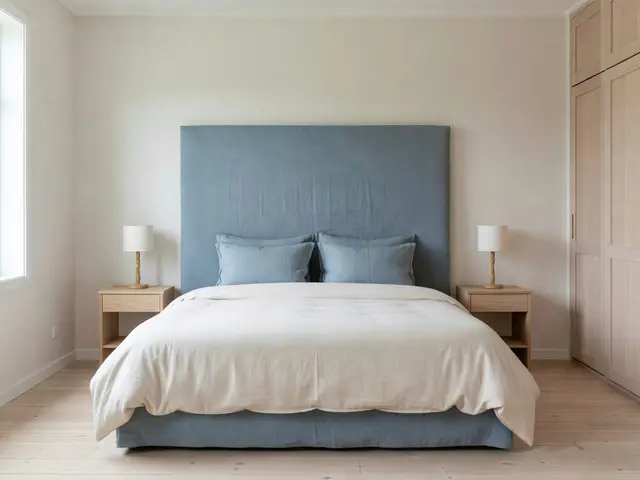
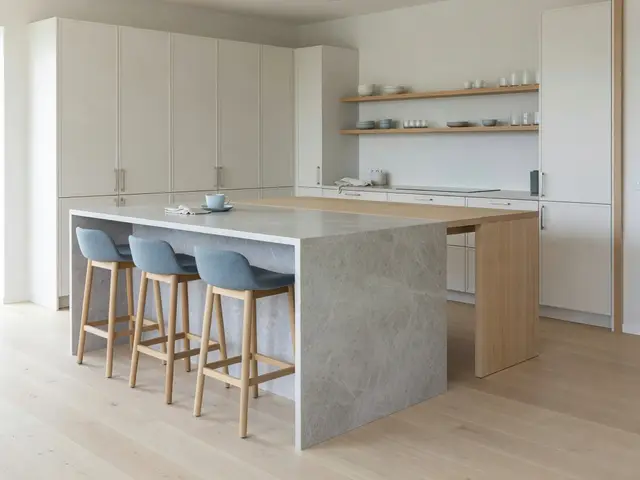
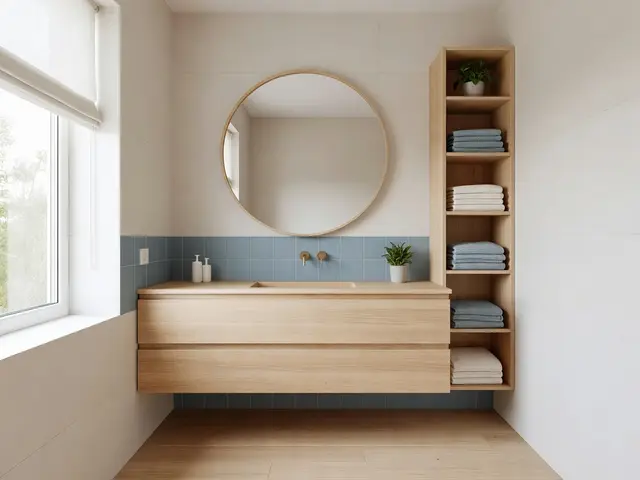
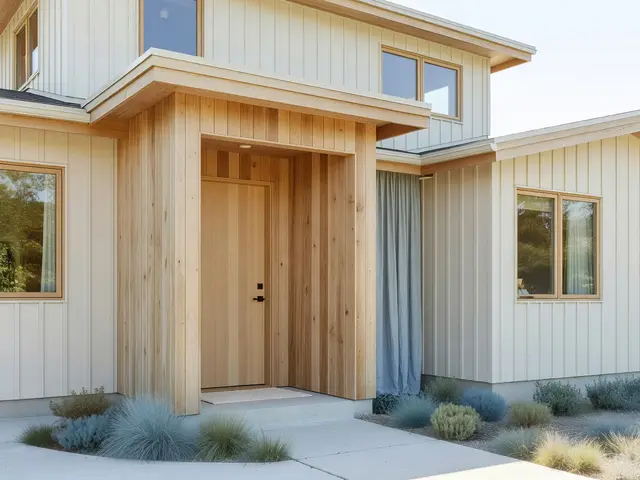
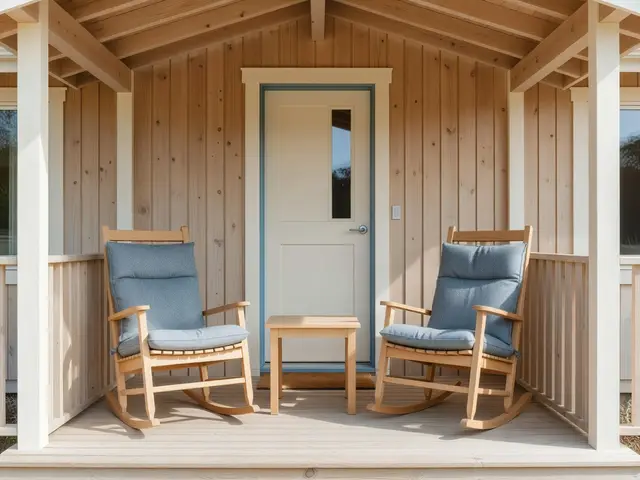
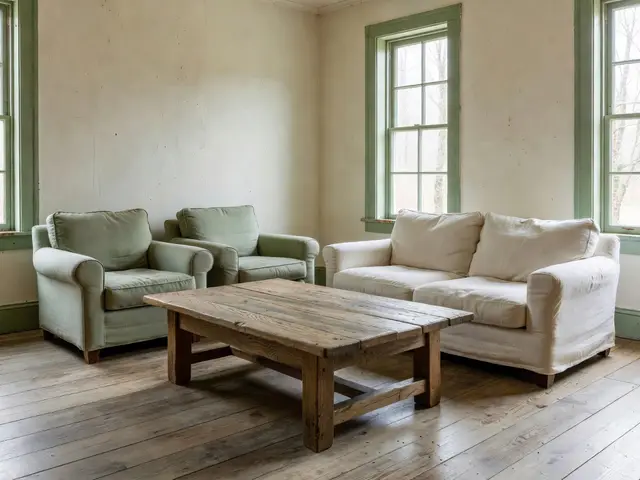
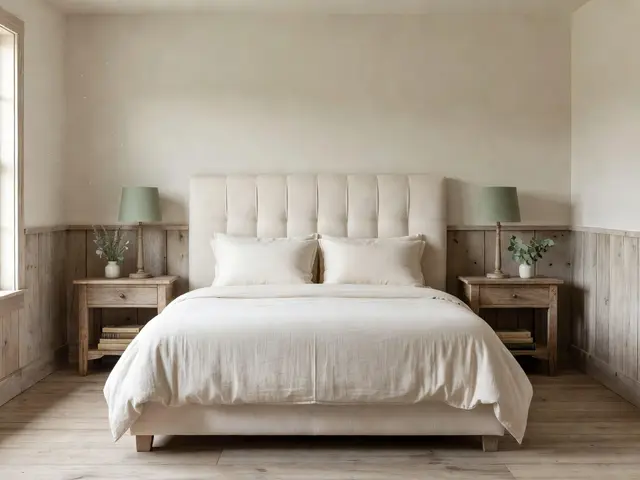
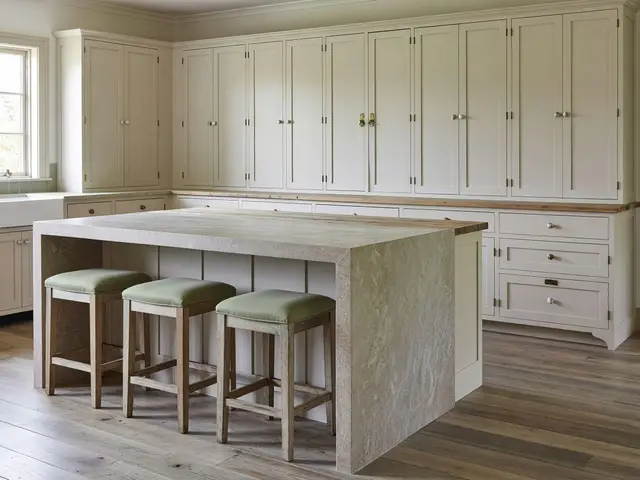
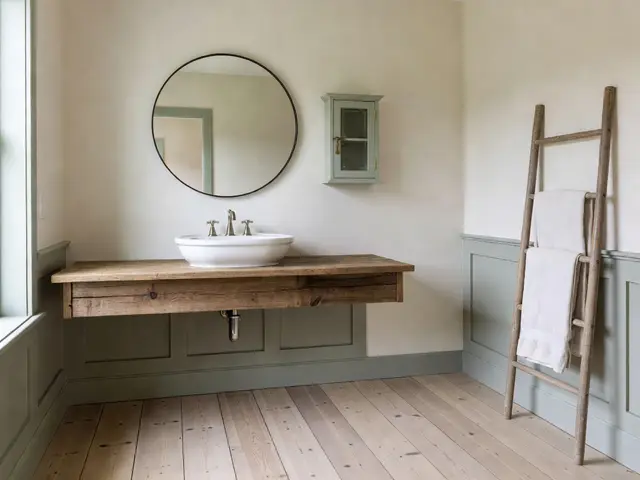
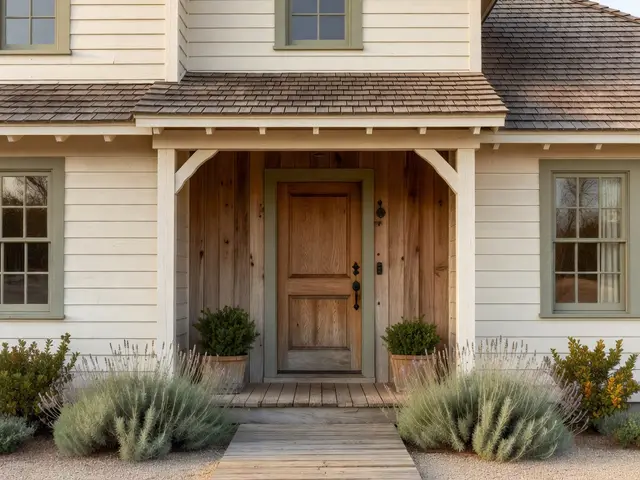
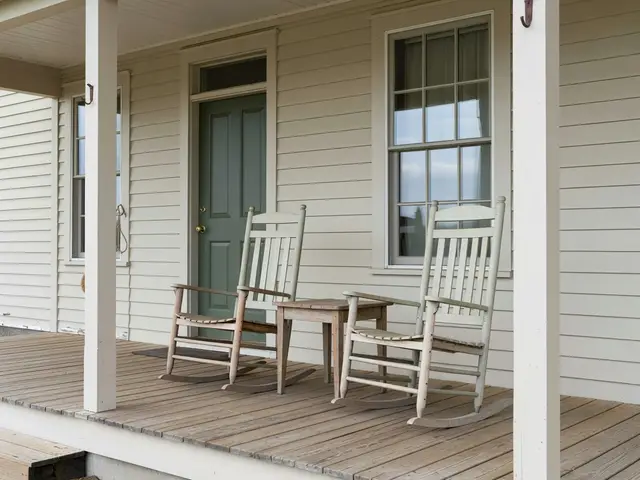
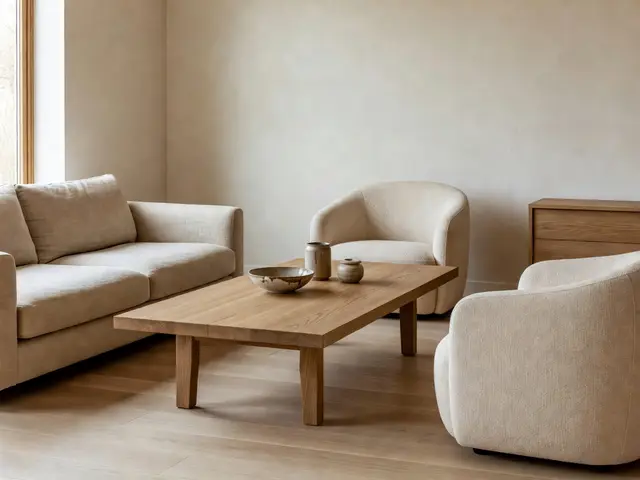
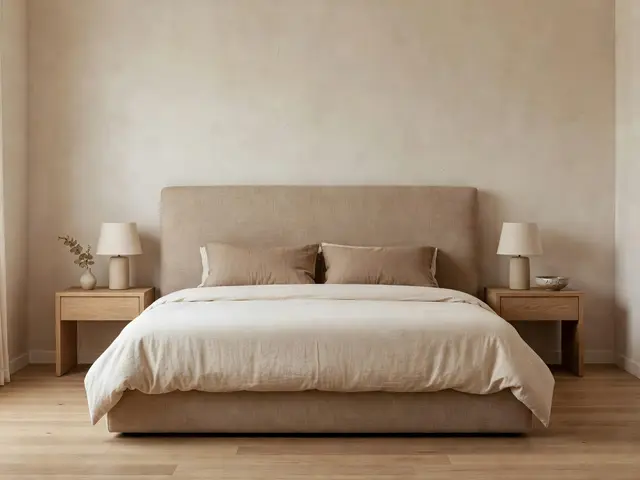
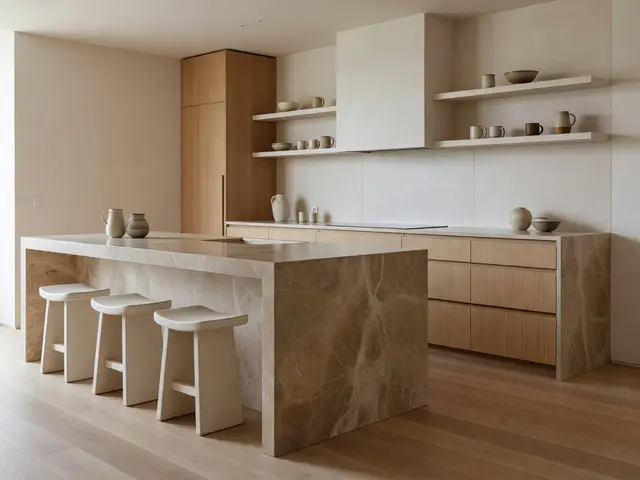
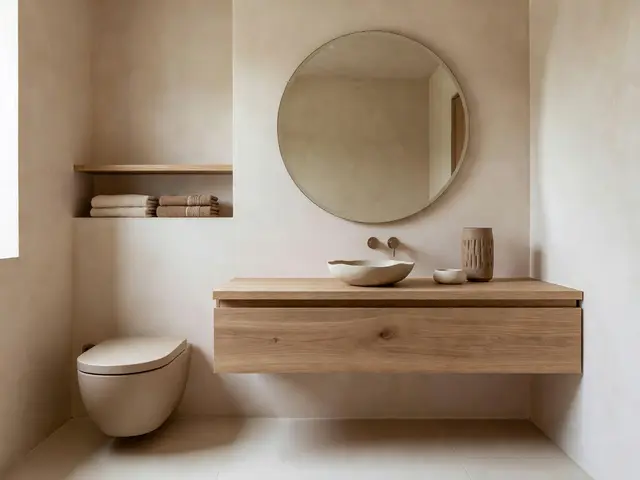
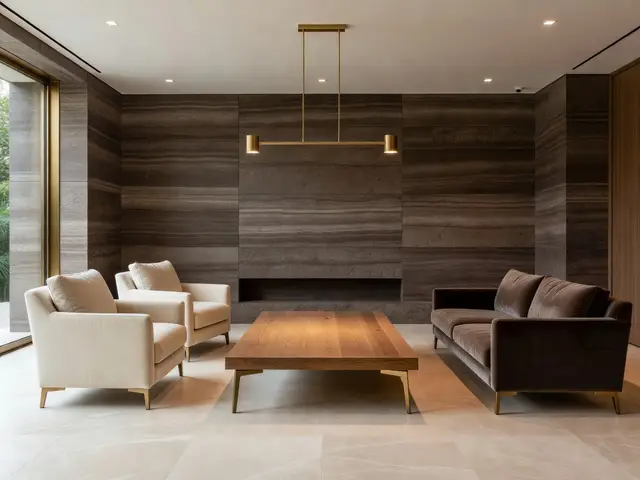
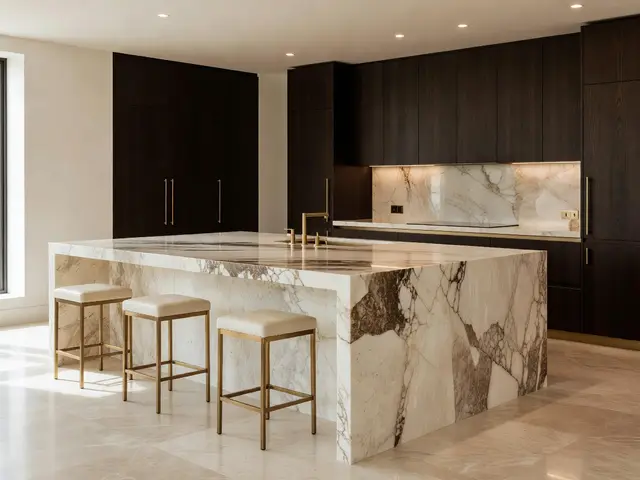
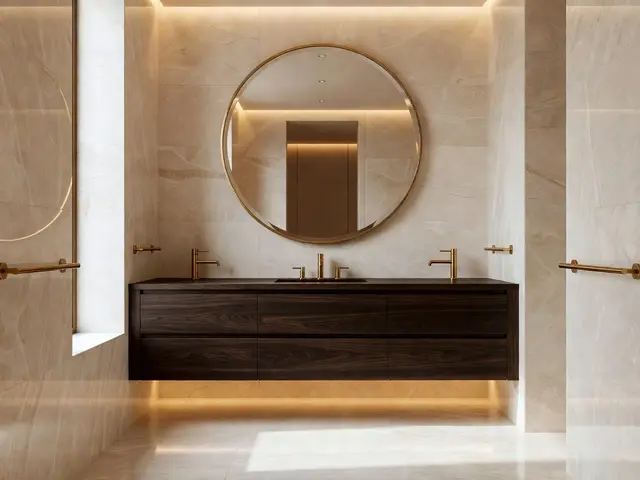
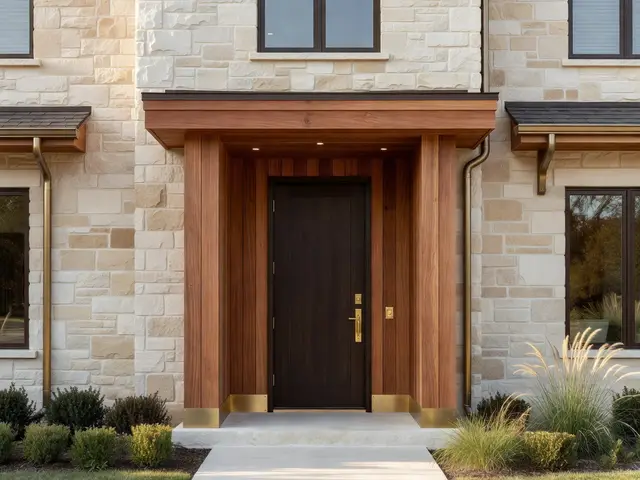
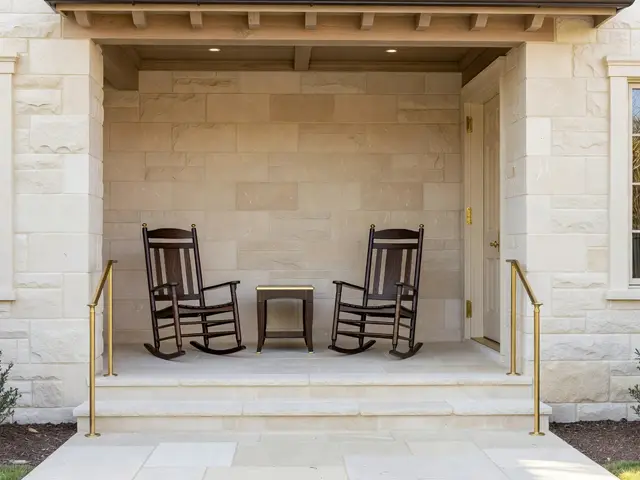
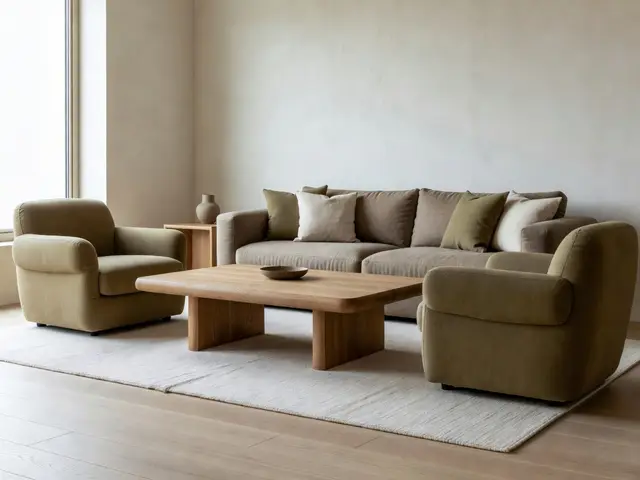
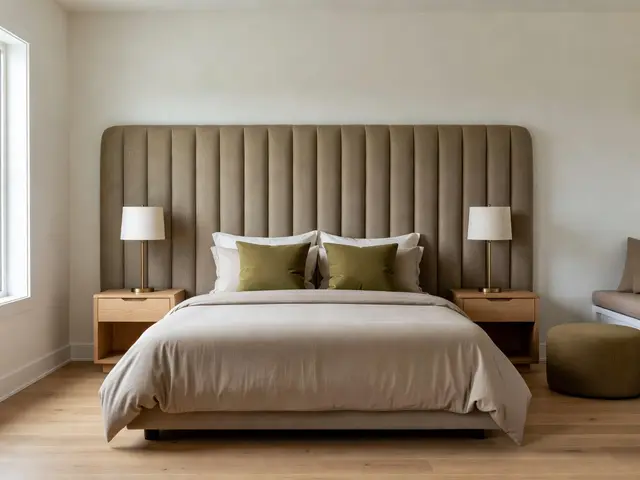
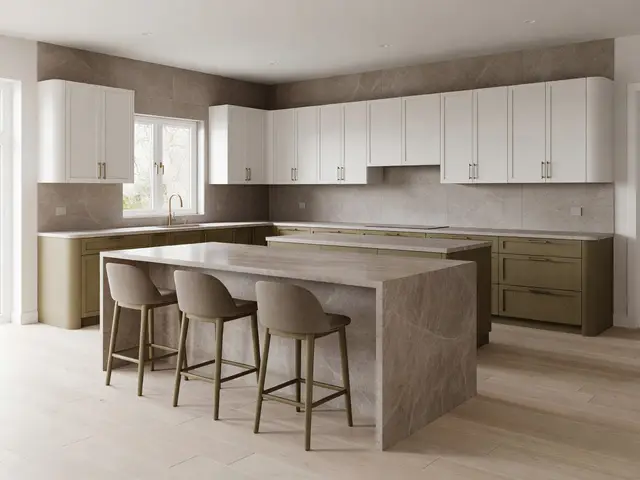
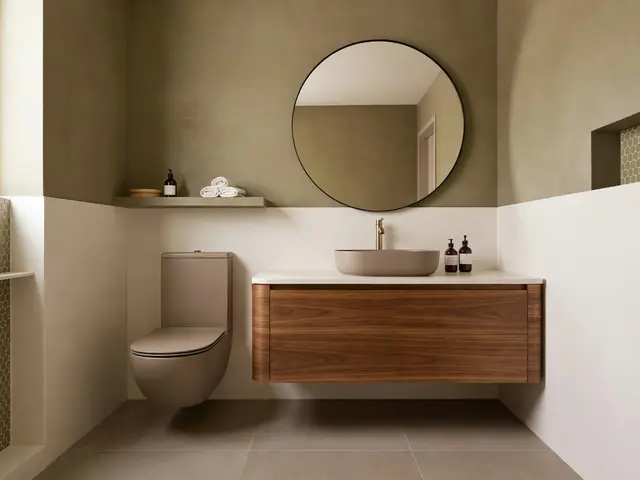
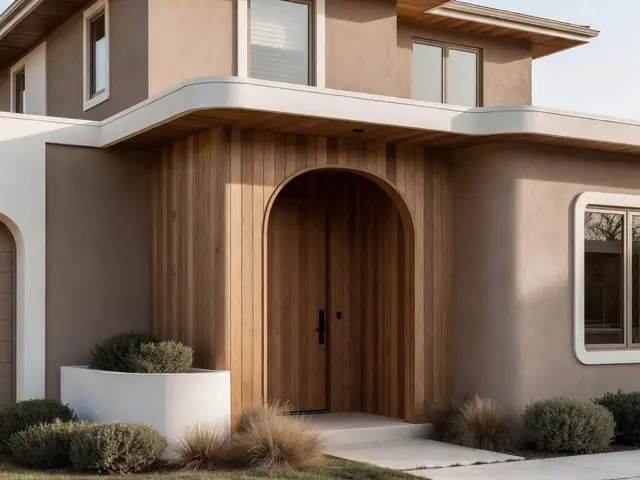
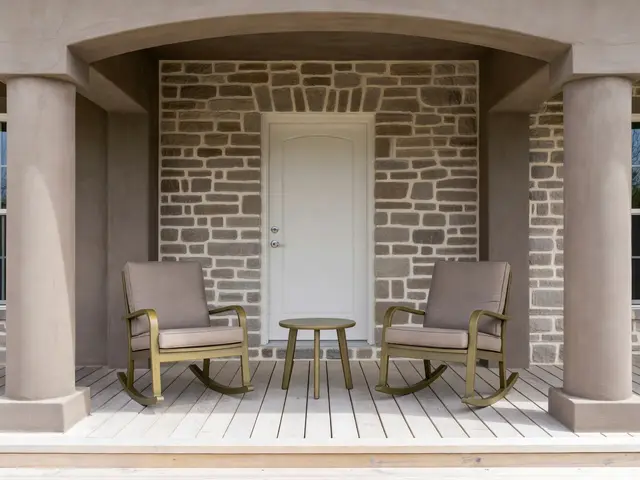
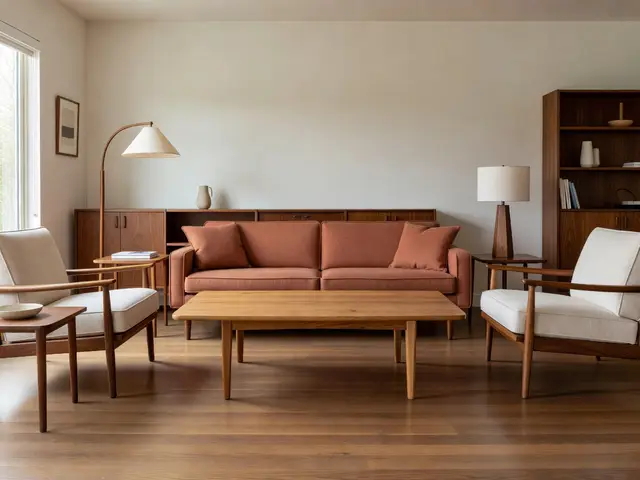
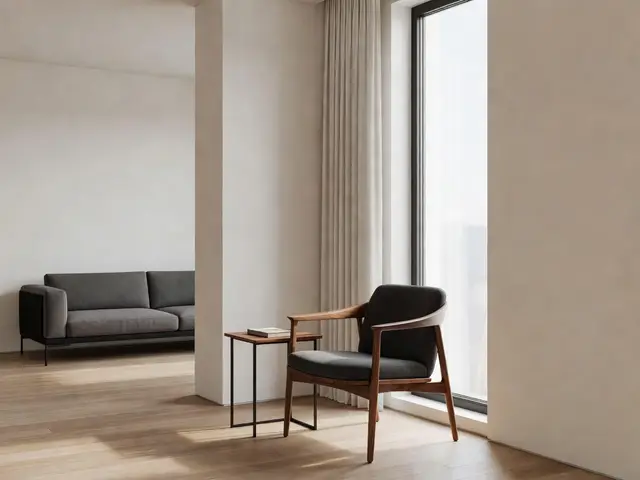
Mid-Century Modern / Living Room
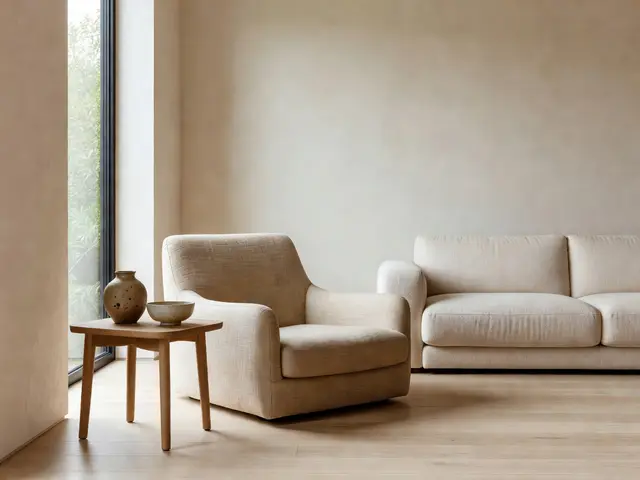
Mid-Century Modern Living Room with Oak Coffee Table
Design this look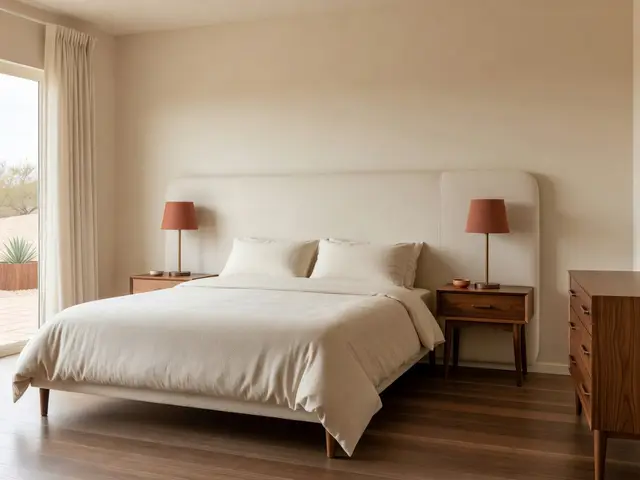
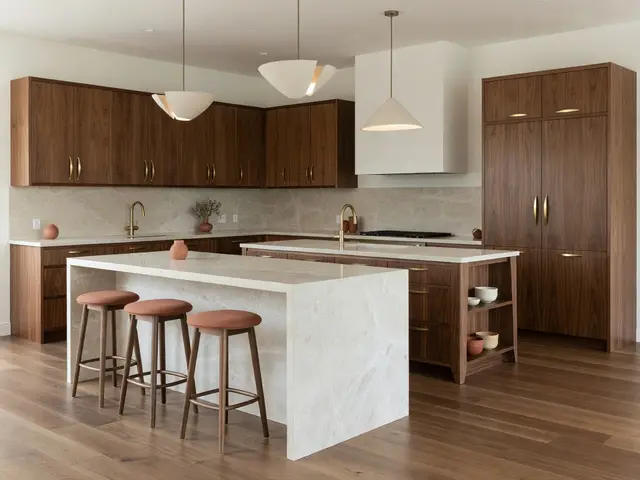
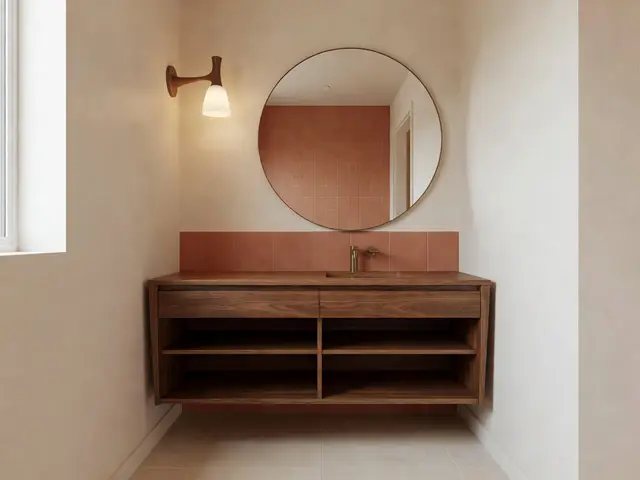
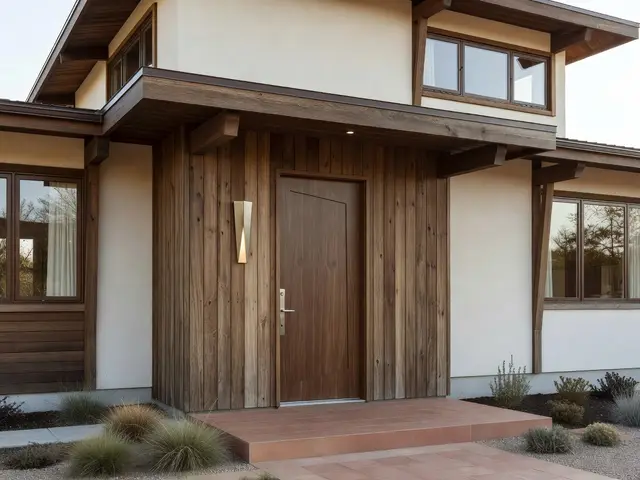
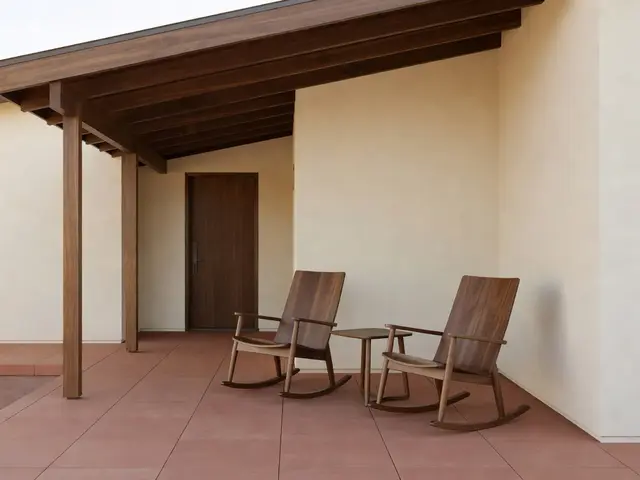
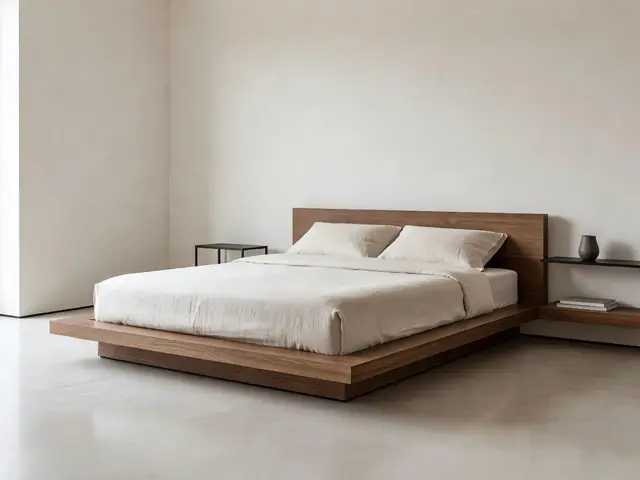
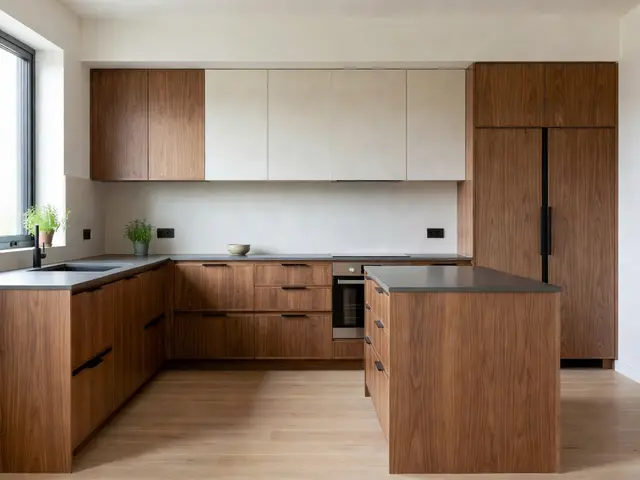
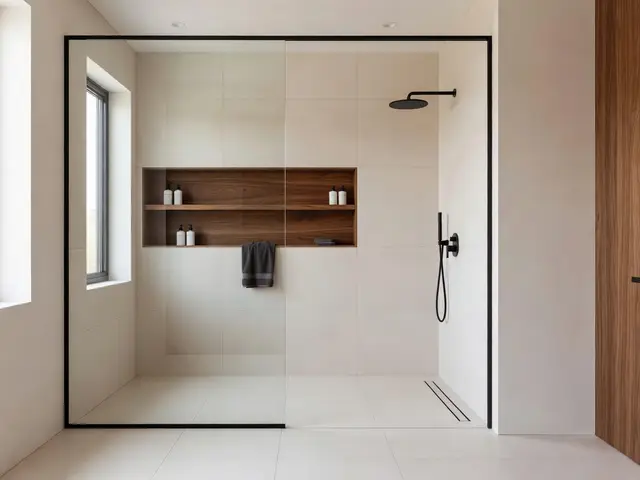
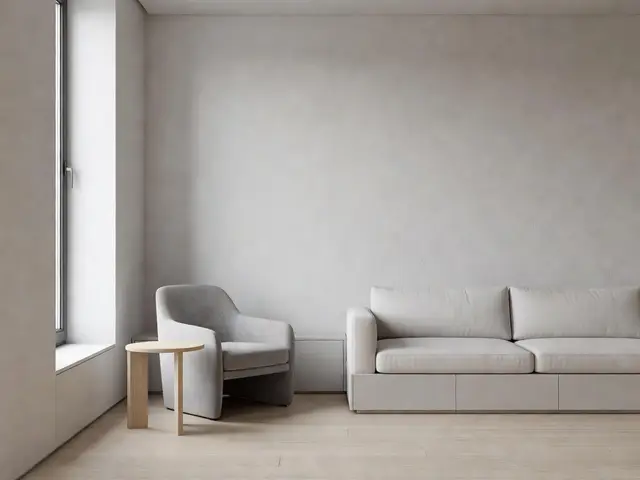
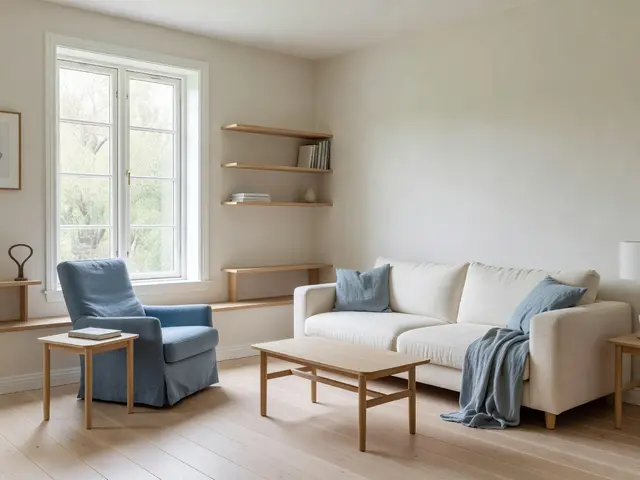
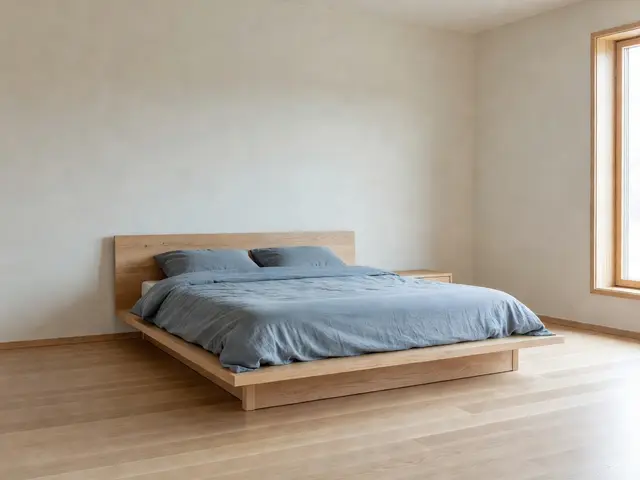
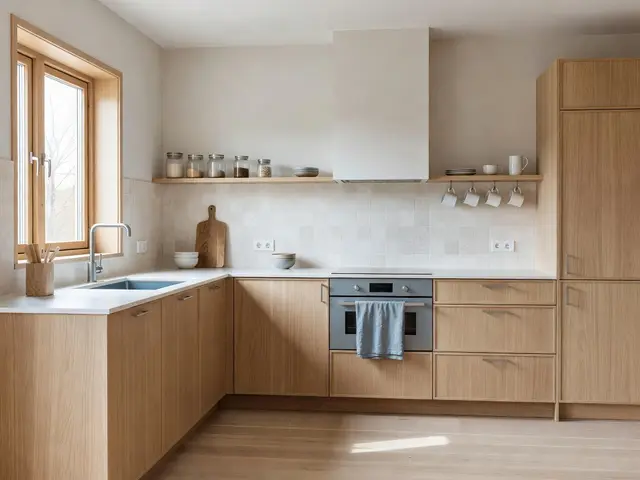
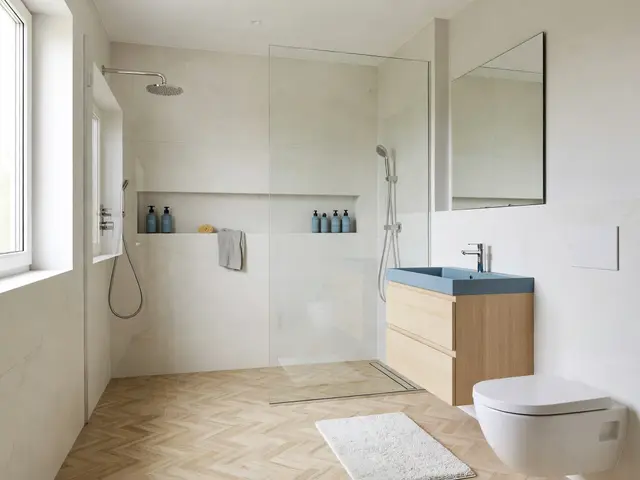
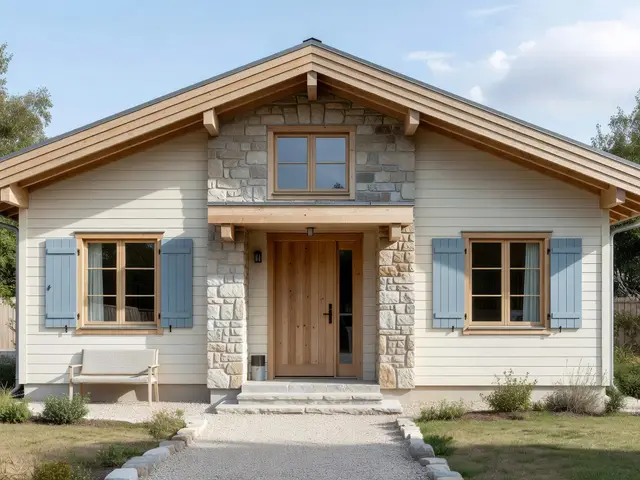
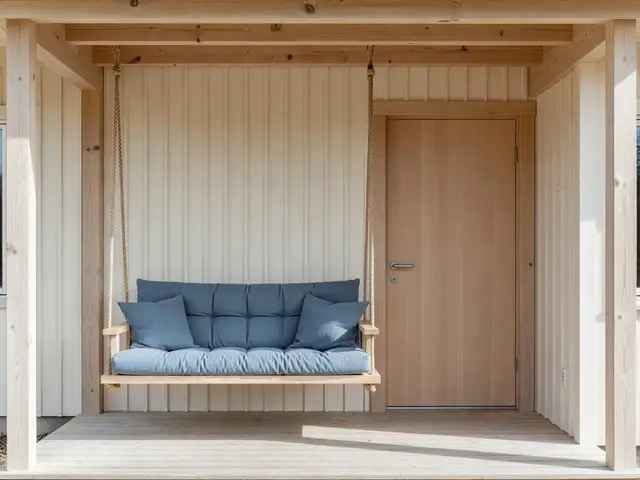
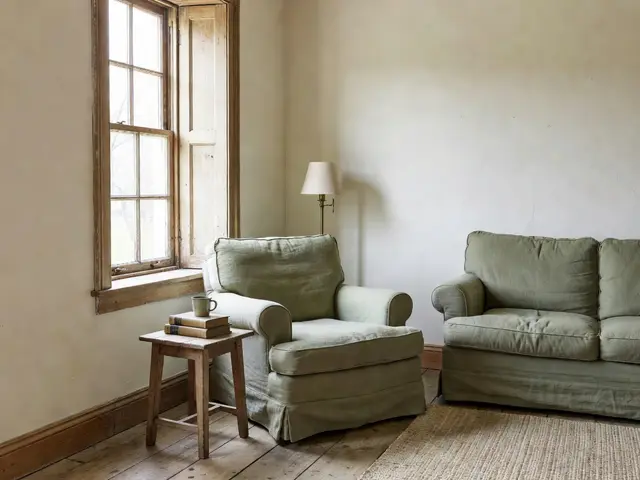
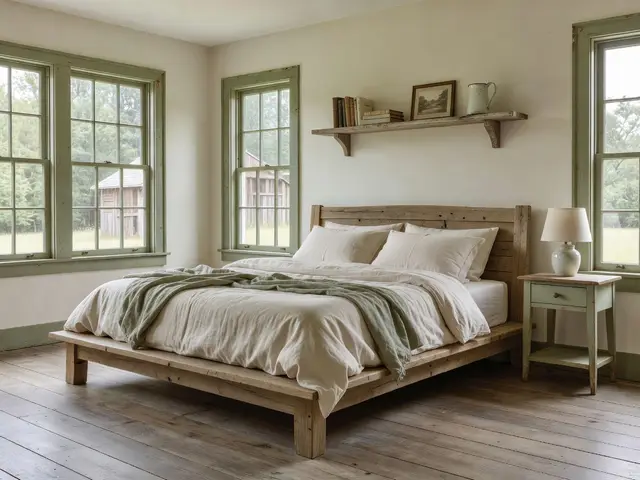
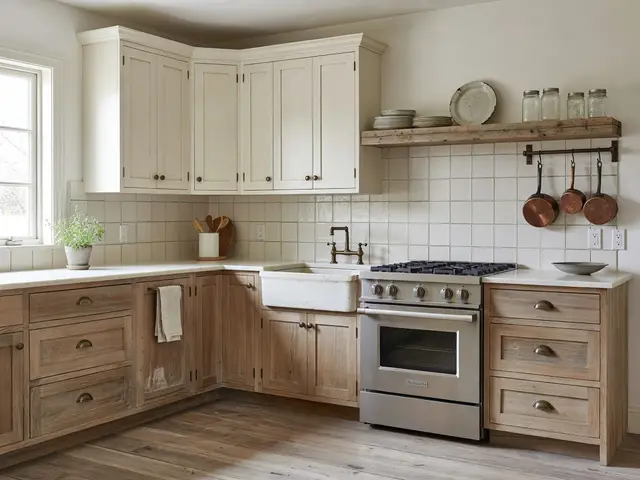
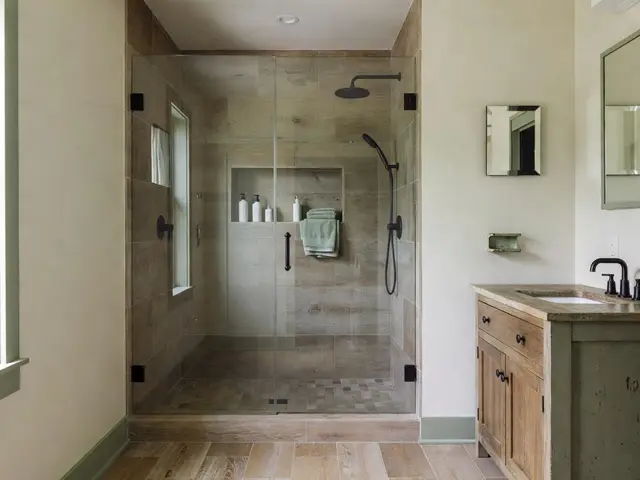
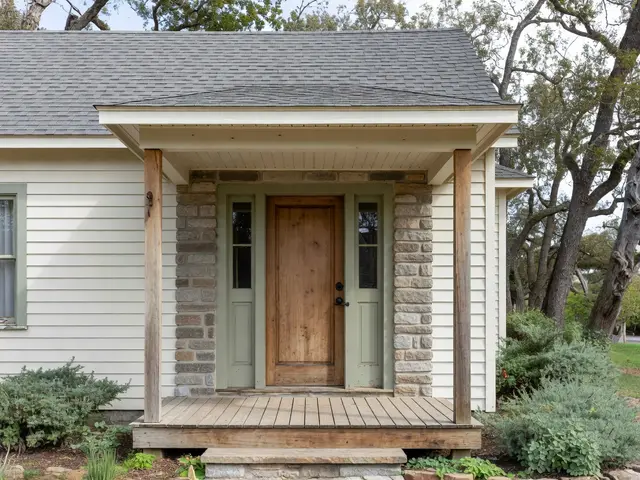
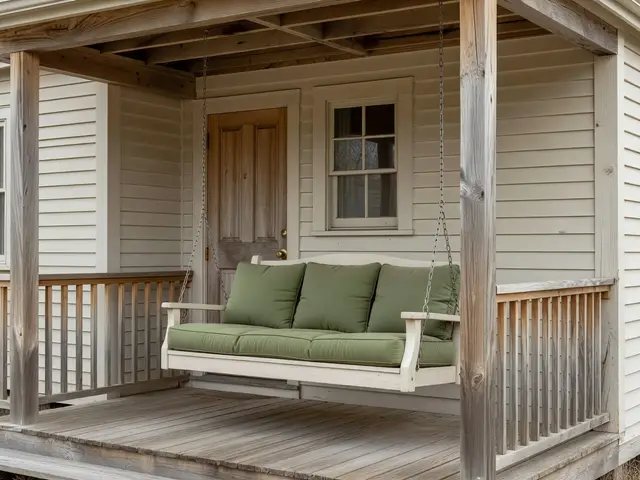
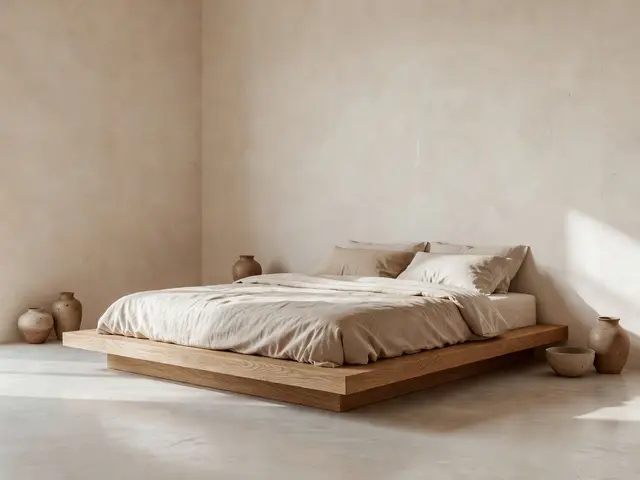
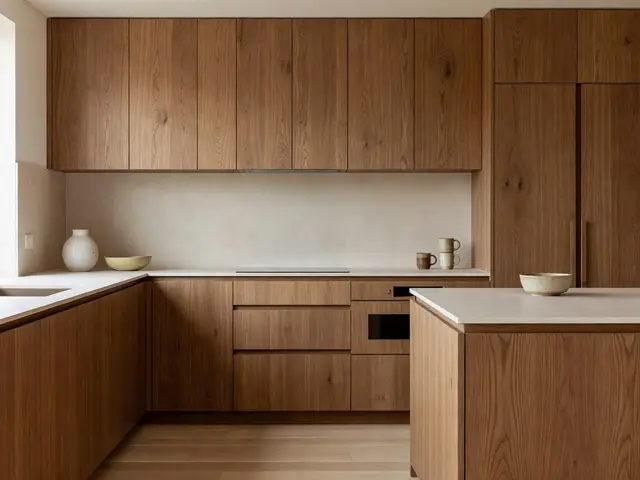
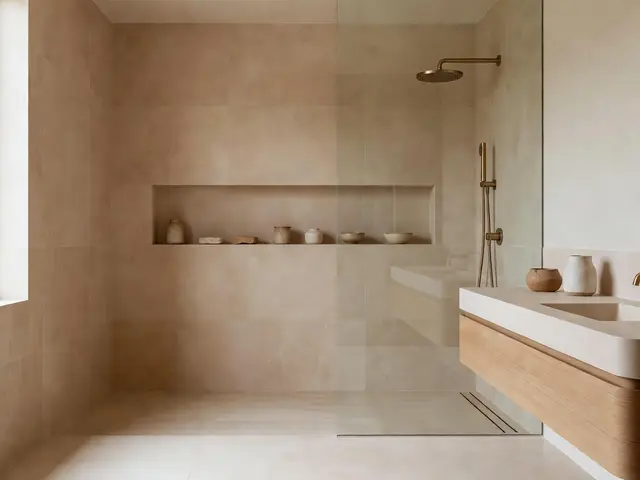
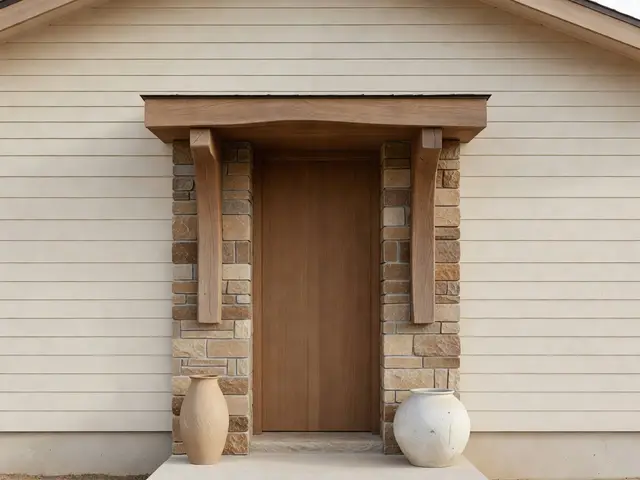
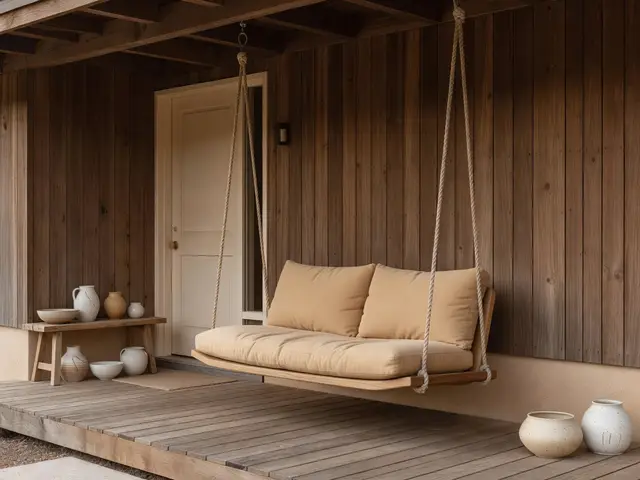
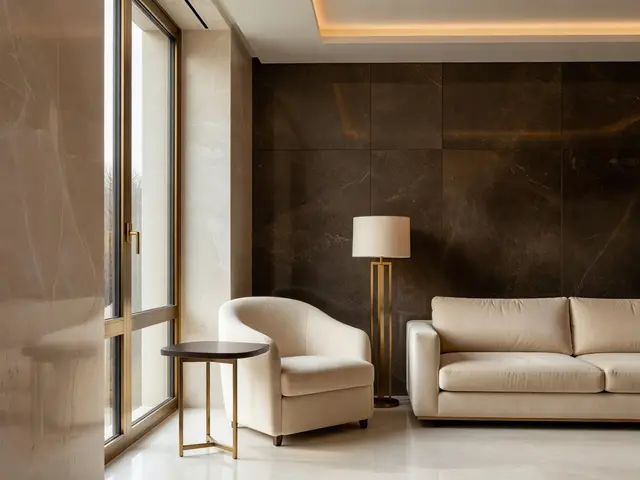
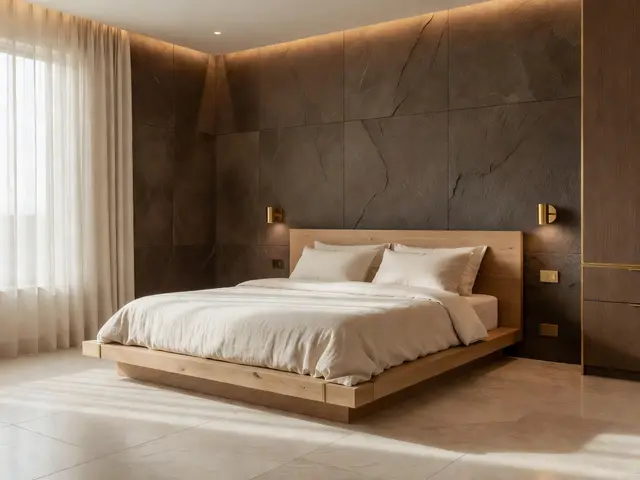
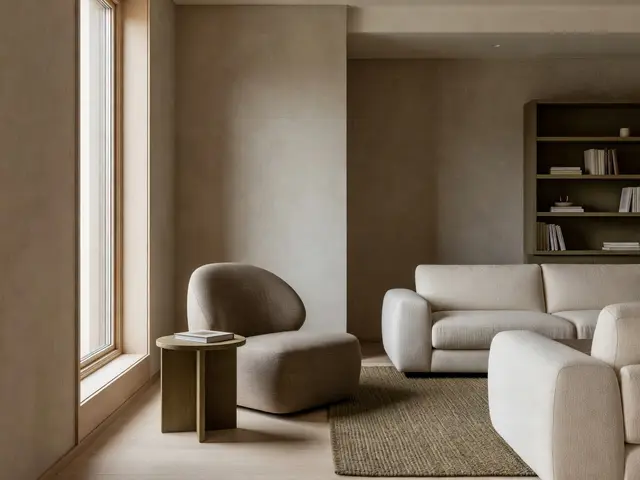
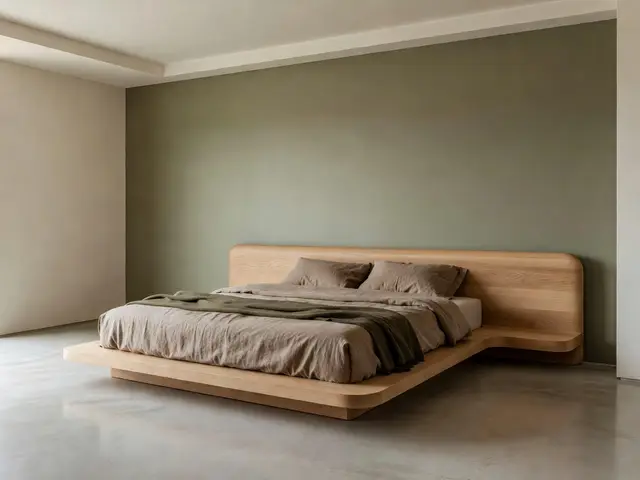
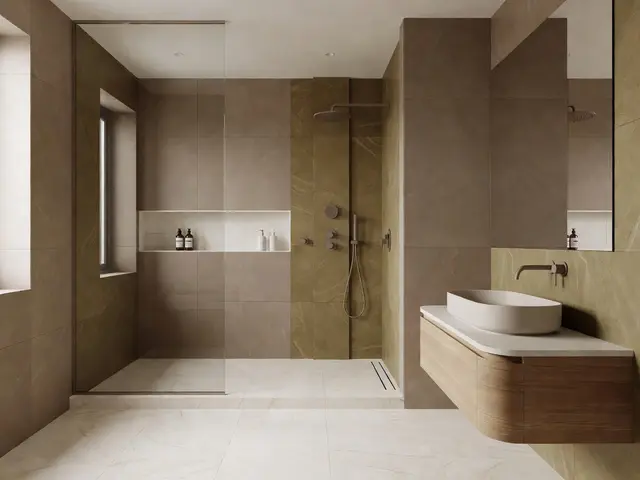
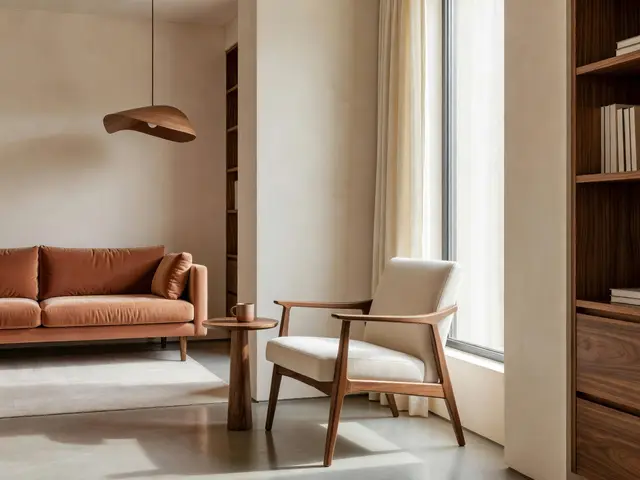
Mid-Century Modern / Living Room
Mid-Century Modern Living Room with Window Reading Nook
Design this look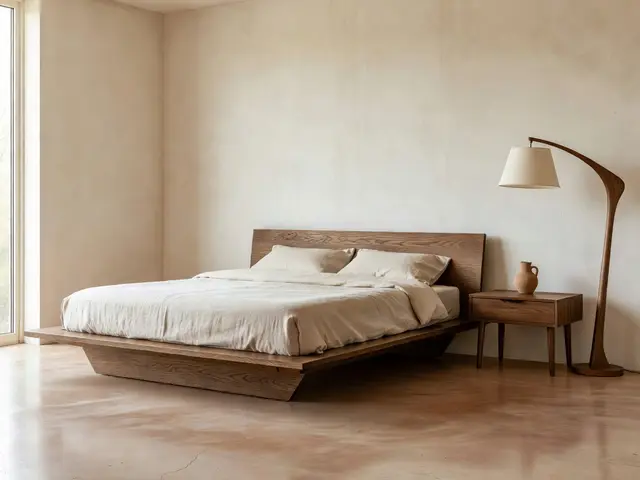
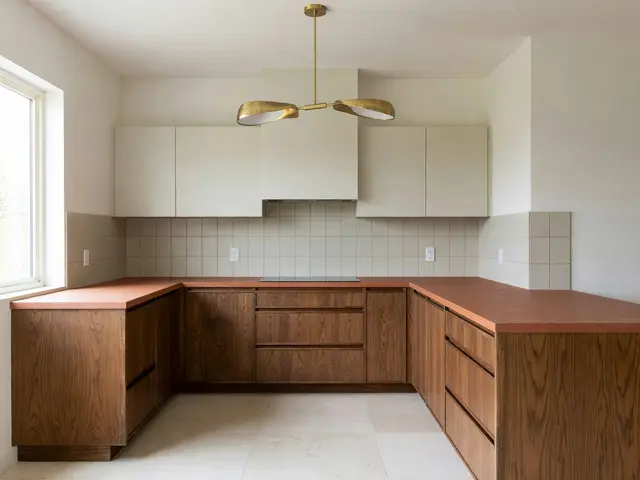
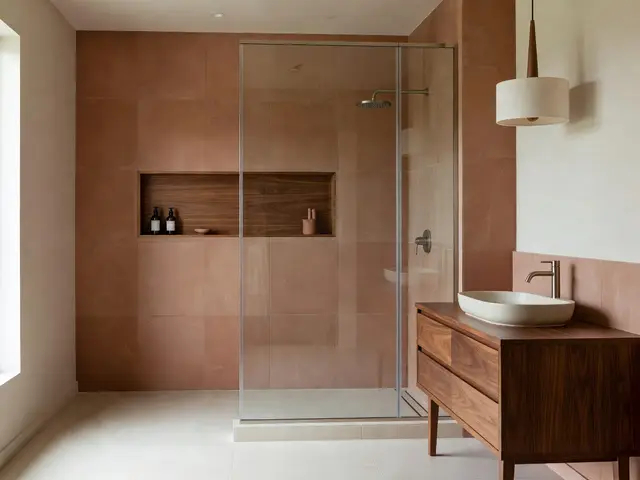
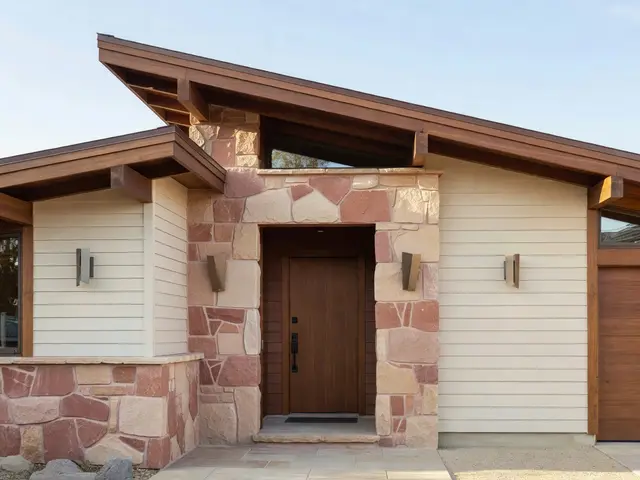
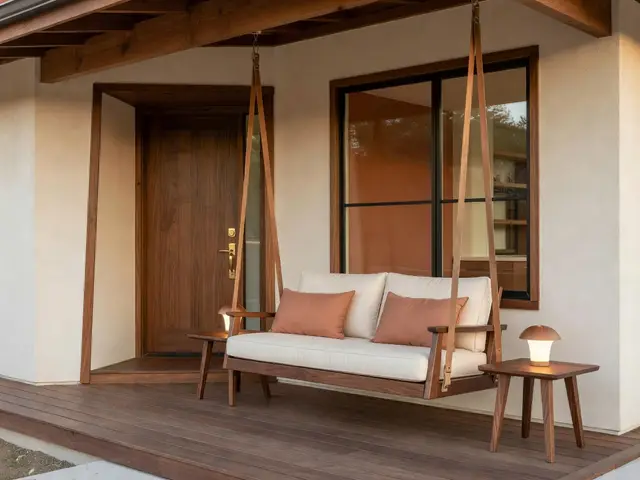
Showing 96 of 384 ideas. Pick a room above to see every design in that collection.
Find the detail that feels like you.
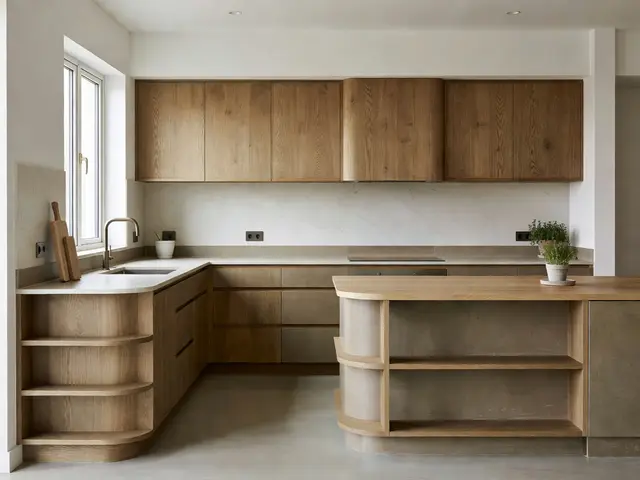
A useful inspiration library helps you notice what you like. Start with a room, then compare different ways to handle its focal point. A curved sofa changes the movement of a living room; a kitchen peninsula solves a different problem from a freestanding island. Save the concepts that fit how you actually use your home.
Read the notes on each design before choosing a direction. They explain a layout decision, materials to consider, and a practical check to make in your own space. Comparing these details is more useful than trying to copy every object in an image.
Modern and minimalist spaces often share clean lines, but minimalism places more emphasis on reducing visual clutter. Scandinavian and Japandi directions both use natural texture, while farmhouse brings more rustic detail. Compare those choices against your existing furniture and the light in your room.
From inspiration to your own room.
Choose a design, then select Design this look. HouseGPTs carries the concept into the studio as a reference. Upload your own photo so the AI has your room as its starting point. You can adjust the brief before generating; browsing an idea does not start a paid generation.
These images are AI-generated concepts. They are useful for exploring direction, but they cannot verify dimensions, product availability, structural feasibility, or exact paint colors. Bring the ideas you like to physical samples and measured plans before making purchasing decisions.
For a smaller change, try the AI paint designer to explore color, or the kitchen designer for cabinets and finishes. Keep the features you already enjoy and change the parts that are getting in the way of everyday life.
Your questions, answered
How can I use these home ideas in my own home?
Open a design and choose Design this look. The studio loads its design brief and preview. Premium image-reference engines also receive the inspiration image. Upload a photo of your own space, review the design direction, and generate a concept that adapts the look to your photo.
Are these photographs of completed projects?
These are AI-generated design concepts created for HouseGPTs. They illustrate materials, colors, and layouts; they are not photographs of completed construction or products offered for sale.
What should I check before recreating a home design?
Measure your space, check circulation and storage, and compare physical material samples in your lighting. Use a qualified professional for structural changes, wiring, plumbing, and local building requirements.
Can I browse and save ideas for free?
Browsing is free. The Save button stores your favorites in this browser, so they do not sync between devices. AI generation uses the allowance and credit pricing shown in the studio before you generate.