AI Room Designer: How to Redesign Any Room From a Photo
Article Contents
- What Is an AI Room Designer?
- How Does an AI Room Designer Work?
- 1. Upload a Photo of Your Room
- 2. Choose Your Design Style
- 3. Let AI Redesign the Room
- 4. Compare Different Ideas
- How to Redesign a Room From a Photo
- Step 1: Take a Clear Room Photo
- Step 2: Upload Your Image
- Step 3: Describe What You Want
- Step 4: Generate Your Design
- Step 5: Experiment
- Step 6: Use Your Favourite Concept as Inspiration
- What Can You Change With AI Room Design?
- Furniture
- Wall Colours
- Flooring
- Lighting
- Interior Styles
- AI Room Designer for Different Types of Rooms
- AI Living Room Designer
- AI Bedroom Designer
- AI Home Office Designer
- AI Dining Room Designer
- Why Use an AI Room Designer Before Renovating?
- Save Time
- Explore More Ideas
- Reduce Guesswork
- Plan Your Renovation
- Experiment Without Commitment
- AI Room Designer vs Traditional Interior Design
- Tips for Getting Better AI Room Designs
- Use a Clear Photo
- Keep the Room Visible
- Give Specific Instructions
- Try Multiple Styles
- Consider Your Real Needs
- Can AI Design a Room From a Photo?
- How HouseGPTs Can Help Redesign Your Room
- Final Thoughts
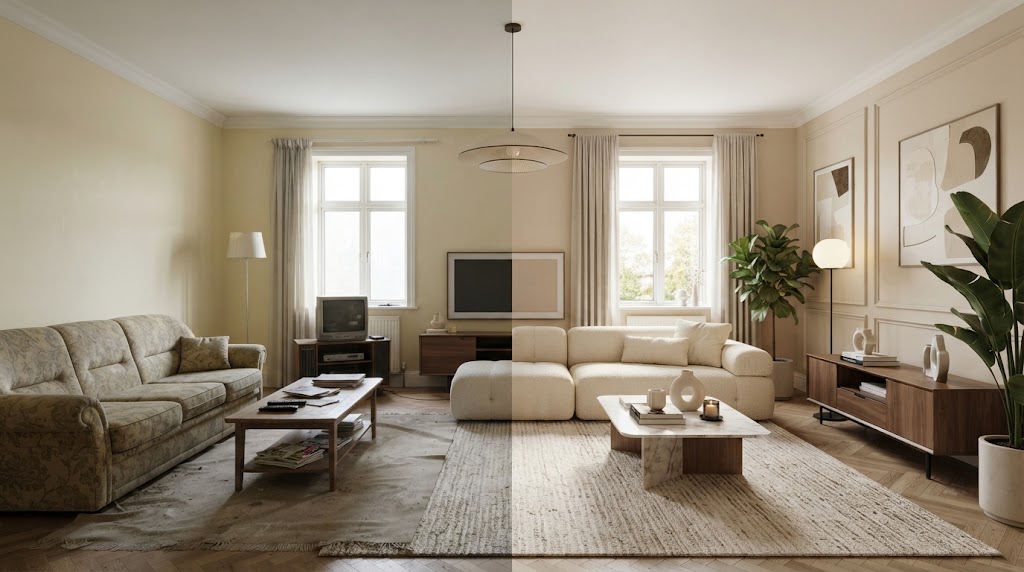
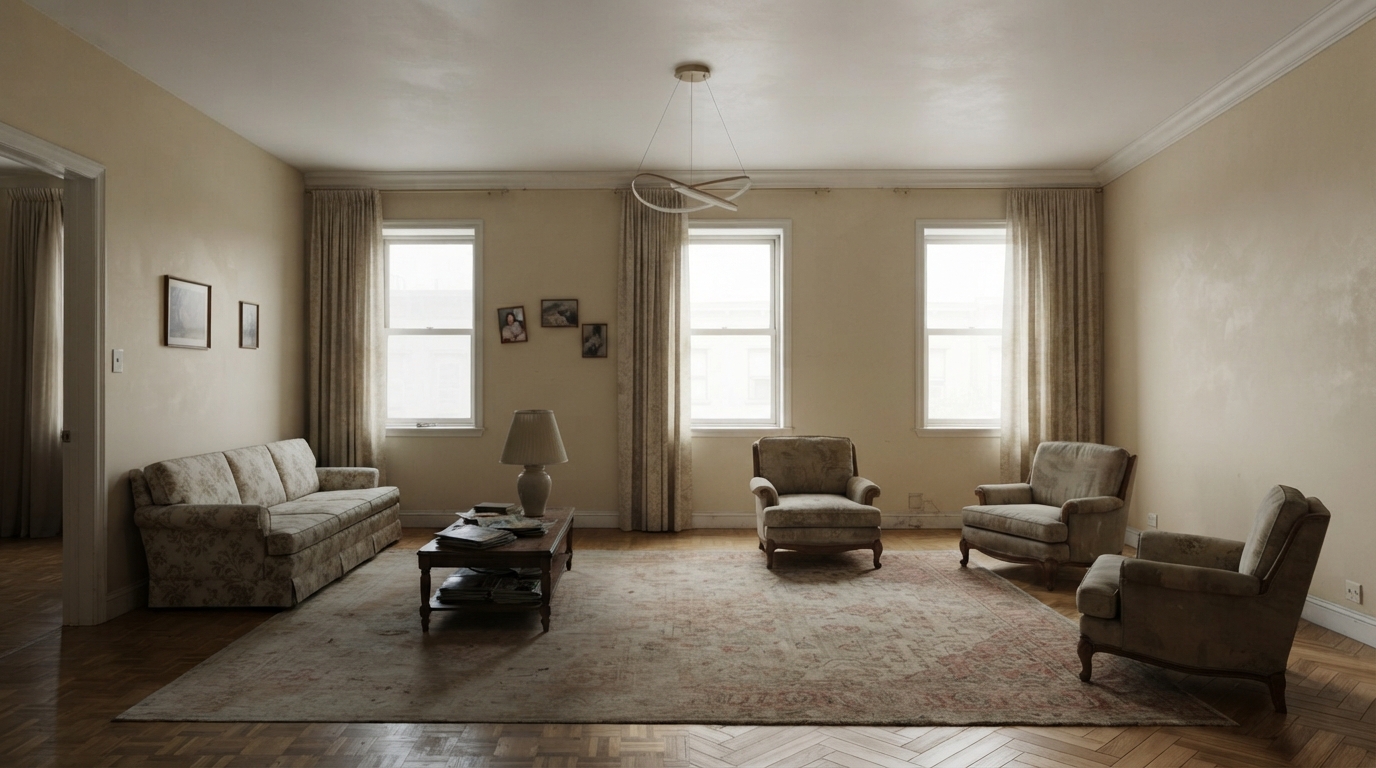
The Challenge: Before
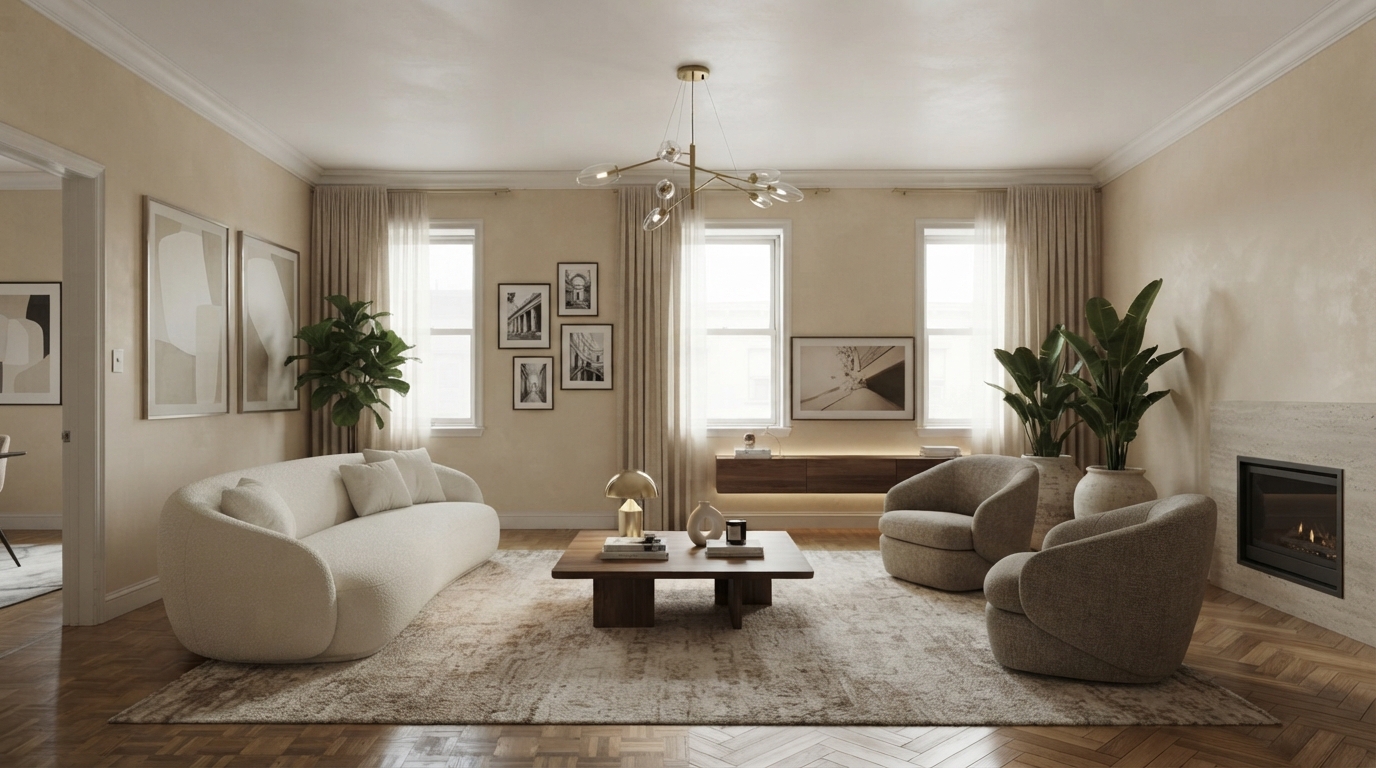
The Transformation: After (AI Generated)
AI Room Designer: How to Redesign Any Room From a Photo
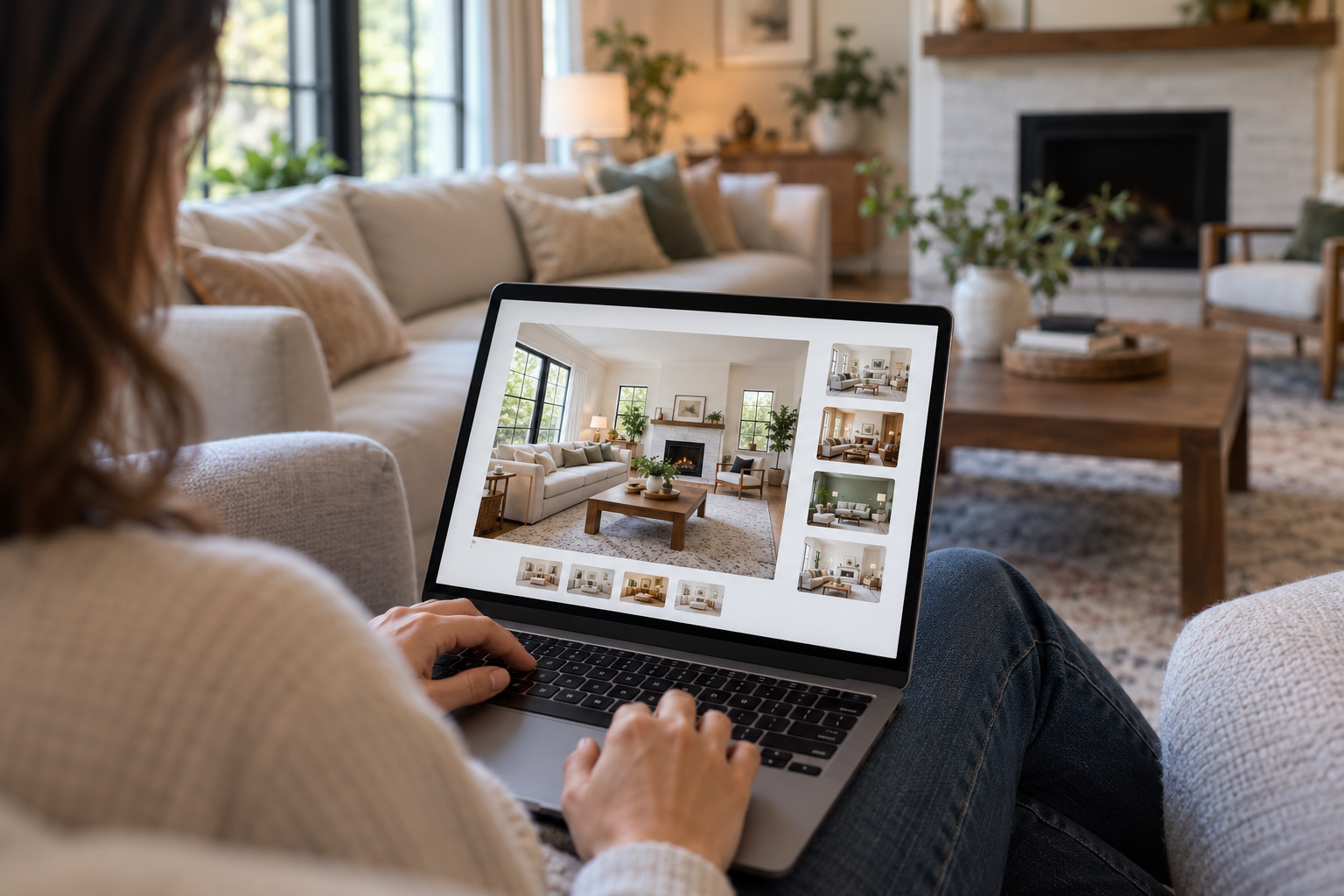
Redesigning a room used to mean hiring an interior designer, creating sketches, searching through furniture catalogues, and trying to imagine how everything would look together. An AI room designer completely changes that process.
With an AI-powered room design tool, you can upload a photo of your existing space and generate realistic design ideas in seconds. You can experiment with furniture, colours, layouts, lighting, materials, and interior styles before spending money on renovations.
Whether you want to refresh a living room, bedroom, home office, dining room, or another space, AI can help you visualise how your room could look.
In this guide, you'll learn how an AI room designer works, how to redesign a room from a photo, what you can change, and how to use AI to plan a more attractive and functional space.
What Is an AI Room Designer?
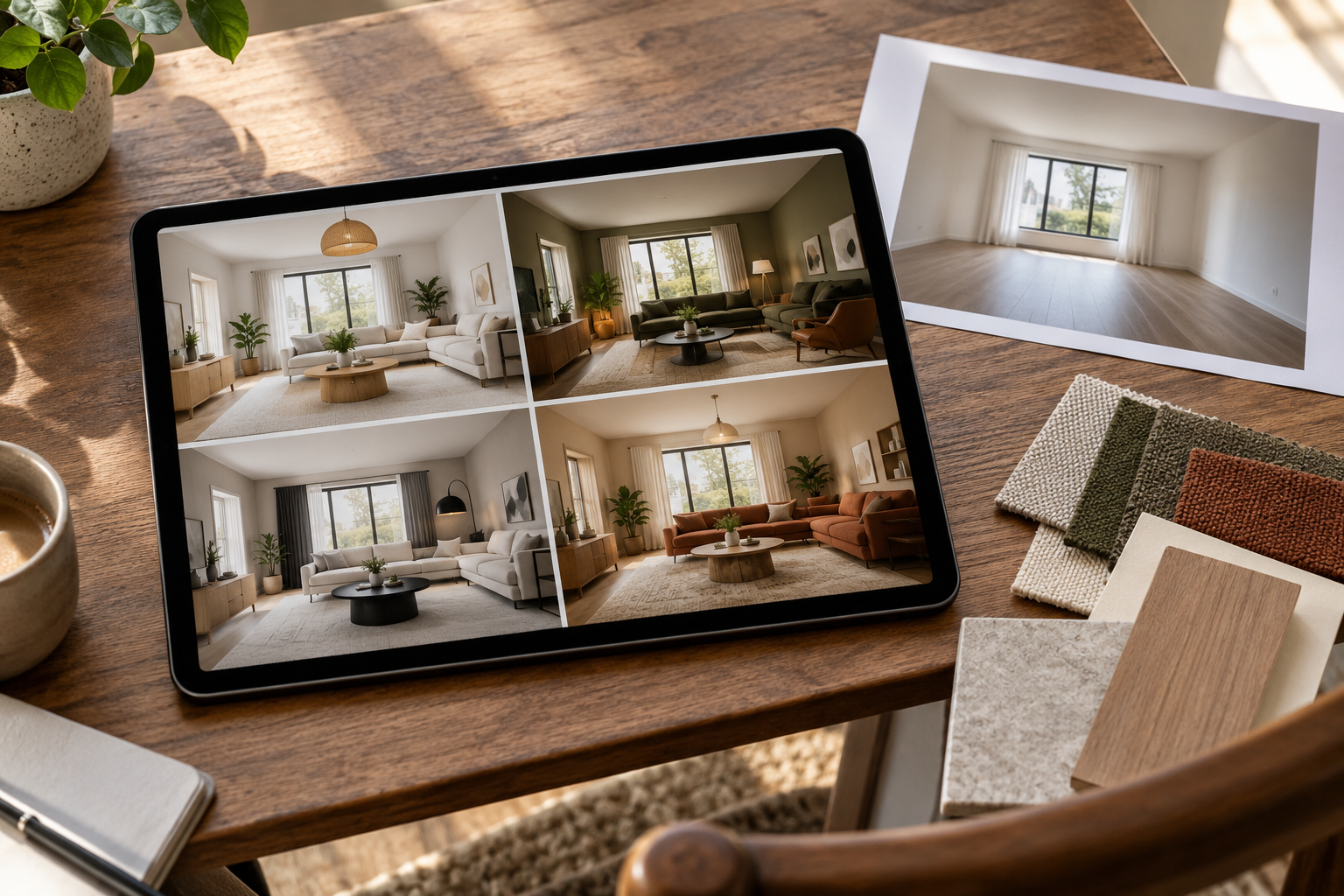
An AI room designer is an artificial intelligence-powered tool that helps you redesign an existing room digitally.
Instead of starting with a blank canvas, you can upload a photograph of your room. The AI analyses the visible space and generates a new design based on your instructions, preferences, and selected interior style.
Depending on the tool, you may be able to visualise:
New furniture
Different wall colours
Flooring
Lighting
Curtains and rugs
Decorative accessories
Room layouts
Interior design styles
Cabinetry and storage
Artwork
Architectural details
This makes AI room design particularly useful when you want to see a potential makeover before making real-world changes.
How Does an AI Room Designer Work?
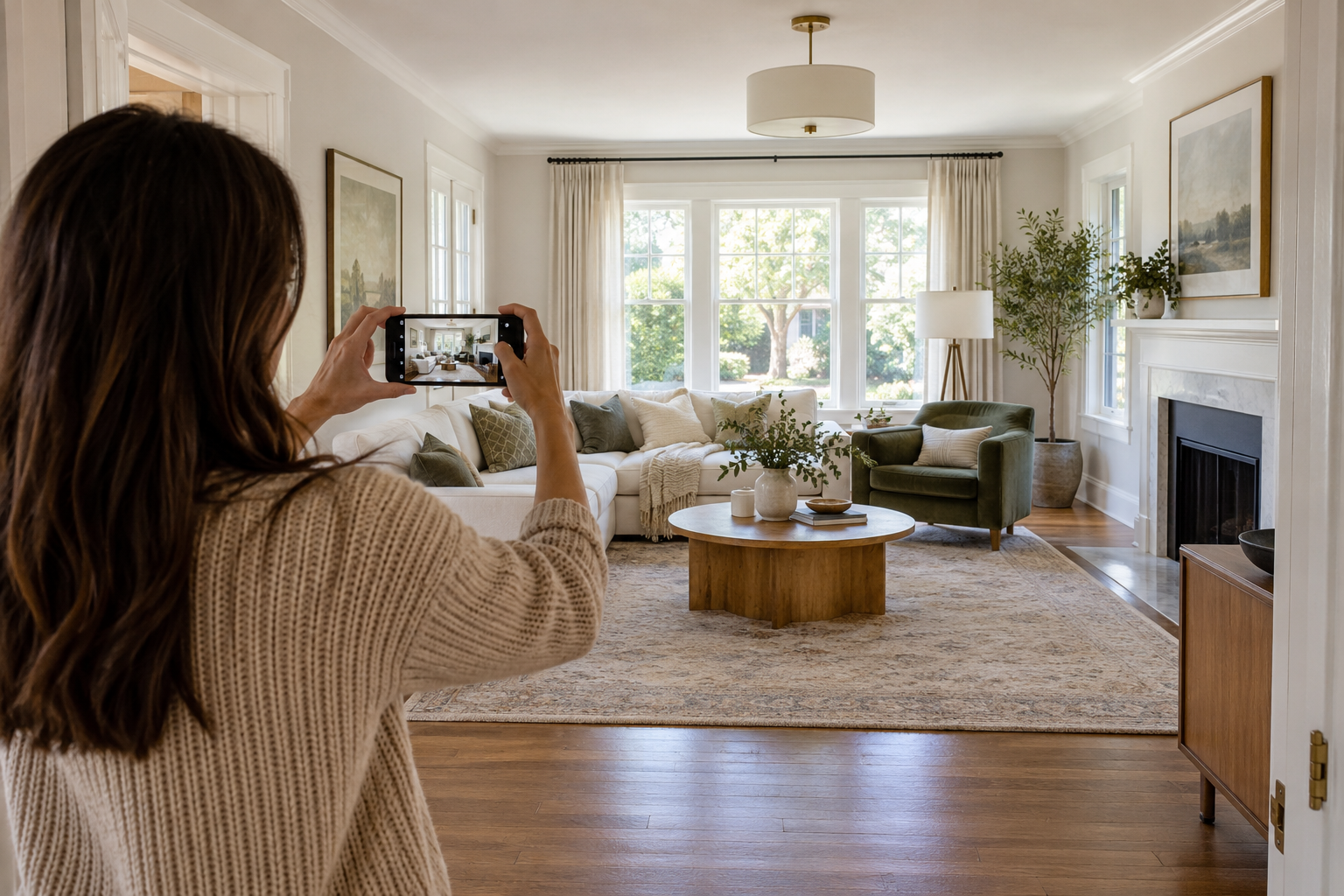
Most AI room design tools follow a simple process.
1. Upload a Photo of Your Room
Start by taking a clear photograph of the room you want to redesign.
For the best results, take the photo during good lighting conditions and make sure most of the room is visible.
A useful photo should show:
Walls
Floor
Windows
Doors
Existing furniture
Available space
You don't necessarily need a professional photograph. A clear smartphone picture can be enough to begin exploring design ideas.
2. Choose Your Design Style
Next, choose the look you want to create.
Popular interior styles include:
Modern
Contemporary
Minimalist
Scandinavian
Japandi
Industrial
Mid-century modern
Traditional
Bohemian
Luxury
Rustic
Farmhouse
You can also describe the atmosphere you're looking for, such as warm, cosy, elegant, bright, sophisticated, or family-friendly.
3. Let AI Redesign the Room
The AI processes the image and creates a redesigned version of the space.
Instead of imagining the result from a written description, you can see a visual representation of the proposed design.
This is one of the biggest advantages of using an AI room design tool.
4. Compare Different Ideas
Don't stop at your first design.
Generate several versions using different:
Colours
Furniture
Layouts
Materials
Styles
Lighting
Decorative elements
Comparing multiple concepts makes it easier to decide which direction works best for your room.
How to Redesign a Room From a Photo
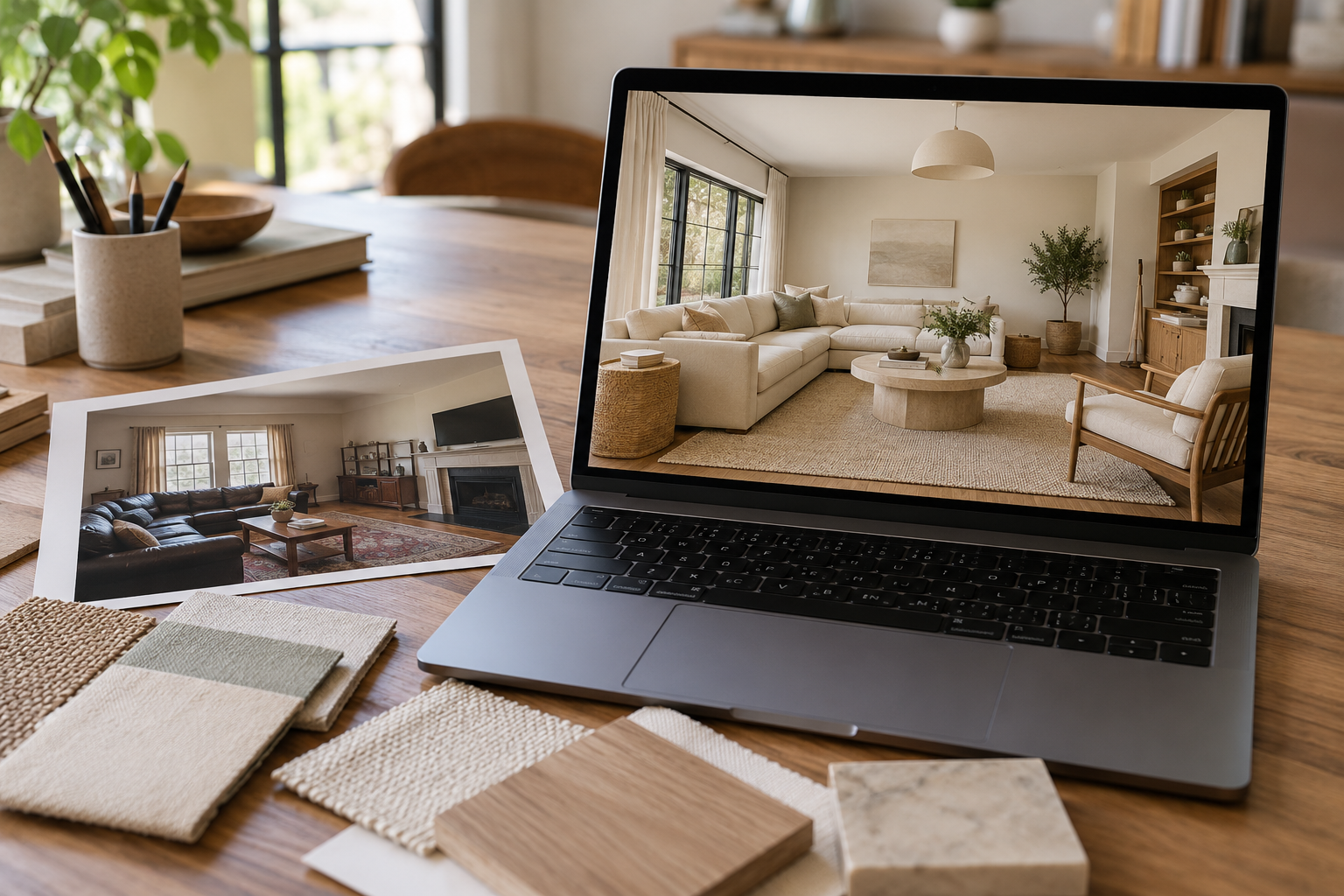
If you're wondering how to redesign a room from a photo, the process can be surprisingly simple.
Step 1: Take a Clear Room Photo
Remove unnecessary clutter where possible and take a photo from an angle that shows as much of the room as possible.
Step 2: Upload Your Image
Upload the photo to an AI room designer such as HouseGPTs.
Step 3: Describe What You Want
Be specific about the changes you want.
For example:
Redesign this living room in a modern minimalist style. Keep the existing windows and flooring. Add a comfortable beige sofa, a wooden coffee table, warm lighting, a large rug and simple wall artwork.
Specific instructions can help you explore a more targeted design concept.
Step 4: Generate Your Design
Let the AI create a redesigned version of your room.
Step 5: Experiment
Try another style or colour scheme. You could create a modern version first, followed by Scandinavian, Japandi, luxury, or industrial designs.
Step 6: Use Your Favourite Concept as Inspiration
Once you find a design you like, use it as inspiration when choosing furniture, paint, flooring, lighting, and accessories.
What Can You Change With AI Room Design?
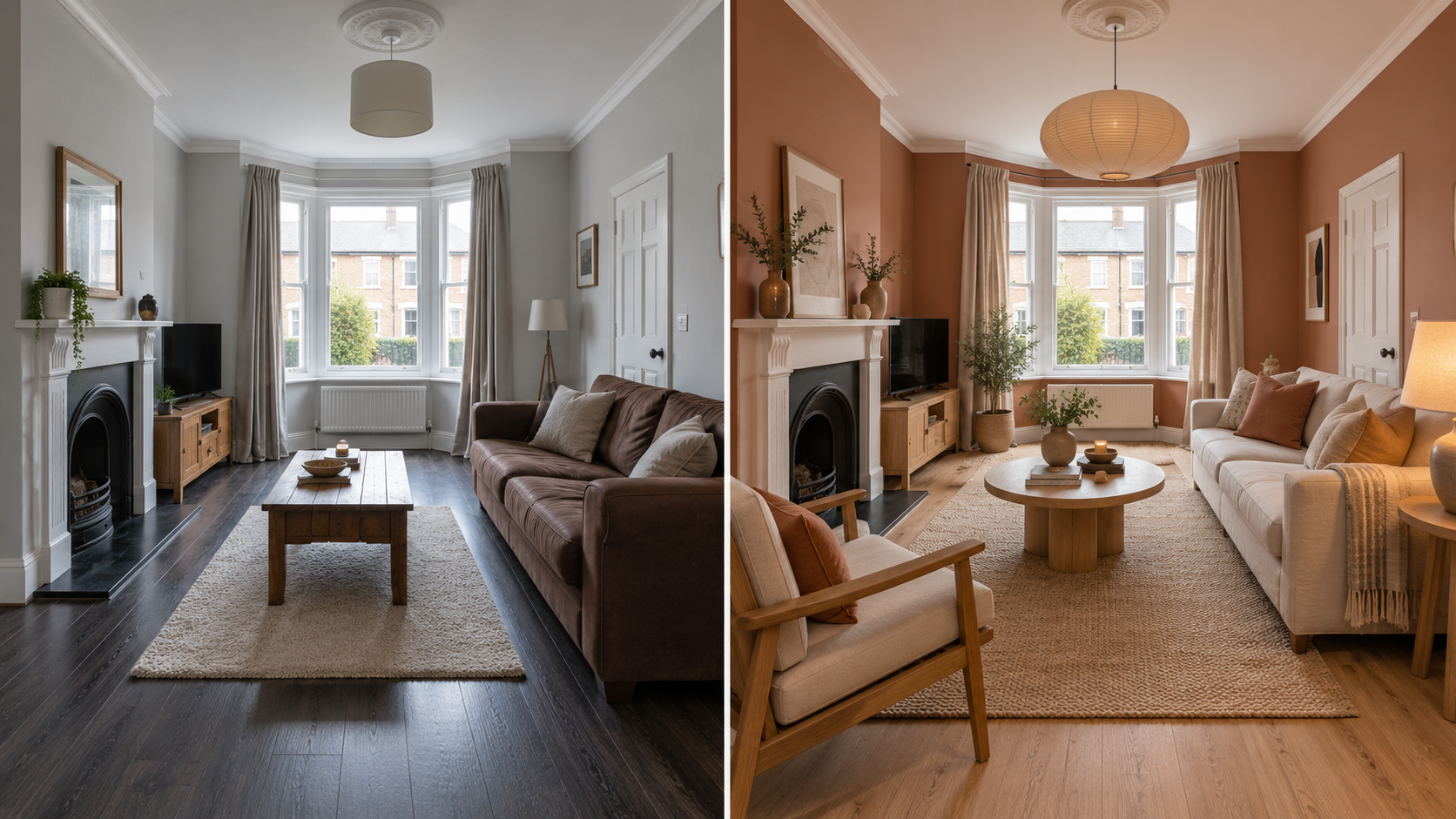
One reason AI room design has become popular is the number of design possibilities it can help you explore.
Furniture
You can experiment with different furniture arrangements and styles.
For example:
Sofas
Armchairs
Coffee tables
Beds
Dining tables
Desks
Shelving
Storage units
Instead of buying furniture first and hoping it works, you can visualise different concepts beforehand.
Wall Colours
Colour can dramatically change how a room feels.
An AI room designer can help you explore:
Neutral colours
Warm colours
Cool colours
Earth tones
Dark accent walls
Light and airy palettes
Bold colours
You can compare several options without physically painting the room.
Flooring
Flooring has a major impact on the overall appearance of a space.
You can explore ideas involving:
Hardwood
Engineered wood
Laminate
Tiles
Stone
Carpets
Different floor colours
Lighting
Lighting can make a room feel warmer, brighter, larger, or more sophisticated.
Consider experimenting with:
Pendant lights
Floor lamps
Table lamps
Recessed lighting
Wall lights
Warm lighting
Natural-light-focused designs
Interior Styles
Not sure which style suits your home?
Generate multiple versions and compare them.
For example, you could see how the same room looks in:
Modern vs Scandinavian vs Japandi vs Industrial
This makes it easier to identify the style you prefer.
AI Room Designer for Different Types of Rooms
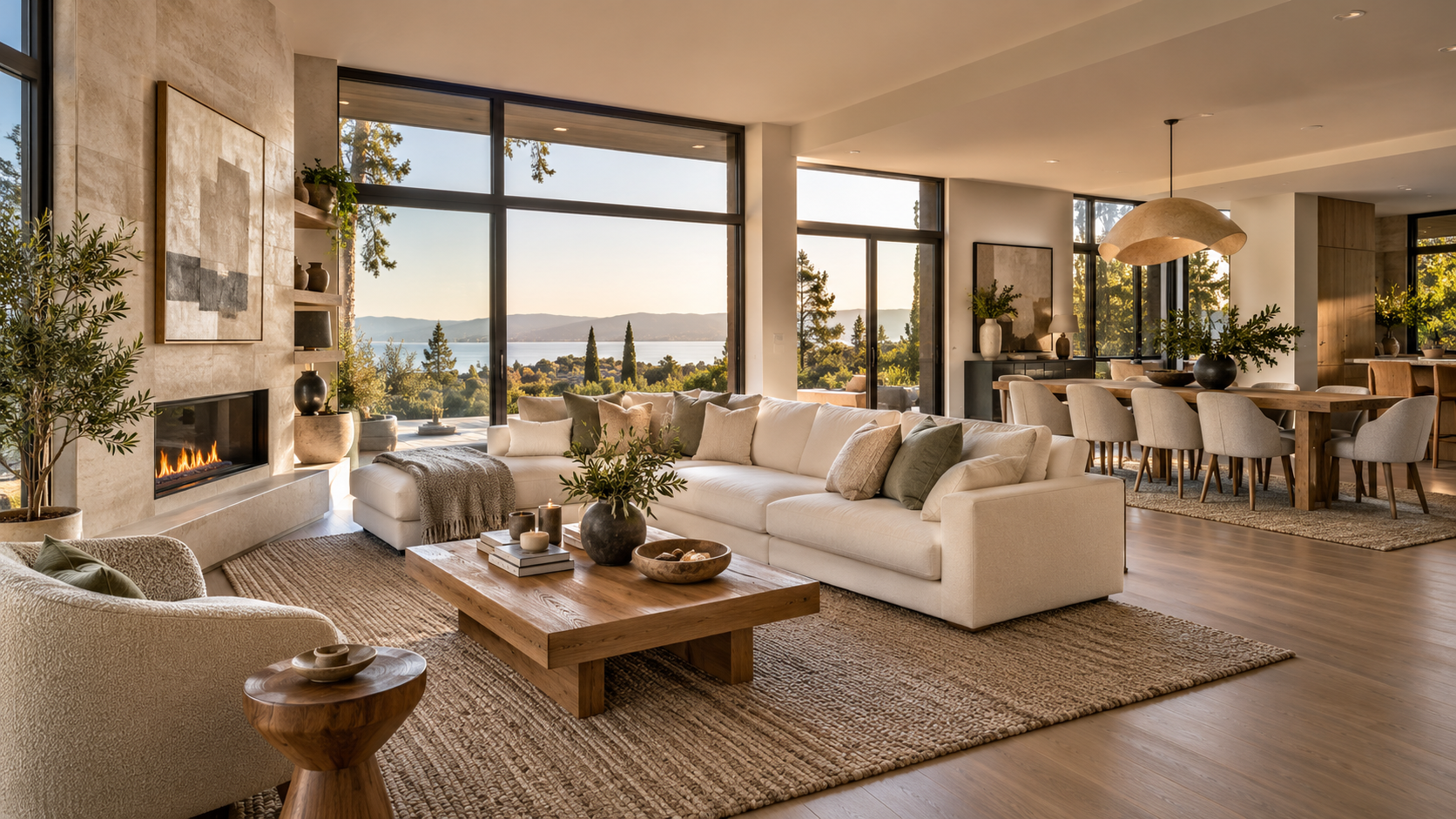
AI isn't limited to one type of space.
AI Living Room Designer
A living room is often the centre of a home, making furniture placement particularly important.
Use AI to explore:
Sofa arrangements
Coffee tables
Rugs
TV units
Accent walls
Lighting
Decorative accessories
AI Bedroom Designer
Create a more relaxing bedroom by experimenting with:
Bed placement
Bed frames
Bedside tables
Wardrobes
Colours
Lighting
Textiles
Wall decorations
AI Home Office Designer
Working from home requires a space that is both comfortable and practical.
AI can help you visualise:
Desk placement
Office chairs
Shelving
Storage
Lighting
Minimalist layouts
Background walls for video calls
AI Dining Room Designer
You can experiment with dining tables, chairs, lighting, rugs, wall colours, and decorative features to create a cohesive dining space.
Why Use an AI Room Designer Before Renovating?
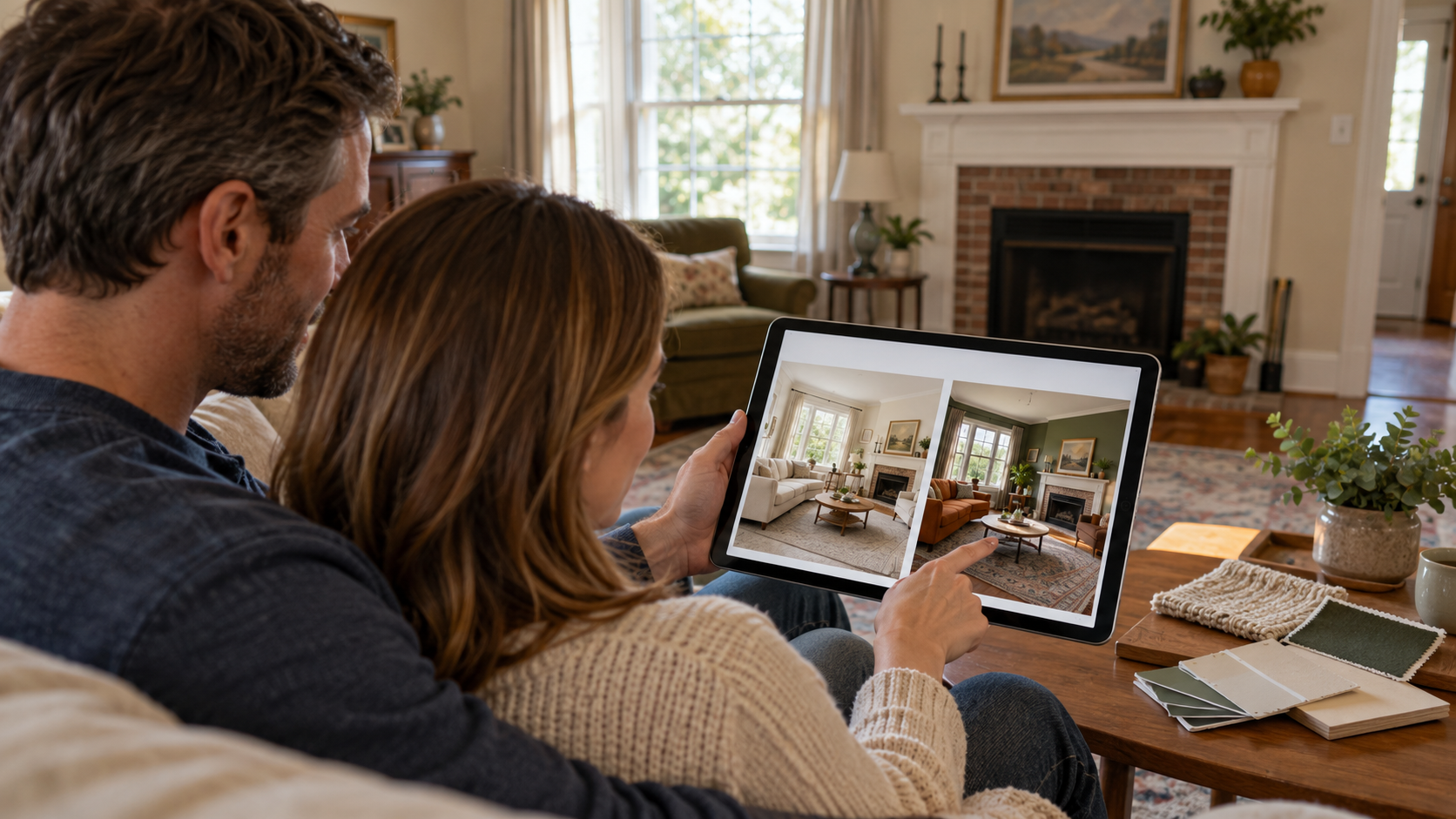
One of the biggest benefits of AI room design is visualisation.
You may have an idea in your head, but it can be difficult to know whether the final result will actually look good.
AI allows you to explore concepts before committing to them.
Save Time
Traditional design planning can involve researching furniture, collecting inspiration, creating mood boards, and working through multiple concepts.
AI can help you explore initial ideas much faster.
Explore More Ideas
Instead of settling on your first idea, you can compare multiple designs.
Reduce Guesswork
Seeing a visual concept can make decisions about colours, furniture, and styles easier.
Plan Your Renovation
AI-generated designs can serve as inspiration when discussing your project with an interior designer, contractor, painter, or furniture supplier.
Experiment Without Commitment
You can try bold colours, different furniture styles, and completely different room aesthetics without physically changing anything.
AI Room Designer vs Traditional Interior Design
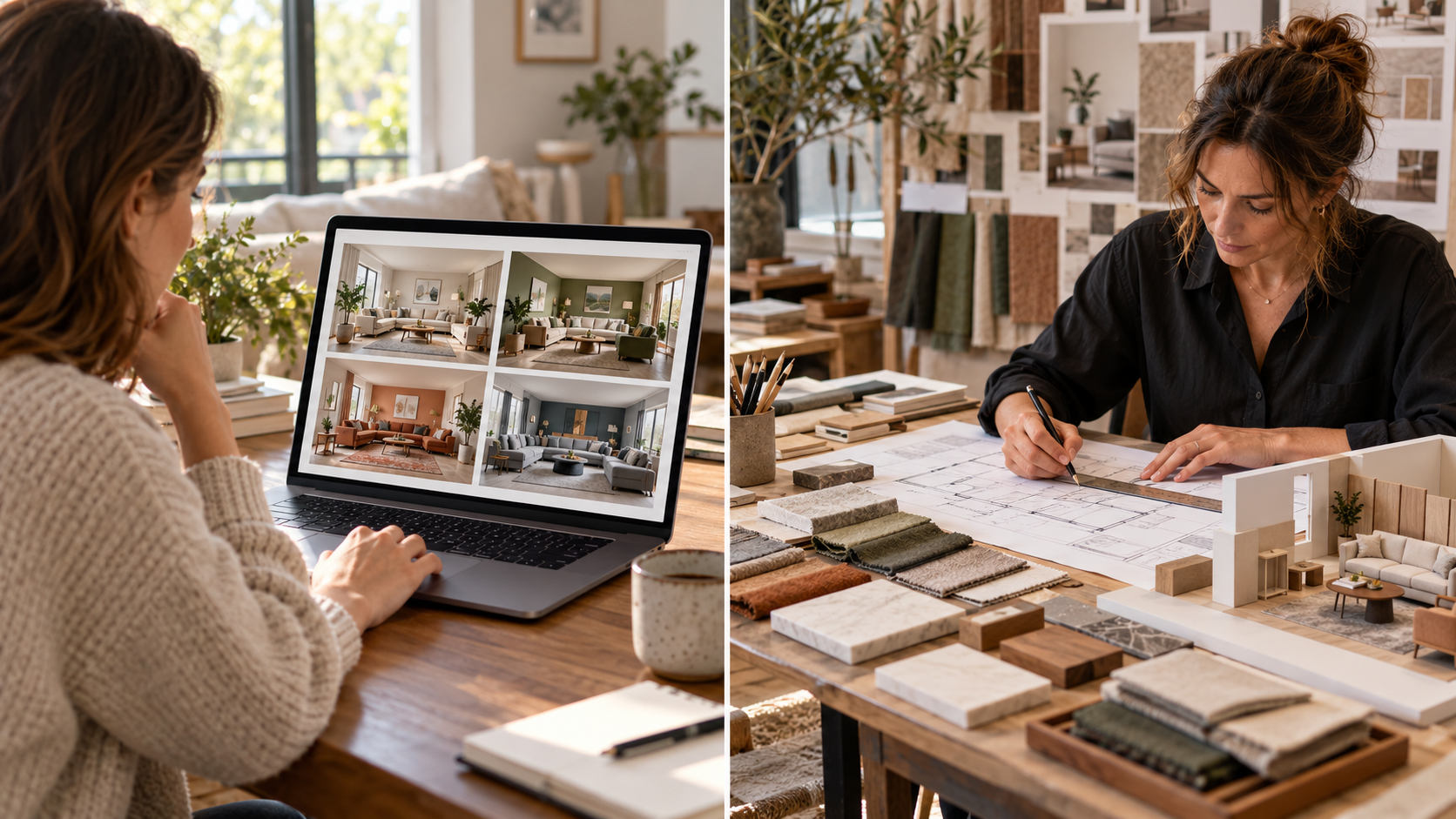
AI doesn't necessarily replace professional interior designers.
Instead, it can be a useful planning and visualisation tool.
AI Room Designer | Traditional Interior Designer |
|---|---|
Fast concept generation | Detailed professional planning |
Easy to experiment with styles | Personalised expert recommendations |
Useful for visualisation | Can manage complex projects |
Good for inspiration | Can work with contractors |
Easy to compare ideas | Can address technical requirements |
Often accessible online | Usually requires professional consultation |
For a simple room makeover, an AI tool may provide plenty of inspiration. For structural changes, electrical work, plumbing, building regulations, or major renovations, professional advice may still be necessary.
Tips for Getting Better AI Room Designs
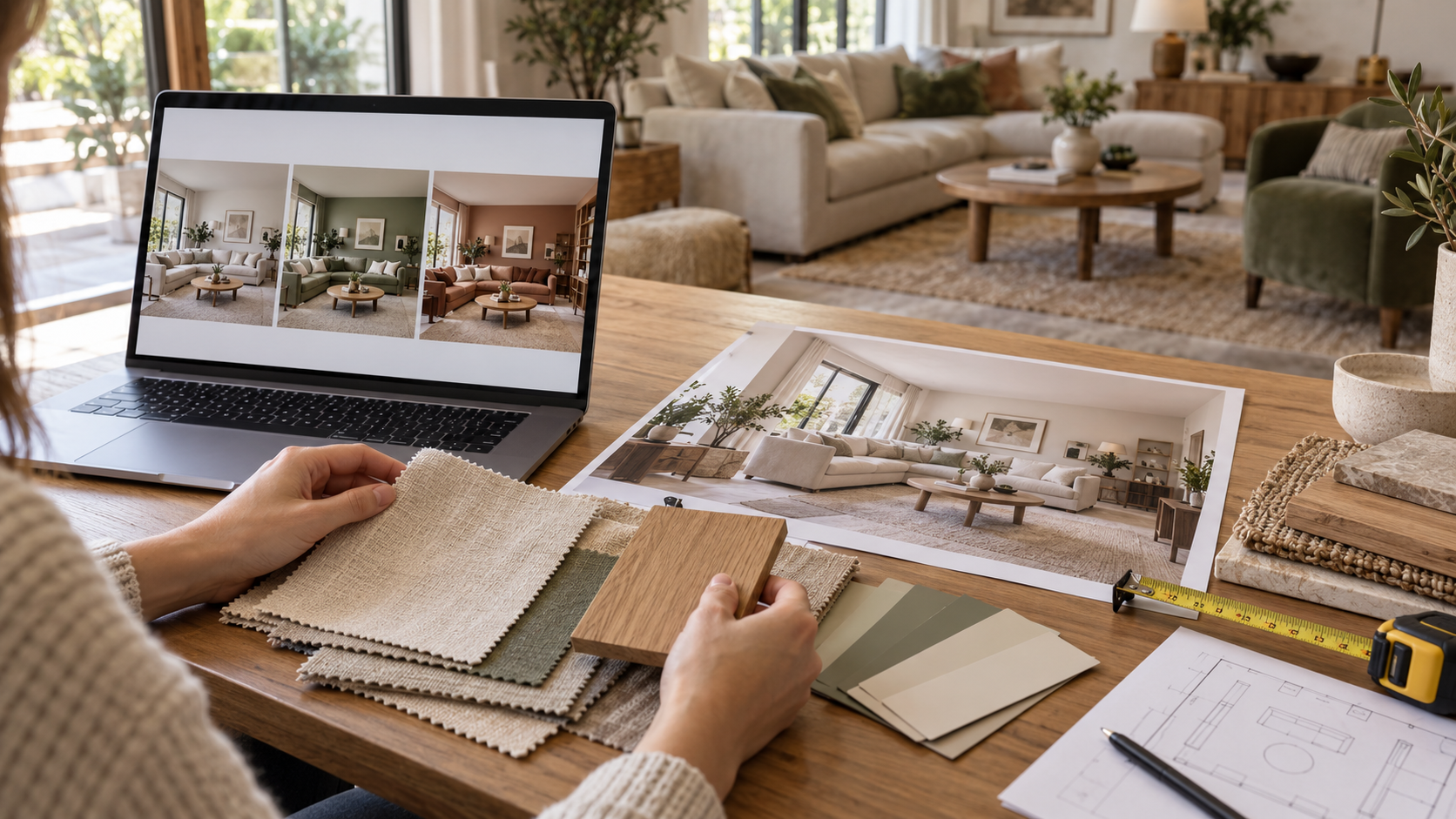
The quality of your starting image and instructions can affect the usefulness of your results.
Use a Clear Photo
Avoid extremely dark, blurry, or heavily obstructed images.
Keep the Room Visible
Try to capture the walls, floor, windows, and major furniture.
Give Specific Instructions
Instead of:
Make my room nice.
Try:
Create a warm modern living room with a beige sofa, natural wood furniture, soft lighting, neutral walls and a large textured rug.
Try Multiple Styles
You may be surprised by which style works best with your existing space.
Consider Your Real Needs
A beautiful room still needs to be practical.
Think about:
Storage
Walking space
Furniture size
Natural light
Family use
Maintenance
Budget
Can AI Design a Room From a Photo?
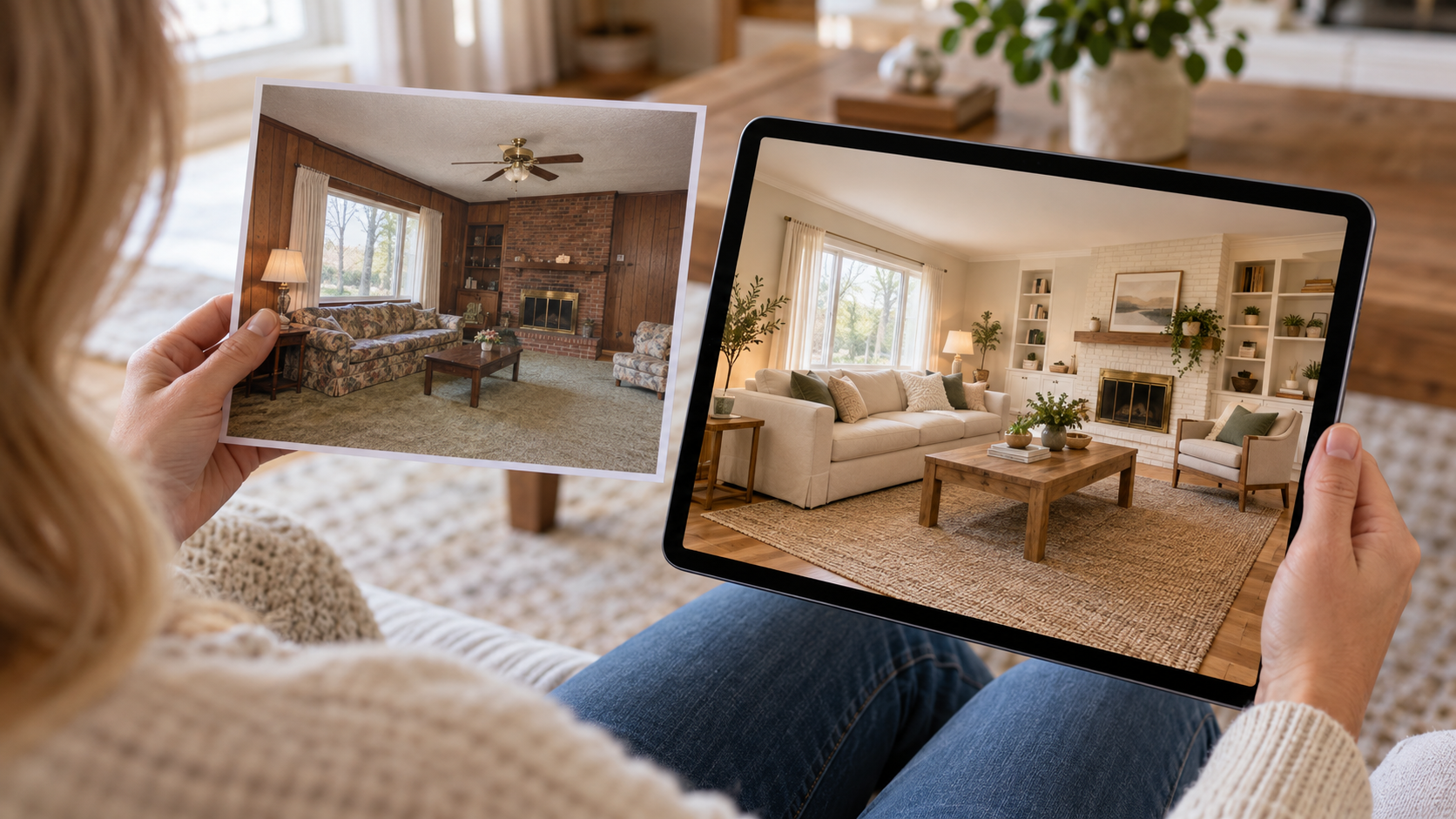
Yes. AI room design tools can analyse a room photograph and generate visual redesign concepts based on selected styles and instructions.
However, an AI-generated image should be treated as a design visualisation, not an exact architectural or construction plan.
Furniture dimensions, structural limitations, electrical requirements, plumbing, and other technical considerations should be checked separately before beginning construction or renovation work.
How HouseGPTs Can Help Redesign Your Room
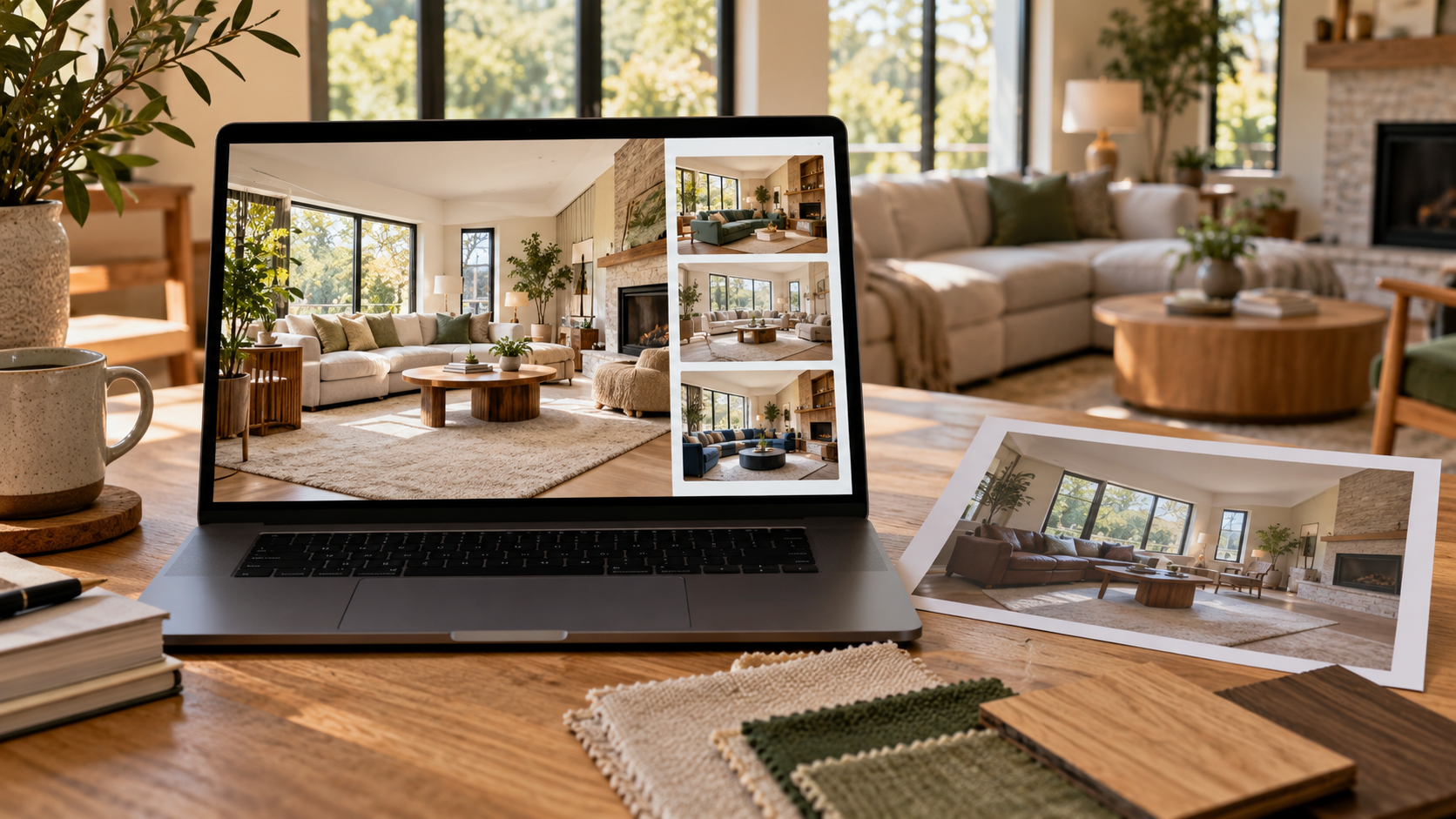
HouseGPTs makes it possible to explore AI-powered home design concepts without starting from a blank page.
You can use an AI room design workflow to transform a photograph of your existing space into a new visual concept and experiment with different interior styles and design directions.
For example, you can explore ideas for a:
Living room
Bedroom
Home office
Dining room
Small room
Open-plan space
You can also combine room redesign with other home visualisation tools, such as AI interior design, AI furniture design, AI paint visualisation, and AI floor plan design.
Final Thoughts
An AI room designer makes it easier to turn a simple room photograph into a visual design concept. Instead of relying entirely on imagination, you can experiment with furniture, colours, layouts, lighting, and interior styles before making real changes.
Whether you're planning a small room makeover or a complete home renovation, AI can help you explore possibilities quickly and make more informed design decisions.
Have a room you'd like to transform? Upload a photo to HouseGPTs and start exploring your next room design with AI.
Try the AI Room Designer — Upload Your Room Photo and Redesign It in Seconds
Ready for Your Own AI Redesign?
Start Designing with AI →FAQs about AI Room Designer: How to Redesign Any Room From a Photo
Everything you need to know
What is the best AI room designer?
The best AI room designer depends on what you need. Look for a tool that allows you to upload an existing room photo, select different design styles, generate realistic results, and experiment with furniture, colours, and layouts.
Can AI redesign my room from a photo?
Yes. AI room design tools can use a photograph of an existing room to generate redesigned visual concepts based on your selected preferences.
Is there a free AI room designer?
Some AI room design platforms offer free designs or limited free usage. Check the individual platform's current pricing and free-use options before starting.
Can AI design my living room?
Yes. AI can help you explore living room layouts, furniture styles, colours, lighting, rugs, wall decorations, and other design elements.
Can I use AI to redesign my bedroom?
Yes. An AI bedroom designer can help you visualise different bed styles, furniture arrangements, colours, lighting, storage solutions, and interior styles.
Can AI choose a colour scheme for my room?
AI can generate room concepts using different colour palettes. You can experiment with neutral, warm, cool, bold, or complementary colour schemes before painting
Is an AI-generated room design accurate?
AI designs are best used for visual inspiration and concept development. They should not be treated as precise architectural drawings or measurements.