11 Top AI Home Designer Ideas for 2026 (Tools, Tips & FAQs)
Article Contents
- 1. Redesign a Room From a Single Photo
- 2. Lock the Architecture, Change the Décor
- 3. Plan From an Actual Floor Plan
- 4. Design the Whole House, Not Just One Room
- 5. Redesign the Exterior and Curb Appeal
- 6. Visualize a Kitchen or Bath Remodel Down to the Finish
- 7. Shop the Actual Furniture in Your Render
- 8. Stage a Property for Real Estate Listings
- 9. Batch-Process an Entire House at Once
- 10. Get a Second Opinion From Multiple Tools
- 11. Start Free Before You Commit
- A Few Things to Keep in Mind
11 Top AI Home Designer Ideas for 2026
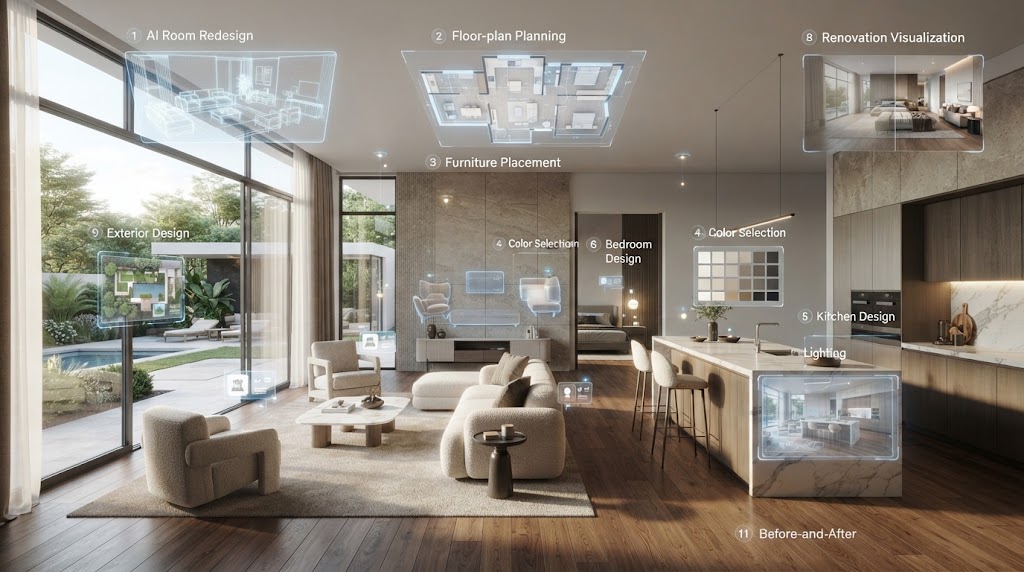
AI Home Designer Ideas are changing the way homeowners plan, redesign, and visualize their spaces. Today’s best AI home design tools go far beyond generating pretty pictures—they can work with real floor plans, preserve your home’s existing architecture, suggest practical layouts, and even help you visualize furniture and décor before making a purchase. In this guide, we’ll explore 11 AI Home Designer Ideas that show how to use AI interior design for everything from quick room makeovers to complete renovation planning, plus answers to the questions people commonly search for about AI home design.
1. Redesign a Room From a Single Photo
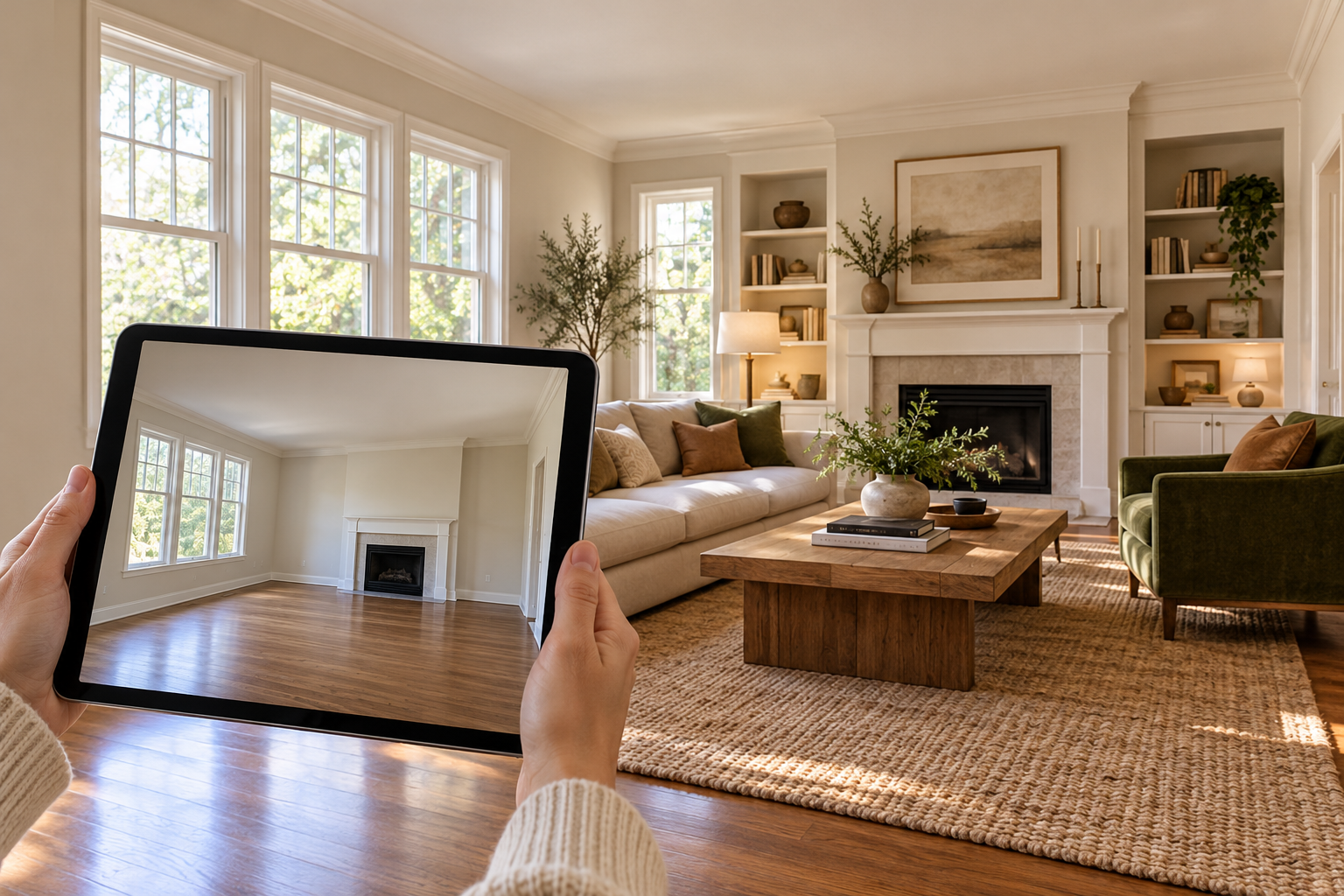
The fastest way to get started with AI room design is uploading one photo and letting an AI tool generate a redesigned version in a new style. Tools like RoomGPT and HomeDesigns AI specialize in this, turning around photorealistic redesigns in under 30 seconds across dozens of style options — mid-century modern, Scandinavian, industrial, and more.
Best for: Quick inspiration before committing to anything.
Related Article: Best AI Room Designer Tools for Home Makeovers
2. Lock the Architecture, Change the Décor
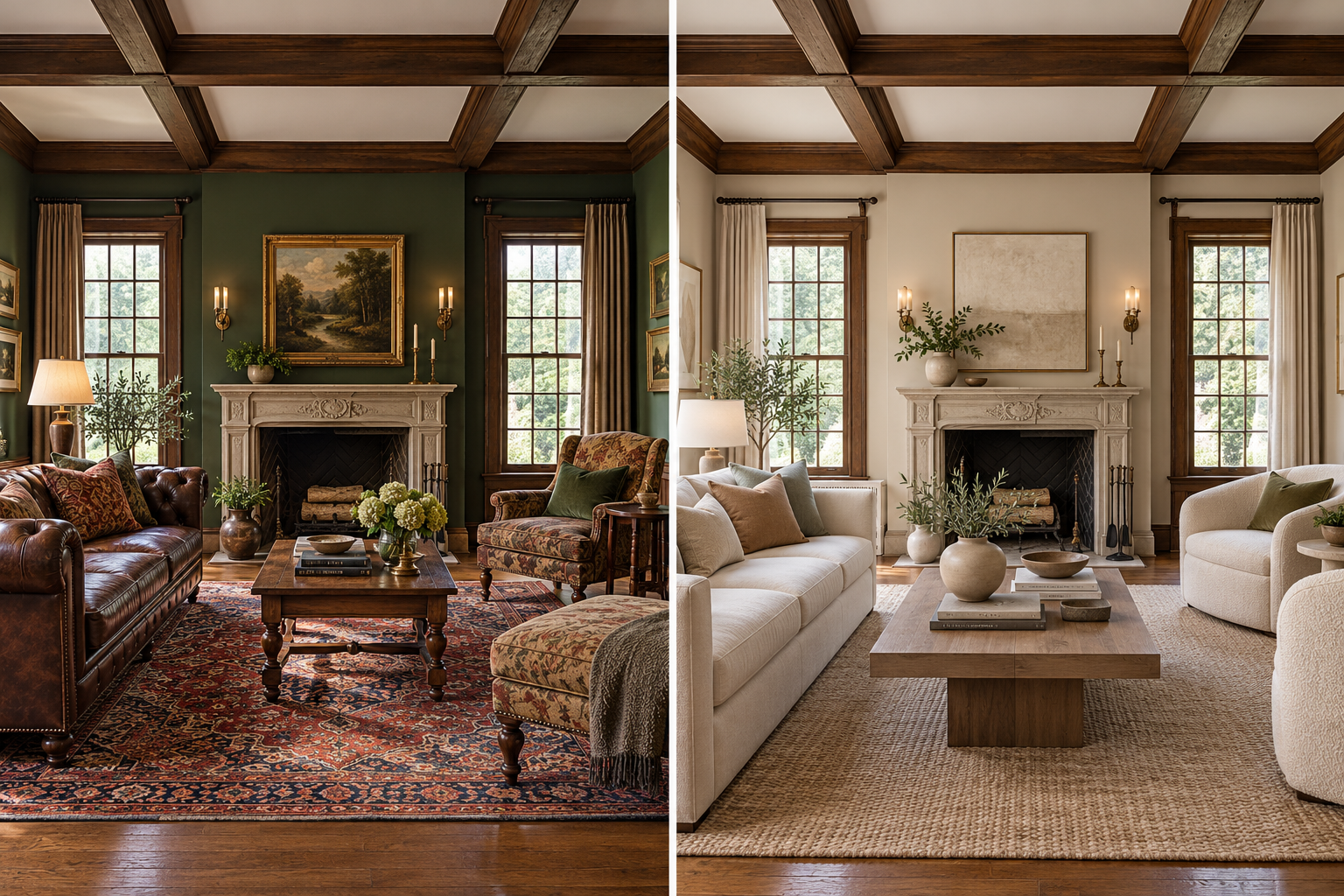
If your home has features worth keeping — original millwork, exposed beams, a distinctive window layout — look for a "structure-lock" or "structure-preserving" mode. This keeps your real walls, windows, and architectural details intact while the AI only changes furniture, paint, and finishes, so you don't end up with a redesign that ignores what makes your house yours.
Best for: Period homes or houses with character you don't want erased.
3. Plan From an Actual Floor Plan
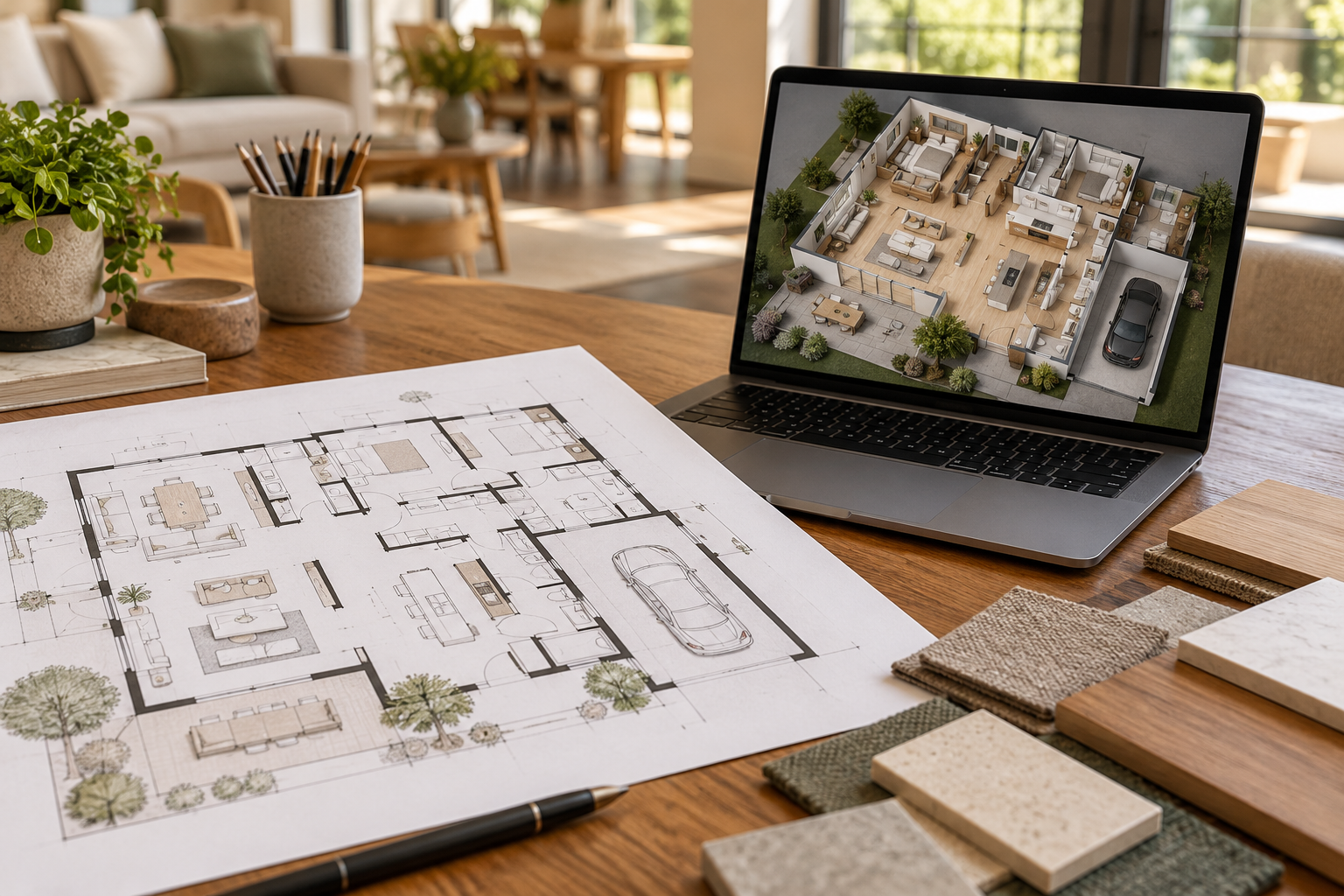
For a renovation or new build, start with layout, not decoration. Tools like Planner 5D use AI floor-plan recognition to turn a 2D sketch or scan into an interactive 3D model, letting you test furniture placement and traffic flow before anything gets built.
Best for: New construction, additions, or major layout changes.
4. Design the Whole House, Not Just One Room

Most tools handle a single room at a time, but a growing number now coordinate multiple rooms — plus the exterior — so your choices harmonize across the whole property. This matters most when you want a consistent style from the living room through to the curb.
Best for: Whole-home renovations or refreshing a house before selling.
5. Redesign the Exterior and Curb Appeal
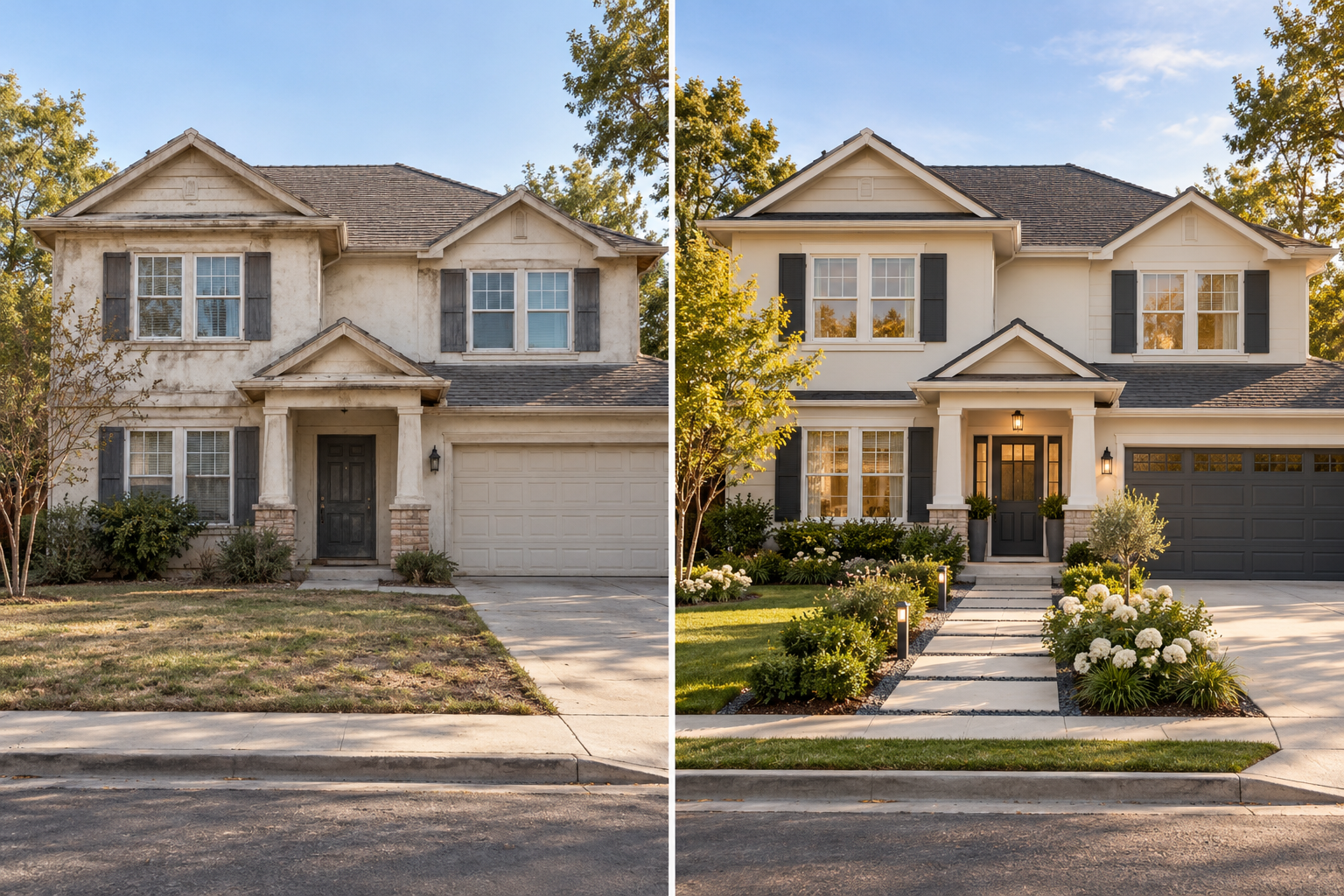
AI isn't just for interiors. Several platforms now handle exterior facades, roofing, paint colors, and landscaping in the same workflow as interior redesign — useful for visualizing a repaint or a full exterior overhaul before hiring a contractor.
Best for: Curb-appeal projects and pre-sale touch-ups.
6. Visualize a Kitchen or Bath Remodel Down to the Finish
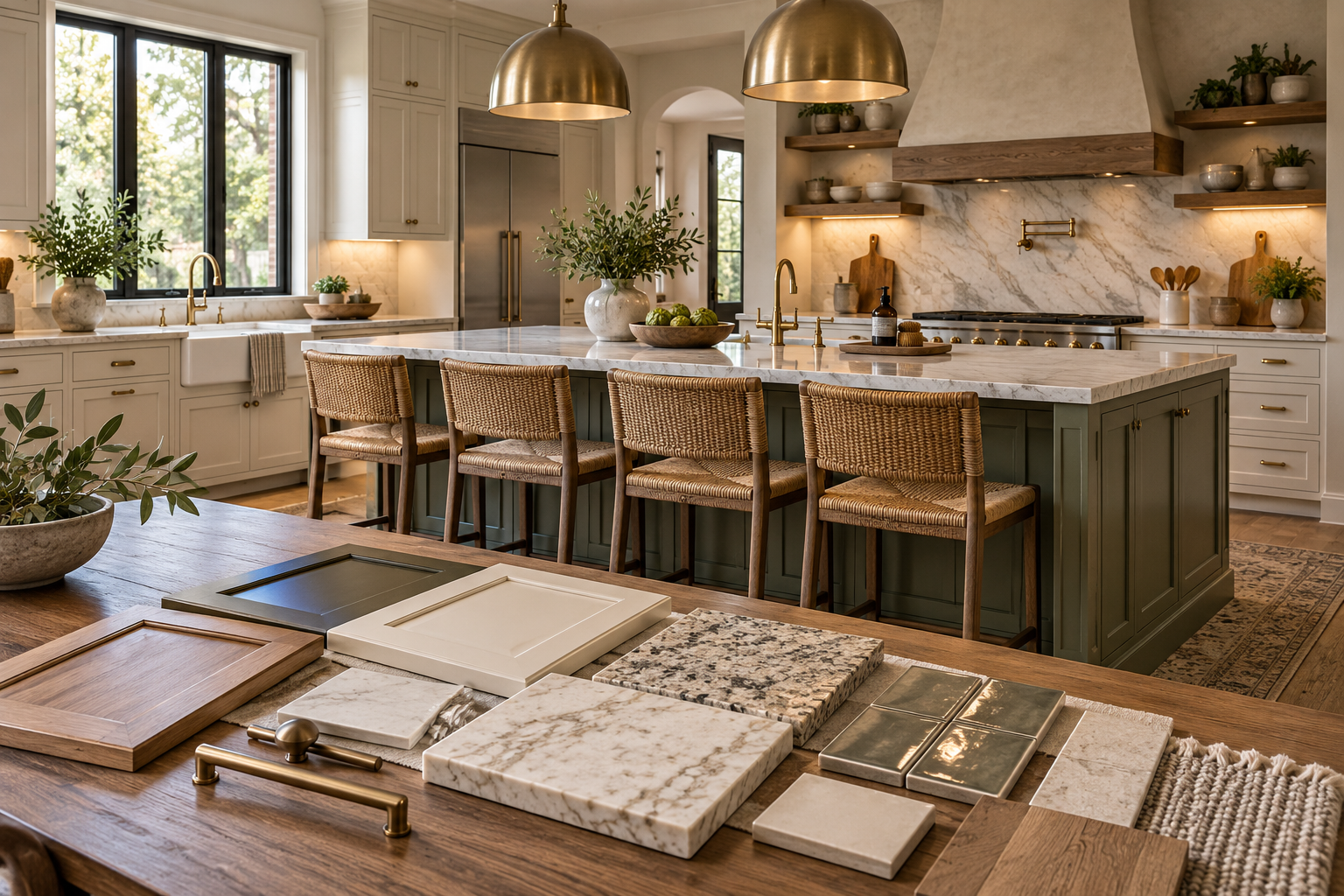
Because kitchens and bathrooms are among the most expensive rooms to renovate, some tools focus specifically on getting the details right: cabinet styles, countertop materials, backsplash patterns, and appliance finishes rendered accurately enough to compare options side by side before you spend.
Best for: High-stakes renovations where the details drive the budget.
7. Shop the Actual Furniture in Your Render
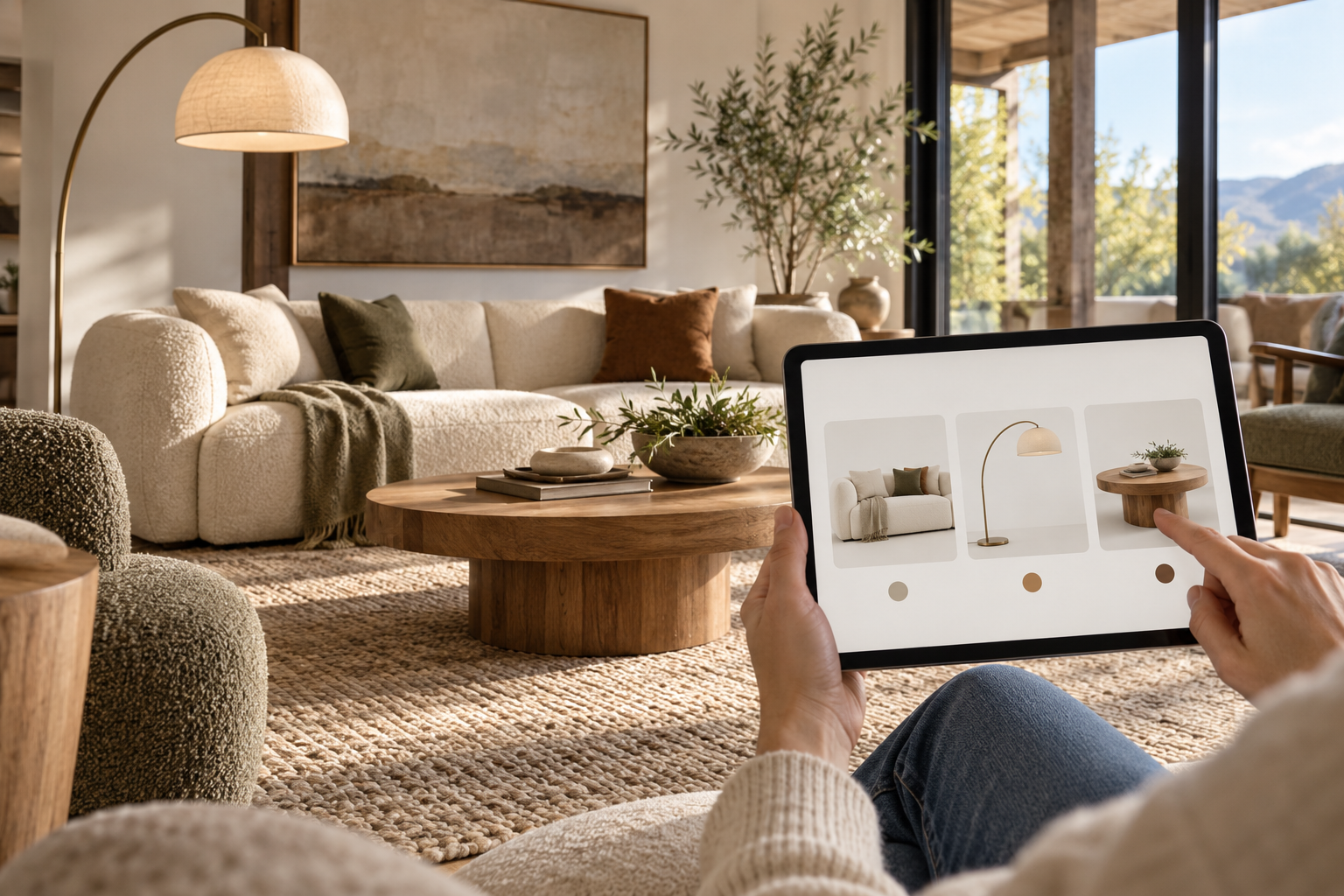
A meaningful split in this space is between tools that generate furniture that doesn't exist and tools that link your render directly to real, purchasable products. Look for a "shoppable" or "furniture finder" feature if your goal is to go from inspiration straight to checkout.
Best for: Furnishing a new place without hours of separate browsing.
8. Stage a Property for Real Estate Listings
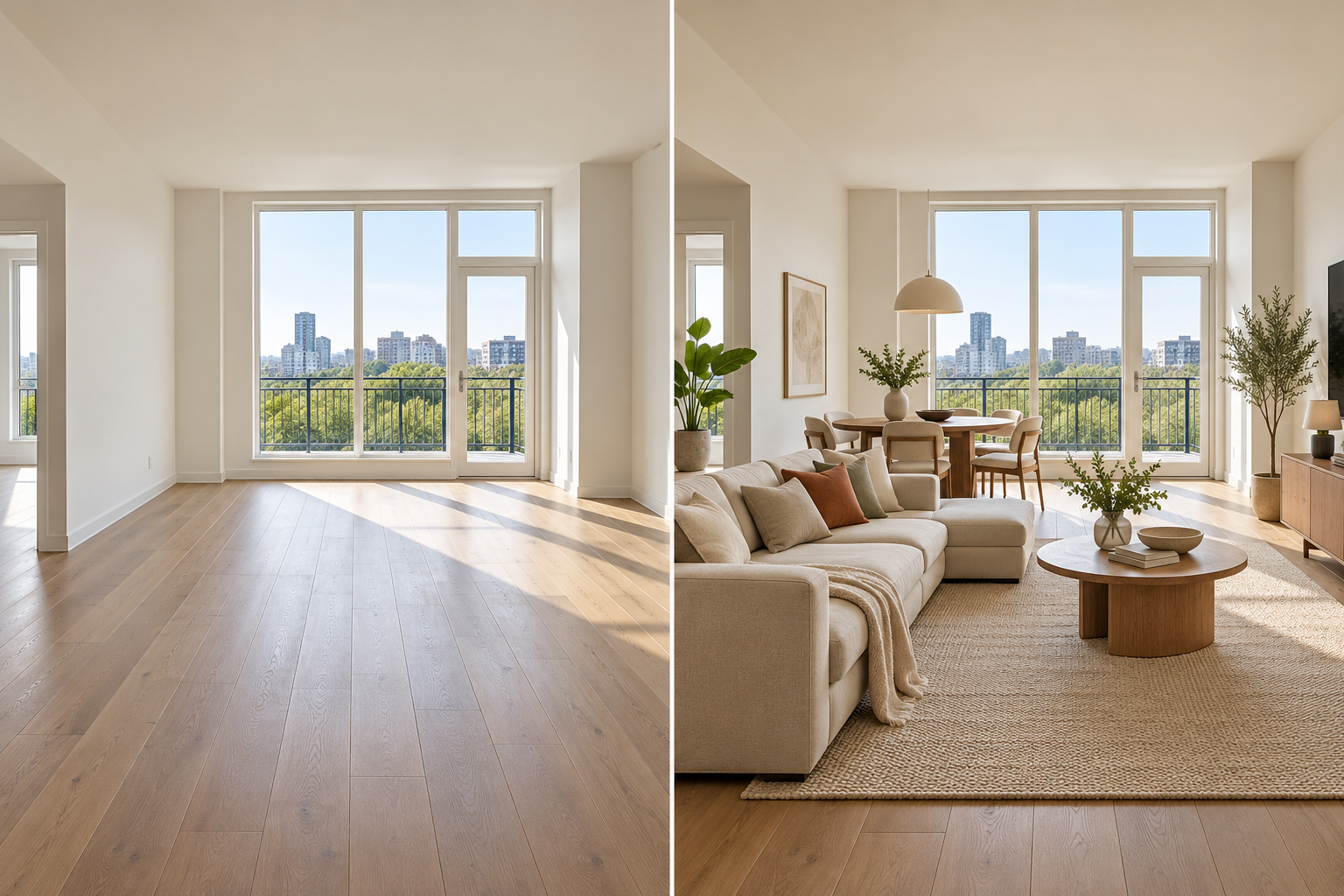
Virtual staging AI has become a real estate staple. AI can furnish an empty room, convert daytime photos to dusk-lit exteriors, clean up a lawn or pool, and generate walkthrough tours — all without physically staging the property.
Best for: Agents, sellers, and landlords marketing a listing.
9. Batch-Process an Entire House at Once
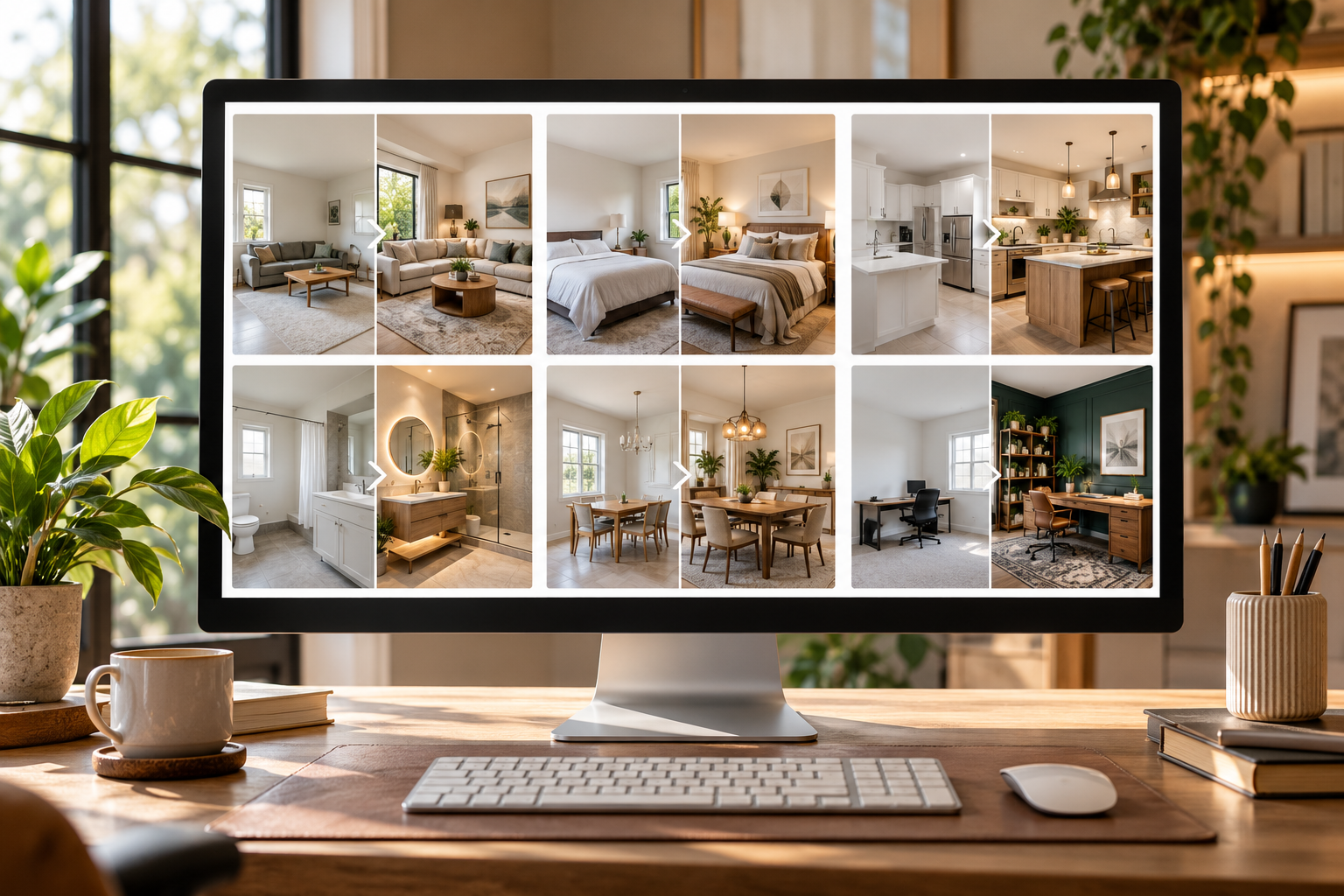
Rather than uploading one room at a time, some tools support batch processing of dozens of photos in one pass. That's especially useful for documenting or redesigning an entire property efficiently, rather than room-by-room.
Best for: Full-house documentation or larger real estate portfolios.
10. Get a Second Opinion From Multiple Tools
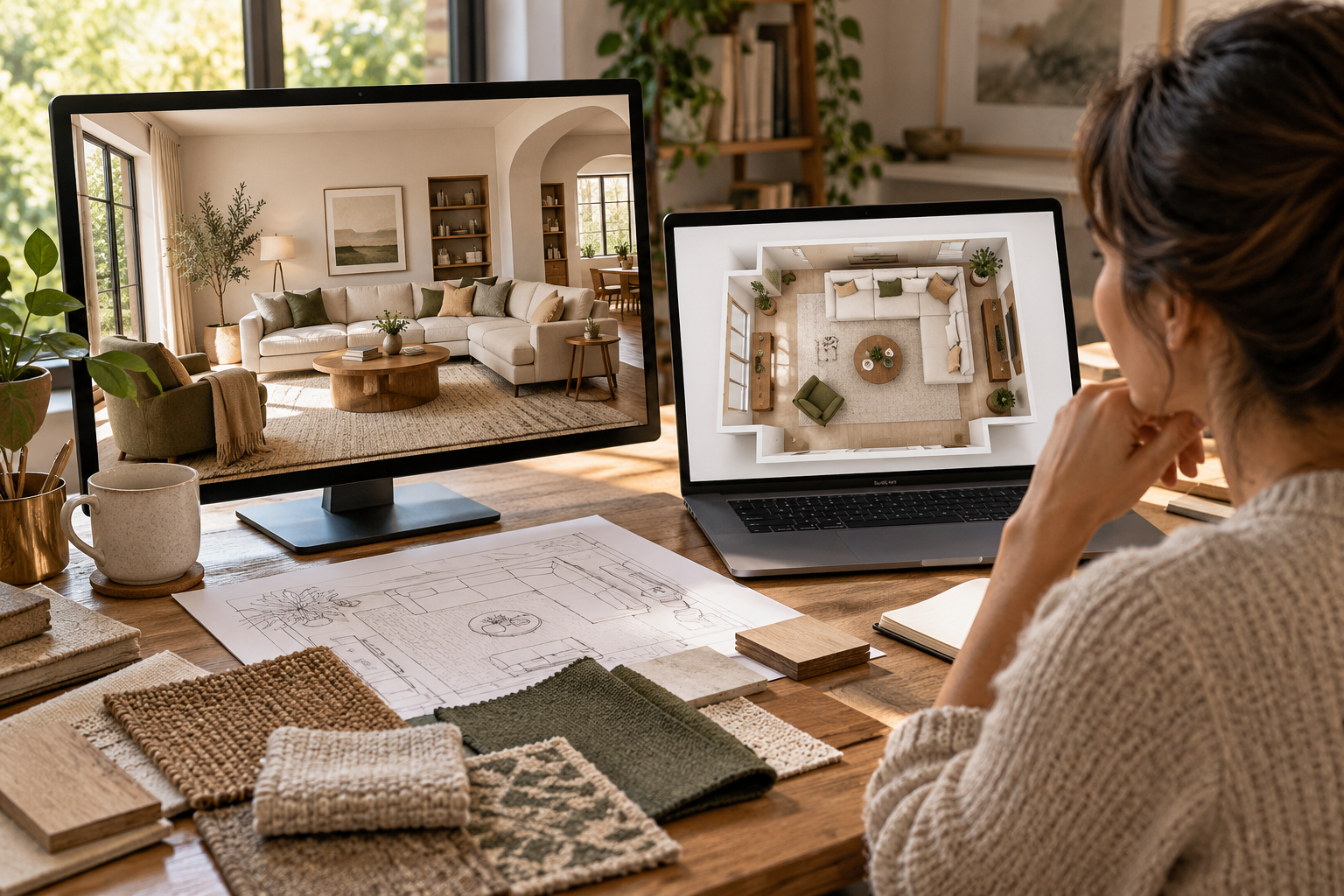
Since no single AI tool wins every category, a practical approach is to pair a photo-based visualizer for quick redesigns with a floor-plan tool for structural planning. Using two complementary tools — one for "what could this look like" and one for "how does this actually fit" — tends to produce more realistic, usable results than relying on one.
Best for: Anyone planning a serious renovation, not just a style refresh.
11. Start Free Before You Commit

Most leading tools now offer a genuinely usable free tier — a handful of daily credits, an unlimited free beta, or a free plan for basic layouts. Test your actual home's photos or floor plan on a couple of free tiers before paying for a subscription or credit pack, since results can vary a lot from house to house.
Best for: Testing the waters before spending anything. Search terms this covers: free AI home design app, AI interior design no signup, free AI room planner
A Few Things to Keep in Mind
Structure vs. imagination: Some tools invent new walls and windows rather than respecting your real ones — check for a structure-lock feature if that matters to you.
Photo vs. floor plan: Photo-based tools are fast but only handle one room at a time; floor-plan tools take more setup but support true spatial planning.
Shoppable results: If you plan to actually buy what you see, confirm the tool links to real, purchasable products rather than AI-generated decor.
Pricing has matured: Expect either a real free tier, a one-time upgrade fee, or a credit system — flat "unlimited" subscriptions are increasingly common too.
AI home design tools won't replace a good architect or contractor for structural work. Still, they're a genuinely useful way to avoid costly guesswork before you commit money to paint, furniture, or a full renovation.
Ready for Your Own AI Redesign?
Start Designing with AI →FAQs about 11 Top AI Home Designer Ideas for 2026 (Tools, Tips & FAQs)
Everything you need to know
What is an AI home designer?
An AI home designer is a software tool that uses machine learning and image or spatial analysis to generate room layouts, décor styles, and renovation visuals automatically. You typically upload a photo or floor plan, and the AI returns a redesigned version based on your chosen style, room type, and preferences.
Are AI home design tools free?
Many are, at least at a basic level. Most leading tools offer a limited free tier — a set number of daily or monthly credits, a free plan with basic features, or an unlimited free beta — with paid plans unlocking unlimited renders, higher resolution, or commercial licensing.
How accurate are AI-generated room redesigns?
Accuracy varies by tool and by whether it uses "structure-lock" technology. Tools that preserve your real walls, windows, and room dimensions tend to produce more usable results than tools that reinvent the space entirely. Floor-plan-based tools are generally more spatially accurate than single-photo tools.
Can AI design the exterior of my house, not just the inside?
Yes. A number of platforms now handle exterior facades, paint colors, roofing, and landscaping alongside interior rooms, so you can visualize curb-appeal changes before committing to a repaint or renovation.
Can I actually buy the furniture shown in an AI-generated design?
On some tools, yes. Look specifically for a "shoppable" or "furniture finder" feature — these link the items in your render to real, purchasable products. Other tools generate décor that doesn't exist anywhere for sale, which is fine for inspiration but not for shopping.
Do I need design experience to use AI home design tools?
No. Most tools are built for homeowners with no design background — you upload a photo or floor plan, describe or select a style, and the AI generates the first version. You can then refine details like colors, furniture, and finishes.
Will AI replace human interior designers?
Not entirely. AI is best at generating options quickly and removing guesswork around layout, color, and furniture fit. Human designers still bring judgment, an emotional read of a space, and the ability to manage a real renovation project end to end — most professionals now use AI as a supplement, not a replacement.
What's the difference between AI interior design and AI home design?
"AI interior design" usually refers to styling and furnishing individual rooms. "AI home design" is the broader term, often covering interiors, exteriors, floor plans, and landscaping together — useful to know when searching, since some tools specialize in one or the other.