5 Best AI Room Designer Tools & Software (2026): Tested & Compared
Article Contents
- What Is an AI Room Designer?
- What Makes a Good AI Room Designer?
- 1. Photo-to-Design Capability
- 2. Realistic Results
- 3. Style Variety
- 4. Room Preservation
- 5. Ease of Use
- 6. Free Usage
- 5 Best AI Room Designer Tools
- 1. HouseGPTs — Best for AI Room Makeovers From Photos
- Best for
- 2. RoomGPT — Best for Quick Room Style Experiments
- RoomGPT is one of the simpler approaches to AI room redesign.
- Best for
- 3. Planner 5D — Best for Detailed Floor Planning
- Planner 5D is different from a simple photo-based AI room makeover tool.
- Best for
- 4. Homestyler — Best for Hands-On 3D Room Design
- Best for
- 5. REimagineHome — Best for Photo-Based Design Concepts
- Best for
- AI Room Designer Comparison
- Which AI Room Designer Is Best for You?
- If You Want to Redesign Your Existing Room
- If You Want to Plan a New Layout
- If You Want Quick Inspiration
- If You're Planning a Renovation
- AI Room Designer vs Traditional Interior Design
- How to Use an AI Room Designer for a Home Makeover
- Step 1: Take a Room Photo
- Step 2: Upload the Photo
- Step 3: Select an Interior Style
- Step 4: Describe What You Want
- Step 5: Generate Several Concepts
- Step 6: Turn the Idea Into a Real Plan
- How to Get Better Results From AI Room Design
- Use a Clear Photo
- Show the Entire Room
- Keep Important Features Visible
- Give Specific Instructions
- Try Different Styles
- Can AI Really Help With a Home Makeover?
- Free AI Room Designer vs Paid Tools
- Are AI Room Designers Worth Using?
- Final Verdict: Which AI Room Designer Should You Choose?
- Ready to Redesign Your Room?
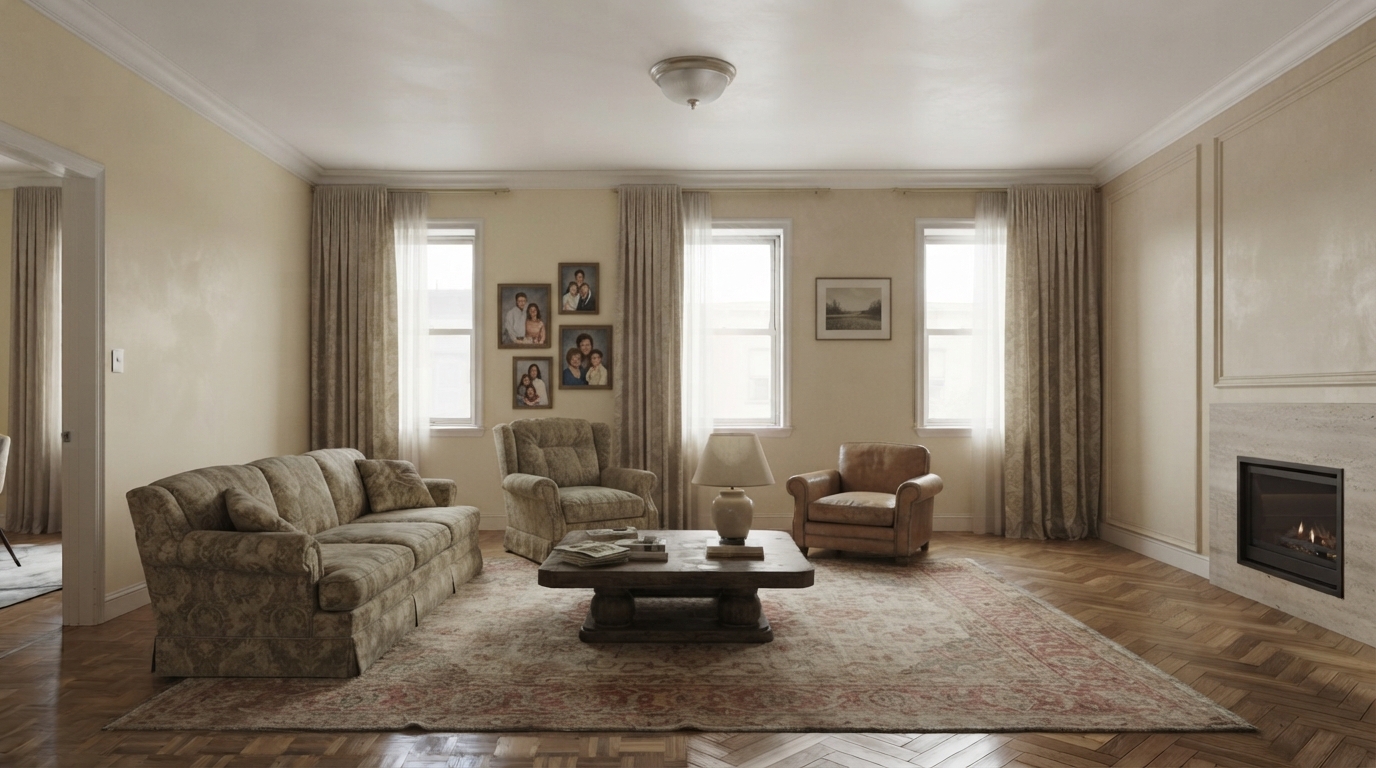
The Challenge: Before
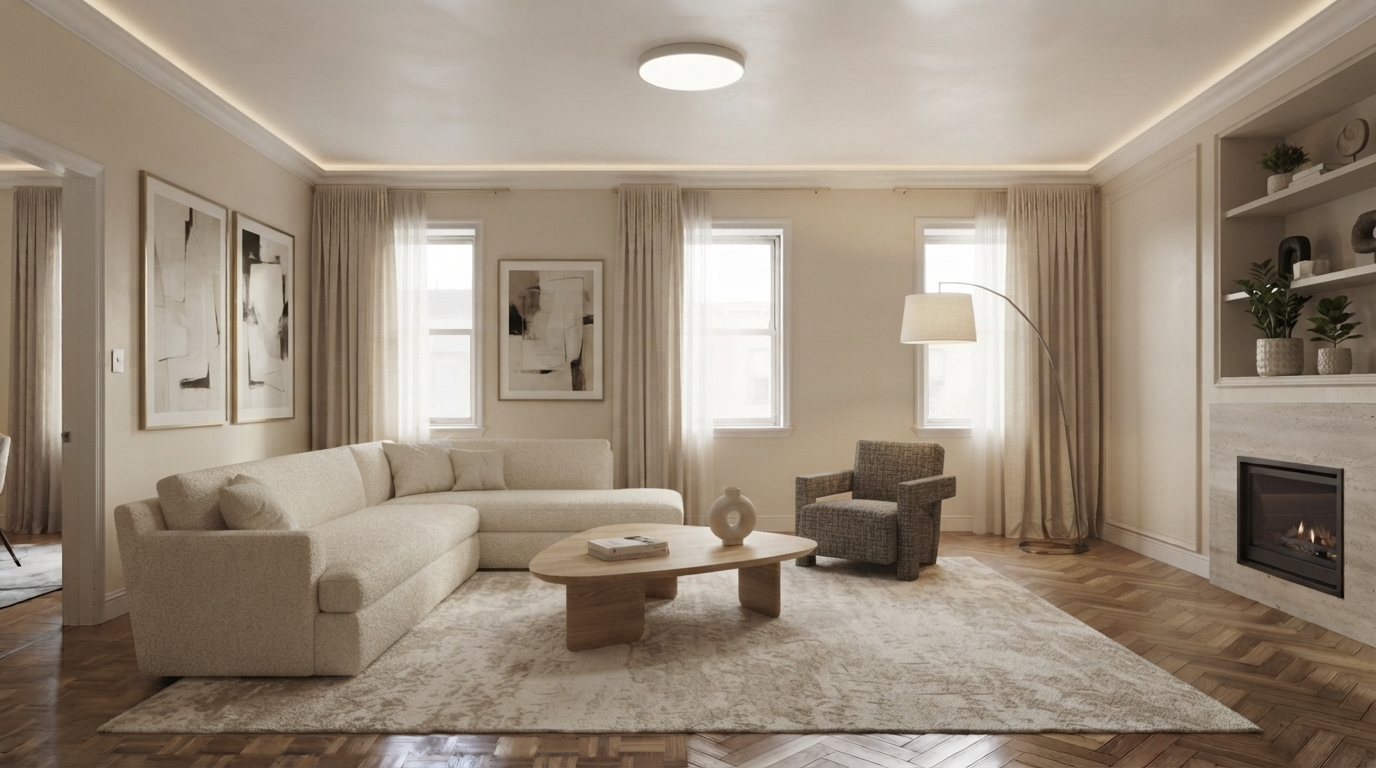
The Transformation: After (AI Generated)
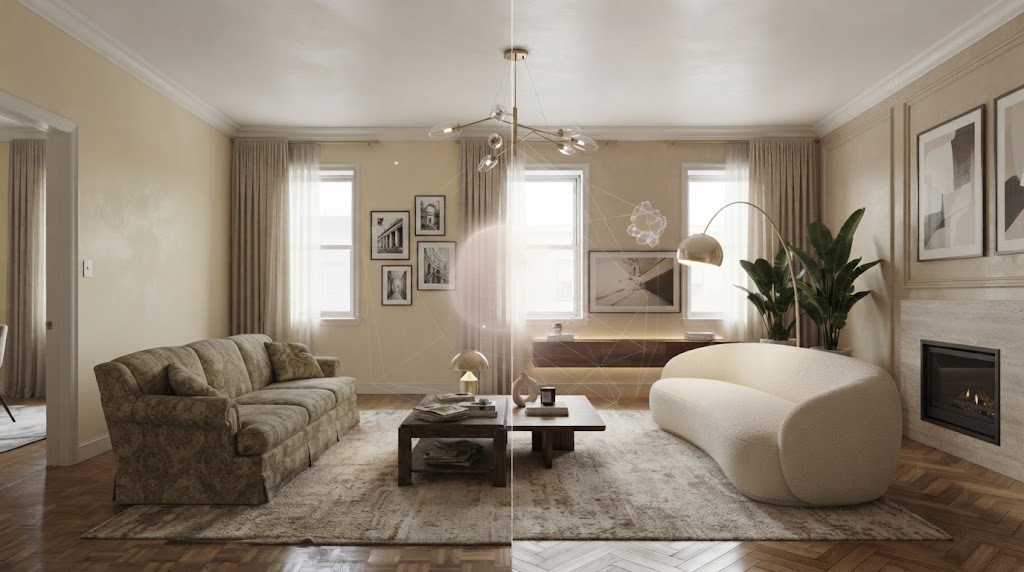
Best AI Room Designer Tools for Home Makeovers
Redesigning a room can be exciting, but deciding what to change is often the hardest part. You may know that your living room feels outdated or your bedroom needs a makeover, yet it can be difficult to imagine how new furniture, colours, lighting, and layouts will look together.
That's where an AI room designer can help.
AI-powered room design tools allow you to upload a photo of an existing space and explore different interior designs without physically changing the room. Depending on the platform, you can experiment with furniture, colours, layouts, materials, lighting, and interior styles in minutes.
But with so many AI interior design tools available, which one should you use?
In this guide, we'll look at the best AI room designer tools for home makeovers, what each type of tool does best, what features to compare, and how to choose the right option for your project.
What Is an AI Room Designer?
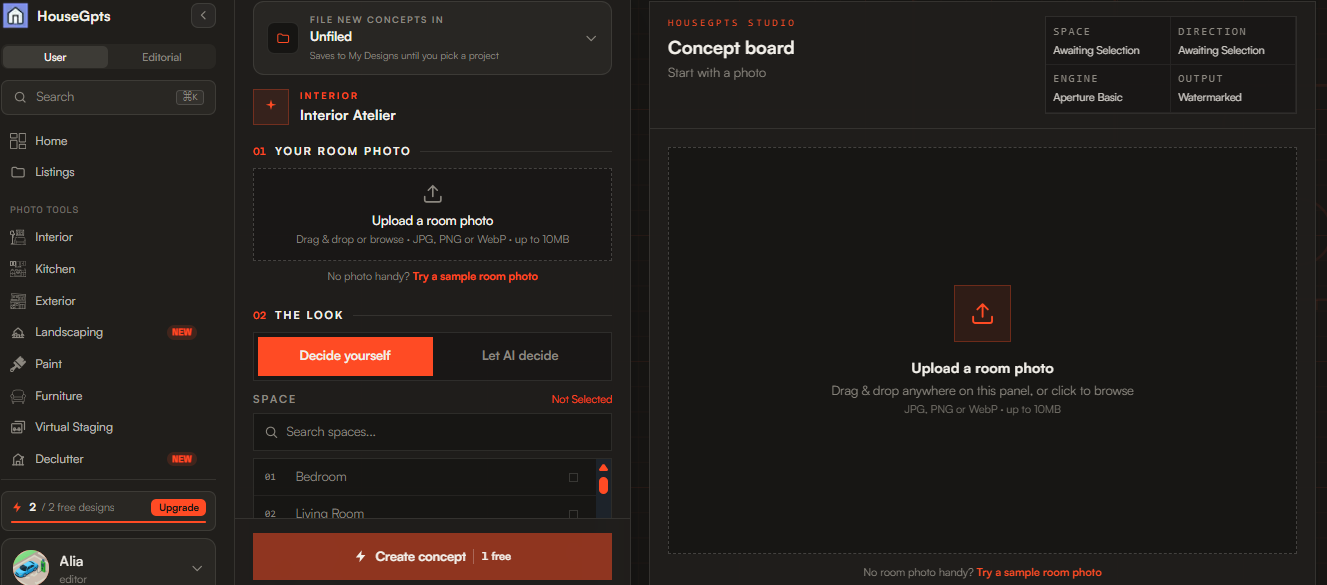
An AI room designer is a software tool that uses artificial intelligence to generate or modify interior design concepts.
Instead of manually creating a room in complicated design software, you can often start with a photograph of your existing space. The AI analyses the image and creates a redesigned version based on your selected style or instructions.
For example, you could upload a living room photo and ask for:
A modern minimalist design
Scandinavian furniture
Warm neutral colours
Better lighting
A larger-looking layout
New flooring
Different wall colours
Additional storage
The result gives you a visual concept that you can use for inspiration and renovation planning.
What Makes a Good AI Room Designer?
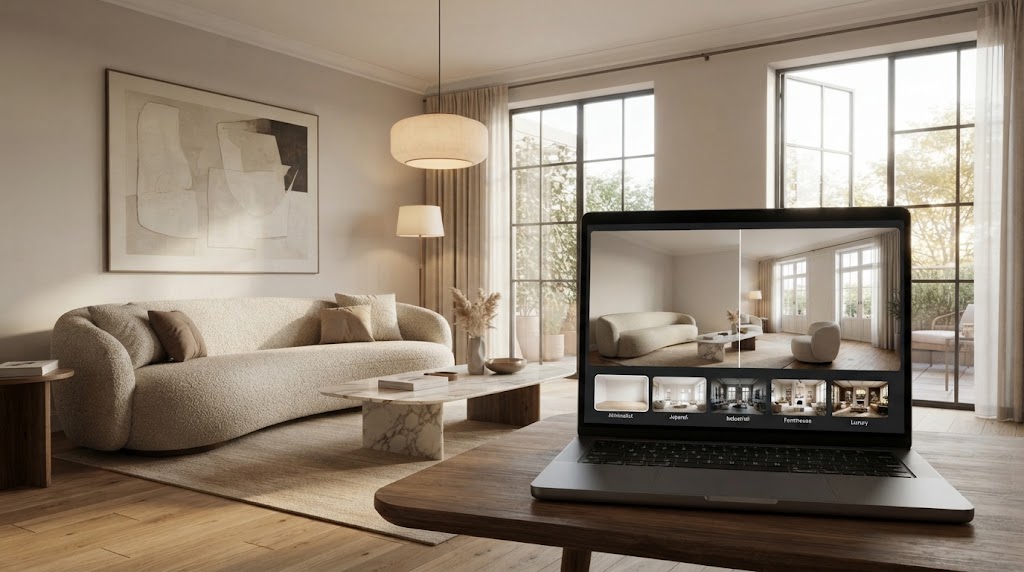
Not every AI design tool works in the same way. Some are designed primarily for quick photo transformations, while others focus on detailed 2D or 3D planning. Current comparisons show this distinction is important when choosing a tool.
Before choosing an AI room designer, consider these features.
1. Photo-to-Design Capability
If your goal is to redesign an existing room, look for a platform that lets you upload a real room photo.
This is different from creating a completely new room from a text prompt.
2. Realistic Results
Photorealistic results are particularly useful when you're trying to decide whether a particular furniture style, colour scheme, or renovation direction will work in your actual space.
3. Style Variety
A good tool should let you explore multiple interior styles, such as:
Modern
Contemporary
Minimalist
Scandinavian
Japandi
Industrial
Mid-century modern
Traditional
Farmhouse
Bohemian
Luxury
4. Room Preservation
If you're redesigning an existing room, check whether the tool can maintain important features such as windows, doors, walls, and the general room layout.
This can make the result more useful than a completely unrelated AI-generated room.
5. Ease of Use
You shouldn't need professional 3D modelling experience just to visualise a new living room.
For most homeowners, a simple workflow is preferable:
Upload → Choose a style → Generate → Compare
6. Free Usage
If you're testing AI room design for the first time, look for a tool that allows you to try its core features before committing to a subscription.
Free limits vary considerably between platforms, so always check the current terms before relying on a specific number of free designs.
5 Best AI Room Designer Tools
There isn't one AI room designer that is perfect for everyone. The right choice depends on whether you want a quick room makeover, detailed floor planning, virtual staging, or furniture planning.
Here are some of the main options worth considering.
1. HouseGPTs — Best for AI Room Makeovers From Photos
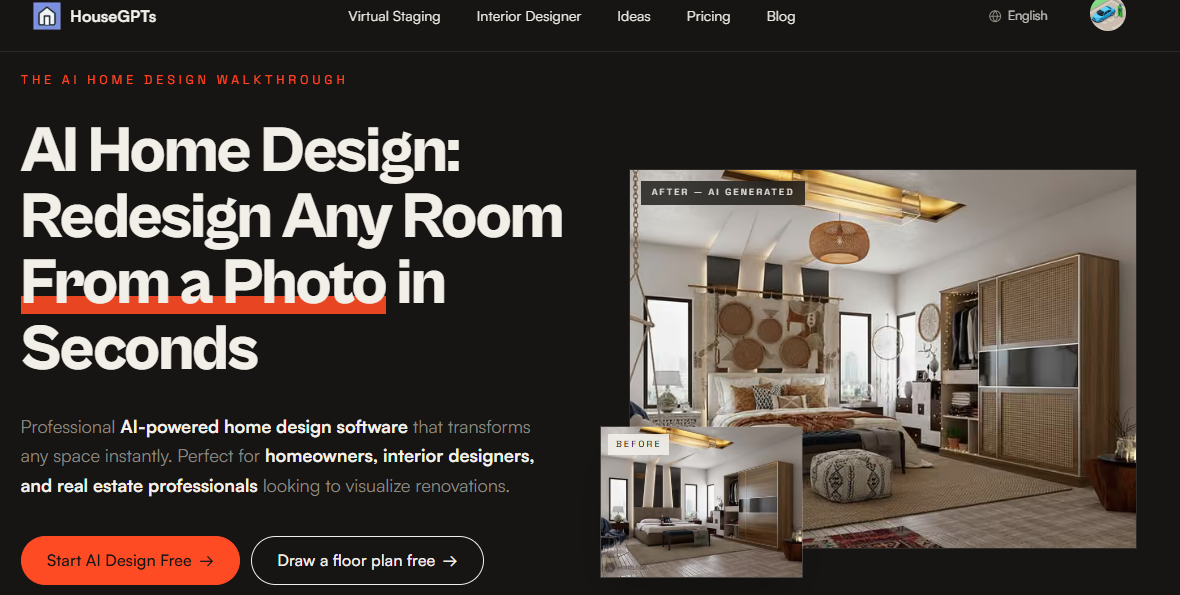
HouseGPTs is designed around visualising changes to real spaces.
Instead of starting with a blank 3D canvas, you can begin with an image of your existing room and explore different interior design directions.
This makes it particularly useful for homeowners who want to answer a simple question:
“What could my room look like if I redesigned it?”
Why consider HouseGPTs?
Upload an existing room photo.
Explore different interior styles
Generate realistic room concepts
Visualise furniture and decor
Experiment with colours and finishes
Explore renovation ideas before making changes
Suitable for homeowners and design professionals
HouseGPTs also provides dedicated AI design tools for different areas of the home, including AI interior design, AI kitchen design, AI furniture design, AI paint design, and AI floor plan design.
Best for
Homeowners who want to visualise a real room makeover quickly.
2. RoomGPT — Best for Quick Room Style Experiments
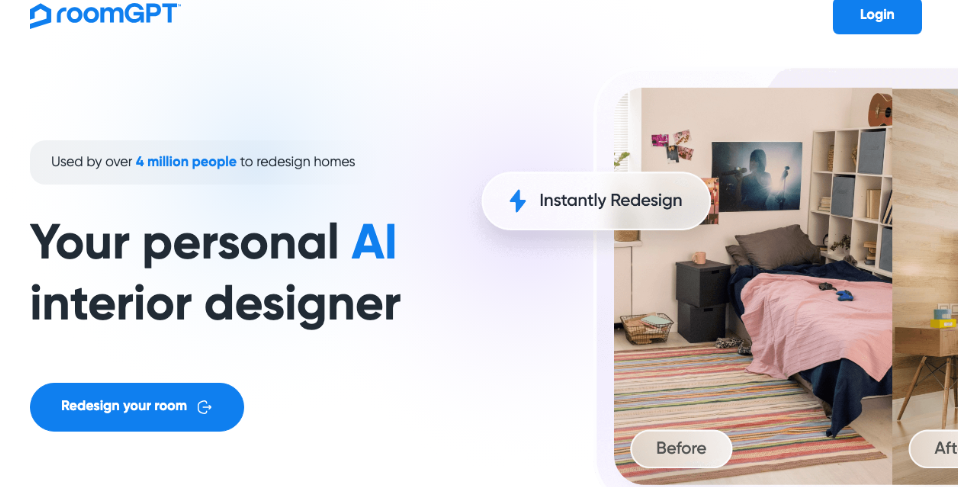
RoomGPT is one of the simpler approaches to AI room redesign.
The basic concept is straightforward: upload a room image, select a design direction, and generate a redesigned version.
It can be useful when your primary goal is quick inspiration rather than detailed architectural planning.
Best for
Users who want fast AI-generated room concepts with a simple workflow.
3. Planner 5D — Best for Detailed Floor Planning
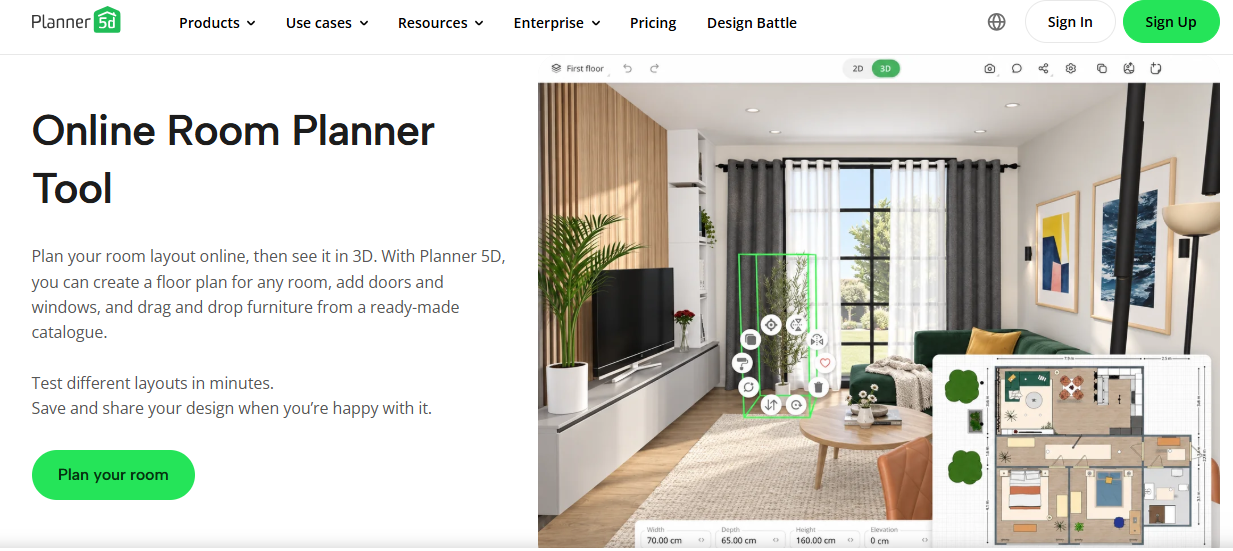
Planner 5D is different from a simple photo-based AI room makeover tool.
Its strength is creating and working with 2D and 3D home layouts, making it more suitable when measurements, room dimensions, and spatial planning are important.
If you're planning a new room layout or working on a larger home project, a floor-planning tool can be more appropriate than a simple AI image generator.
Best for
Users who need 2D/3D layouts and more detailed spatial planning.
4. Homestyler — Best for Hands-On 3D Room Design
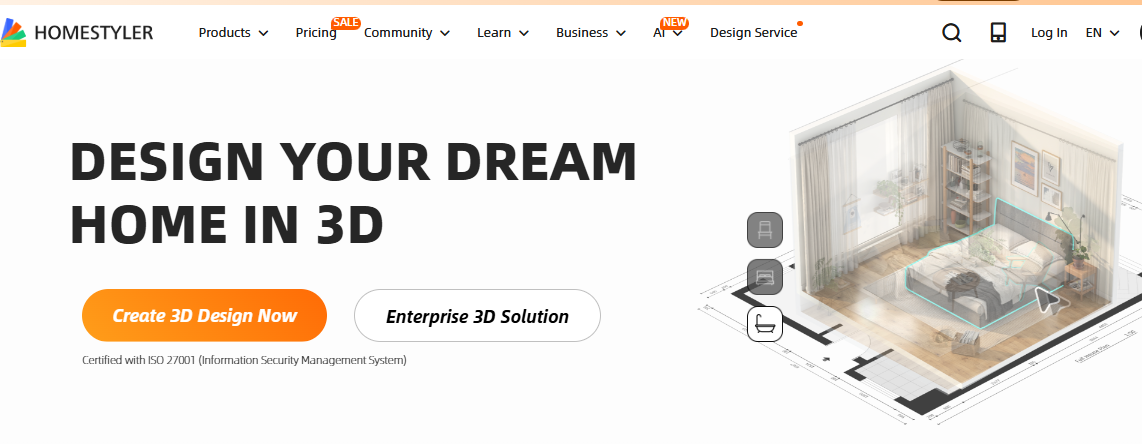
Homestyler focuses heavily on interactive 3D interior design.
Instead of only generating a redesigned photograph, users can work with room layouts, furniture, and interior elements in a more hands-on environment.
This approach can be useful when you want more control over the room rather than simply generating design inspiration.
Best for
Users who want to actively build and customise a 3D room design.
5. REimagineHome — Best for Photo-Based Design Concepts
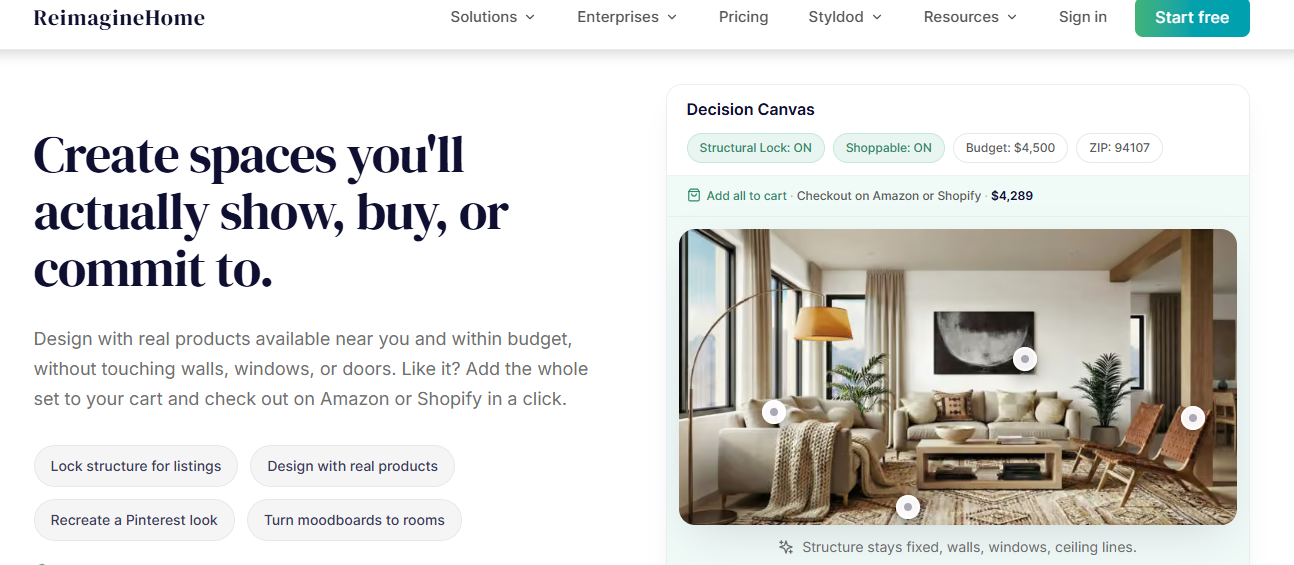
REimagineHome is another option for people interested in AI-powered redesign from existing property images.
Photo-based AI tools can be particularly useful for homeowners and property professionals who want to visualise different furniture, styles, or renovation concepts without creating a complete 3D model manually.
Best for
Users interested in AI-powered property and room visualisation.
AI Room Designer Comparison
The following comparison focuses on the type of workflow each tool is best suited to rather than declaring one universal winner.
Tool | Best For | Photo-Based Design | 2D/3D Planning | Ease of Use |
|---|---|---|---|---|
Real-room makeovers | Yes | Design-focused | Easy | |
RoomGPT | Quick room inspiration | Yes | Limited | Very easy |
Planner 5D | Floor plans and layouts | Partial | Yes | Moderate |
Homestyler | Interactive 3D design | Depends on workflow | Yes | Moderate |
REimagineHome | Property visualisation | Yes | Limited | Easy |
The important point is that these aren't necessarily direct replacements for one another. A photo-redesign tool and a measured floor-plan application solve different problems.
Which AI Room Designer Is Best for You?
The best AI room design tool depends on your goal.
If You Want to Redesign Your Existing Room
Choose a photo-based AI room designer.
Upload a photograph and generate different versions of your actual space.
Good choice: HouseGPTs, RoomGPT, and similar photo-based platforms.
If You Want to Plan a New Layout
Look for a 2D/3D room planner.
You'll have more control over dimensions, walls, furniture placement, and spatial relationships.
Good choices: Planner 5D or Homestyler.
If You Want Quick Inspiration
Choose a simple AI image-based tool.
The goal here isn't technical accuracy. It's getting ideas quickly.
If You're Planning a Renovation
Consider using both types of tools.
For example:
AI room designer → visual concept
then
floor planner → measurements and layout
This combination can give you both visual inspiration and practical planning information.
AI Room Designer vs Traditional Interior Design
An AI room designer and a professional interior designer serve different purposes.
AI is excellent for speed, experimentation, and visualisation.
A professional designer can provide expertise around:
Measurements
Building constraints
Materials
Lighting plans
Furniture sourcing
Construction requirements
Budget planning
Project coordination
For a simple makeover, AI may give you enough inspiration to get started.
For a major renovation involving structural changes, electrical systems, plumbing, or construction, professional advice is still important.
How to Use an AI Room Designer for a Home Makeover
You don't need to redesign your entire house at once.
Start with one room.
Step 1: Take a Room Photo
Take a clear photograph that shows as much of the space as possible.
Natural lighting generally makes the existing room easier to see.
Step 2: Upload the Photo
Open your preferred AI room design platform and upload your image.
Step 3: Select an Interior Style
Try one style first.
For example:
Modern minimalist
Then create another version using:
Scandinavian
You can compare the two concepts.
Step 4: Describe What You Want
The more specific your instructions, the easier it can be to explore a particular design direction.
For example:
Redesign this living room in a warm modern style. Keep the existing windows and flooring. Add a large beige sofa, natural wood furniture, soft lighting, a textured rug and minimal wall artwork.
Step 5: Generate Several Concepts
Don't automatically choose the first result.
Create multiple concepts and compare them.
Step 6: Turn the Idea Into a Real Plan
Once you have a design you like, identify the actual changes required.
Create a list of:
Furniture
Paint
Flooring
Lighting
Curtains
Rugs
Storage
Decorative accessories
Then check measurements and your budget before buying anything.
How to Get Better Results From AI Room Design
The quality of your starting image matters.
Use a Clear Photo
Avoid extremely dark or blurry photographs.
Show the Entire Room
A wider image can give the AI more information about the available space.
Keep Important Features Visible
Try to show windows, doors, walls, and existing furniture.
Give Specific Instructions
Instead of:
Make my room beautiful.
Try:
Create a contemporary living room with warm beige walls, a cream sofa, natural wood furniture, soft lighting and a large neutral rug. Keep the existing windows and flooring.
Try Different Styles
You might initially think you want a minimalist room but discover that Japandi or Scandinavian design works better with your existing space.
Can AI Really Help With a Home Makeover?
Yes, but it's important to understand what AI room design is actually good at.
AI is excellent for visual exploration.
It can help answer questions such as:
Would a dark accent wall work?
Would a sectional sofa suit the room?
What might my room look like in a Scandinavian style?
Would lighter furniture make the space feel brighter?
What could my bedroom look like with a minimalist design?
Should I explore warm or cool colours?
These visual experiments can make the early stages of a home makeover much easier.
However, an AI image shouldn't be treated as a precise construction drawing.
Always verify:
Measurements
Furniture dimensions
Structural requirements
Electrical work
Plumbing
Building regulations
Material availability
before beginning major renovation work.
Free AI Room Designer vs Paid Tools
Many AI room design platforms offer some form of free access, trial, or limited generation. However, free usage can vary considerably and may change over time. Current comparisons show that some tools offer free credits while others restrict certain features or higher-quality outputs.
When comparing free and paid options, don't look only at the number of generations.
Also consider:
Image quality
Resolution
Design styles
Photo upload capability
Room preservation
Editing options
Download options
Watermarks
Commercial usage rights
Monthly generation limits
A tool with fewer free generations but better results may provide more value than one offering many low-quality outputs.
Are AI Room Designers Worth Using?
For many homeowners, yes.
The biggest advantage isn't that AI can magically design a perfect room.
It's that it lets you see possibilities before committing money and time.
You can explore five different styles in the time it might take to create one traditional concept.
That makes AI especially useful during the inspiration and decision-making stage of a home makeover.
Final Verdict: Which AI Room Designer Should You Choose?
There isn't one tool that is automatically best for every homeowner.
If you want to redesign an existing room from a photograph and quickly explore different interior styles, a photo-based AI room designer such as HouseGPTs is a practical starting point.
If you need detailed floor plans and measured layouts, consider a dedicated 2D/3D planning platform.
And if you simply want to experiment with different looks, a quick AI image-generation tool may be enough.
The smartest approach is to choose the tool based on the job rather than choosing the platform with the longest feature list.
Ready to Redesign Your Room?
Don't rely on imagination alone.
Upload a photo of your room to HouseGPTs, explore different interior styles, and see how your space could look before you start your makeover.
Try the AI Room Designer and visualise your next home makeover in seconds.
Ready for Your Own AI Redesign?
Start Designing with AI →FAQs about 5 Best AI Room Designer Tools & Software (2026): Tested & Compared
Everything you need to know
What is the best AI room designer?
The best AI room designer depends on your goal. For redesigning an existing room from a photograph, choose a photo-based AI design tool. For detailed measurements and layouts, a 2D/3D planner may be more appropriate.
Is there a free AI room designer?
Yes. Several AI room design platforms offer free trials, credits, or limited free features. Availability and limits vary, so check the current terms of the tool you choose.
Can AI redesign my room from a photo?
Yes. Photo-based AI room designers can generate new interior concepts using an existing room photograph as the starting point.
Can AI design a living room?
Yes. AI can generate living room concepts involving furniture, colours, lighting, rugs, wall decoration and different interior styles.
Can I use AI to redesign my bedroom?
Yes. You can use AI to explore bedroom layouts, furniture, colours, lighting, storage and different design styles.
Is AI room design accurate?
AI room design is best considered a visualisation tool. Generated images can be useful for inspiration, but they aren't substitutes for accurate measurements, architectural drawings or professional construction plans.
What should I look for in an AI room designer?
Look for realistic results, photo upload capability, style variety, room preservation, easy controls, useful editing options, and transparent pricing.